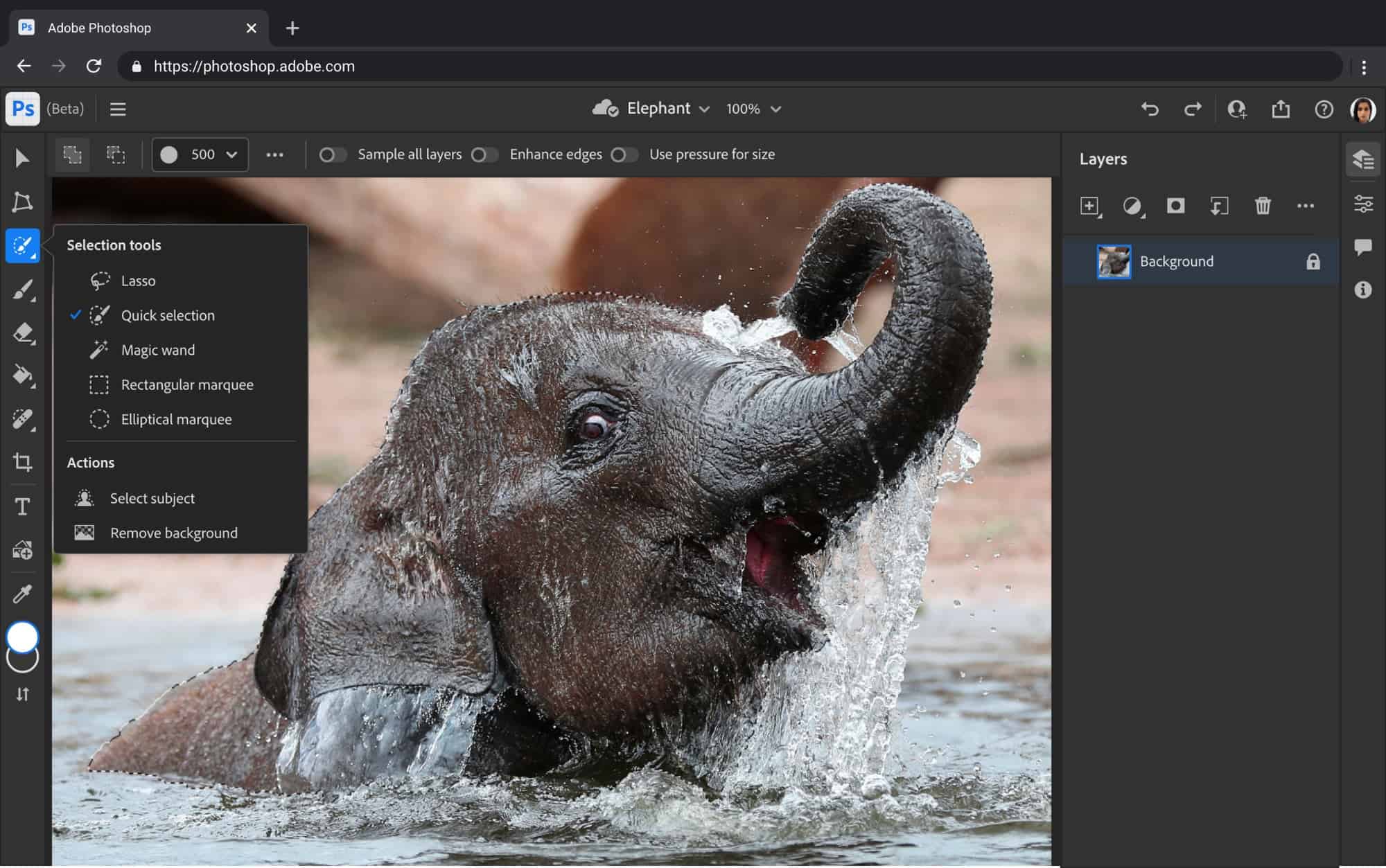
Adobe Photoshop has long been the industry standard for photo editing, but it’s not the only choice available. Whether you’re a casual user, a professional photographer, or a graphic designer, there are numerous alternatives that offer powerful editing tools, often at a lower cost or even for free. This article explores the best Photoshop alternatives for 2025, comparing their features, pricing, and suitability for different users.
Why Look for Photoshop Alternatives?
Photoshop is feature-rich but can be expensive and complex for beginners. Some users seek more affordable, user-friendly, or specialized tools that better fit their needs. Others want subscription-free software or apps optimized for mobile devices. The good news is that the photo editing software market is vibrant, with many strong contenders.
Top Photoshop Alternatives for 2025
Here’s a detailed comparison of some of the best free and paid photo editing software options available today:
| Software | Price Range | Platform(s) | Key Features | Best For |
|---|---|---|---|---|
| GIMP | Free | Windows, Mac, Linux | Open-source, advanced editing tools, plugins | Users seeking a free Photoshop alternative with powerful capabilities |
| Affinity Photo | One-time purchase (~$55) | Windows, Mac, iPad | Professional-grade editing, RAW support, PSD compatibility | Professionals and enthusiasts wanting a cost-effective one-time purchase |
| Luminar Neo | Paid (Subscription or One-time) | Windows, Mac | AI-powered enhancements, portrait tools, layers | Photographers wanting AI-assisted editing |
| Adobe Lightroom | Subscription (~$10/month) | Windows, Mac, Mobile | Photo organization, non-destructive editing, presets | Photographers focusing on batch editing and workflow |
| Pixlr | Free & Paid tiers | Web, Mobile | Easy-to-use, layered editing, filters | Casual users and quick edits on the go |
| Paint.NET | Free | Windows | Simple interface, basic editing tools | Beginners and casual users on Windows |
| Capture One | Paid (Subscription or License) | Windows, Mac | Advanced color grading, tethered shooting | Professional photographers needing precise control |
| Snapseed | Free | Mobile (iOS, Android) | Powerful mobile editing, selective adjustments | Mobile photographers and social media users |
| Canva | Free & Paid tiers | Web, Mobile | Drag-and-drop design, templates, basic edits | Users combining photo editing with graphic design |
| Darktable | Free | Windows, Mac, Linux | RAW processing, non-destructive editing | Photographers preferring open-source and RAW workflow |
Detailed Reviews
GIMP
GIMP (GNU Image Manipulation Program) is the most popular free alternative to Photoshop. It supports layers, masks, filters, and has a wide range of plugins. While its interface is less polished than Photoshop’s, it’s highly customizable and powerful enough for most professional needs.
Affinity Photo
Affinity Photo is praised for its professional capabilities at a fraction of Photoshop’s price. It offers advanced features like HDR merging, panorama stitching, and PSD file support. The one-time purchase model is attractive for users avoiding subscriptions.
Luminar Neo
Luminar Neo leverages AI technology to simplify complex tasks like sky replacement and portrait retouching. It’s ideal for photographers who want quick, high-quality results without spending hours on manual edits.
Adobe Lightroom
Lightroom remains a favorite for photo management and batch editing. Its cloud-based ecosystem allows seamless editing across devices. While not a direct Photoshop replacement, it complements Photoshop or can be used standalone for photo enhancement.
Pixlr
Pixlr is a web-based editor with both free and subscription options. It’s user-friendly and accessible anywhere without installation, making it great for quick edits.
Conclusion
Choosing the right Photoshop alternative depends on your specific needs, budget, and platform preference. Free tools like GIMP and Snapseed offer impressive capabilities without cost, while paid options like Affinity Photo and Luminar Neo provide advanced features and professional quality. For those embedded in Adobe’s ecosystem, Lightroom remains a powerful companion.
Explore these options to find the perfect photo editing software tailored to your workflow and creative style.
Sources:
- PCMag – The Best Photo Editing Software We’ve Tested for 2025
- HotBot – Best Photo Editing Software in 2025: Free & Paid Tools Compared
- Top Photo Awards – 10 Best Photo-Editing Apps of 2025
- OfZenAndComputing – 12 Best Photo Editing Software (December 2025)
- ZDNet – The Best Photo Editing Software of 2025