Gaming in 2026 is more demanding than ever, but you don’t need to build an entirely new system to keep up. Strategic upgrades can breathe new life into your existing PC and deliver significant performance gains without breaking the bank. Here’s your comprehensive guide to upgrading your gaming PC for 2026.
1. Graphics Card: The Biggest Performance Boost
Your GPU is the single most important component for gaming performance. If you’re still running a card from 2021 or earlier, upgrading should be your top priority.
What to look for in 2026:
- Ray tracing capabilities are now standard
- At least 12GB VRAM for 1440p gaming, 16GB+ for 4K
- Support for the latest DirectX and Vulkan APIs
- DLSS 4 or FSR 4 upscaling technology
Before purchasing, ensure your power supply can handle the new card’s requirements and that your case has adequate clearance.
2. Storage: Upgrade to Faster NVMe SSDs
Modern games load massive amounts of data, and older SATA SSDs create bottlenecks. Upgrading to a PCIe Gen 4 or Gen 5 NVMe SSD dramatically reduces load times and eliminates texture pop-in (source: PCWorld).
Upgrade path:
- Entry level: 1TB PCIe Gen 4 NVMe for your OS and favorite games
- Mid-range: 2TB Gen 4 drive with high endurance ratings
- High-end: PCIe Gen 5 drives for the absolute fastest loading
Consider keeping your old SSD as secondary storage for less demanding games and files.
3. RAM: Capacity and Speed Matter
16GB of RAM was sufficient for gaming in 2023, but games in 2026 increasingly benefit from 32GB, especially when multitasking or playing simulation-heavy titles (source: Rebootix).
DDR5 is now the standard for new builds, offering significantly better performance than DDR4. If your motherboard supports DDR5, upgrading from DDR4 can provide noticeable improvements in frame rates and 1% lows.
Key considerations:
- Match your RAM speed to what your motherboard and CPU support
- Buy RAM in matched kits (2x16GB or 2x32GB) for dual-channel performance
- Enable XMP/EXPO profiles in BIOS after installation
4. CPU: When It’s Worth Upgrading
CPU upgrades are trickier because they often require a new motherboard. However, if you’re experiencing stuttering, low 1% frame rates, or your CPU usage is constantly at 100% while gaming, it’s time to upgrade.
Signs you need a CPU upgrade:
- You’re running a processor older than 4-5 generations
- High refresh rate gaming (144Hz+) where your GPU isn’t maxed out
- Heavy multitasking while gaming (streaming, recording, Discord, etc.)
For 2026, look for CPUs with at least 8 cores and strong single-thread performance (source: XDA Developers).
5. Power Supply: The Unsung Hero
Modern GPUs and CPUs draw more power than ever. If your PSU is over 5 years old or underpowered, upgrading prevents system instability and potential damage.
2026 recommendations:
- 750W minimum for mid-range systems
- 850-1000W for high-end builds with power-hungry GPUs
- 80+ Gold or better efficiency rating
- Modular design for cleaner cable management
6. Cooling Solutions
Better cooling enables better performance. If your CPU is thermal throttling or your GPU runs hot, cooling upgrades deliver immediate benefits.
Upgrade options:
- CPU cooling: Replace stock coolers with tower air coolers or 240mm+ AIO liquid coolers
- Case fans: Add intake and exhaust fans for better airflow
- GPU cooling: Consider aftermarket GPU coolers or ensure your case has adequate ventilation
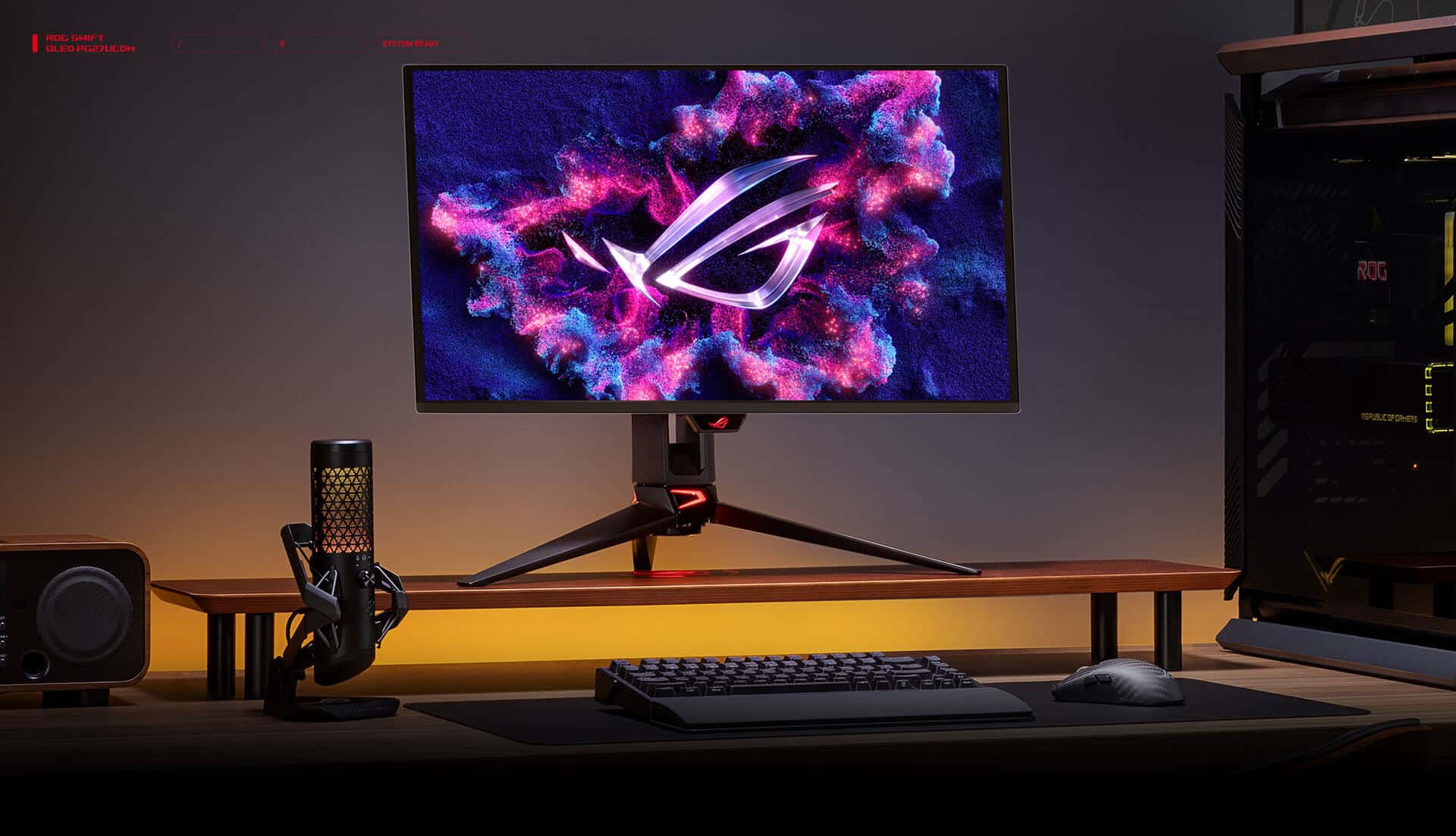
7. Monitor: Don’t Bottleneck Your Experience
Your display is the window to your gaming experience. A powerful PC paired with an outdated 1080p 60Hz monitor wastes potential.
2026 monitor standards:
- 1440p at 144Hz+ for balanced gaming
- 4K at 120Hz+ if you have high-end hardware
- Variable refresh rate (G-Sync/FreeSync) support
- HDR compatibility for supported games
8. Peripherals That Matter
While not hardware upgrades per se, these improve your gaming experience:
- Faster mouse with better sensor for competitive gaming
- Mechanical keyboard for better responsiveness and feel
- Quality headset or speakers for immersive audio
Budget-Friendly Upgrade Strategies
You don’t need to upgrade everything at once. Here’s how to maximize your investment (source: Tech Times):
$300-500 budget: GPU upgrade (used previous-gen cards offer great value)
$500-1000 budget: GPU + RAM upgrade to 32GB + NVMe SSD
$1000-2000 budget: GPU + CPU/Motherboard combo + DDR5 RAM + Gen 4 SSD (source: Tech Guided)
Before You Upgrade: Essential Checklist
- Check compatibility: Ensure new components work with your existing hardware
- Update drivers: Sometimes performance issues are software-related
- Clean your PC: Dust buildup causes thermal throttling
- Benchmark first: Know your current performance to measure improvements
- Back up your data: Especially before storage or motherboard upgrades
Conclusion
Upgrading your gaming PC in 2026 doesn’t require replacing everything. Focus on your biggest bottlenecks—usually the GPU, followed by storage and RAM. Strategic upgrades deliver excellent performance improvements and extend your PC’s lifespan for years to come.
Start with a clear budget, identify what’s holding your system back, and upgrade accordingly. Your future gaming self will thank you!