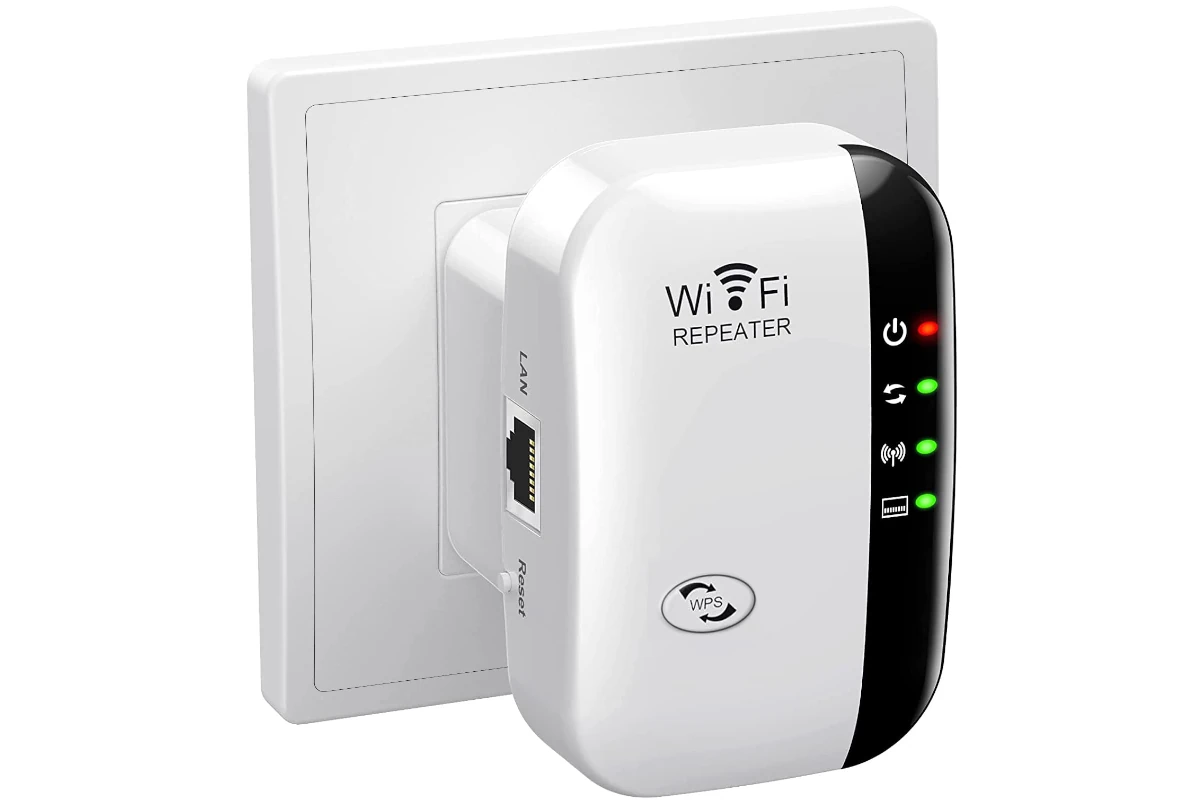
In today’s connected world, having a strong and reliable Wi-Fi signal is crucial. Many people face slow internet connections at home, which can be frustrating when working, streaming, or browsing online. Wi-Fi extenders and boosters can help improve your internet connection in hard-to-reach areas. Understanding the difference between extenders and boosters will help you choose the best solution for your needs.Wi-Fi extenders work by creating a new Wi-Fi signal in areas where your router’s signal is weak, while Wi-Fi boosters (or repeaters) connect to your Wi-Fi signal and then re-broadcast it to areas with weak signal.
This helps improve connectivity without the need for additional wiring. Consider the size of your home and where your router is located when choosing between a Wi-Fi extender and a booster. If your home has multiple floors or thick walls, a Wi-Fi extender might be the best option. For less extensive coverage needs, a Wi-Fi booster can be a simple and effective solution.
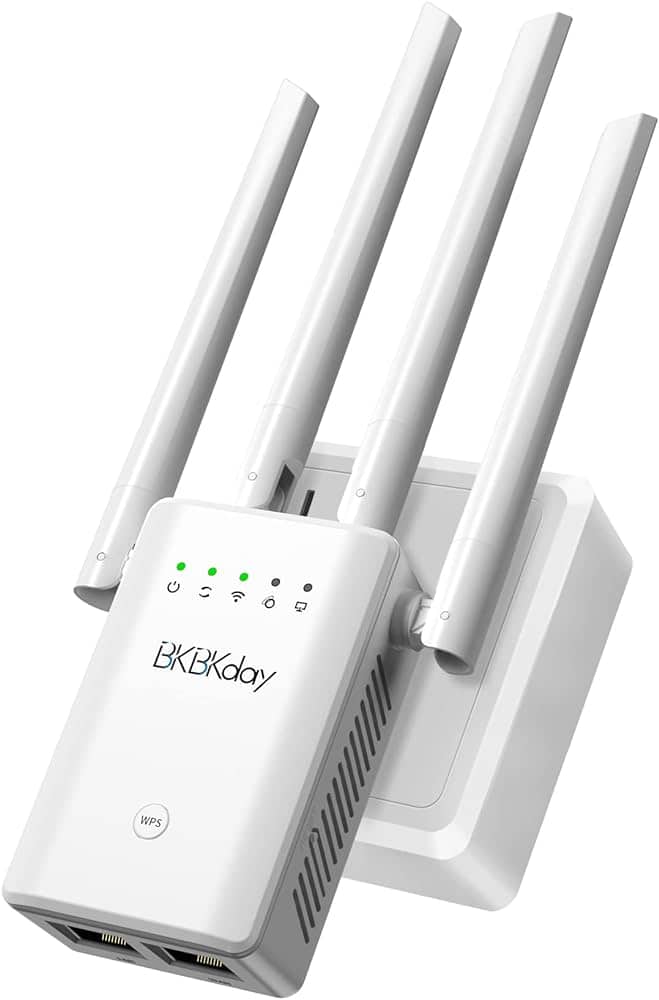
Differences Between Wi‑Fi Extenders vs Boosters (Complete Guide)
If you’re dealing with weak Wi‑Fi signals, dead zones, or slow speeds in certain rooms, you’ve probably seen terms like Wi‑Fi extender, Wi‑Fi booster, and Wi‑Fi repeater. They’re often used interchangeably—but they’re not always the same thing.
This guide explains the real differences between Wi‑Fi extenders and Wi‑Fi boosters, how they work, and which one is best for your home or office.
1. What Is a Wi‑Fi Extender?
A Wi‑Fi extender is a device that:
- Receives your existing Wi‑Fi signal
- Rebroadcasts it as a new extended network
- Expands coverage to hard‑to‑reach areas
How It Works
The extender connects wirelessly (or via Ethernet) to your router and creates a secondary network, often named something like:
HomeWiFi_EXT
Pros of Wi‑Fi Extenders
✅ Expands coverage significantly
✅ Affordable and widely available
✅ Easy plug‑and‑play setup
✅ Works with most routers
Cons of Wi‑Fi Extenders
❌ Reduces bandwidth (signal is split)
❌ May require manual network switching
❌ Can introduce latency
2. What Is a Wi‑Fi Booster?
A Wi‑Fi booster is a marketing term, not a specific technical category.
It may refer to:
- A Wi‑Fi extender
- A Wi‑Fi repeater
- A high‑power antenna
- A mesh Wi‑Fi node
In most cases, when manufacturers say “booster”, they’re selling an extender.
Common “Booster” Types
a) Wi‑Fi Repeaters
- Simply rebroadcast the signal
- Older technology
- More speed loss than modern extenders
b) Antenna Boosters
- External antennas that amplify signal directionally
- Limited coverage improvement
- Requires technical setup
c) Mesh Nodes (Often Called Boosters)
- Part of a mesh Wi‑Fi system
- Share the same network name
- Seamless roaming
3. Key Differences at a Glance
| Feature | Wi‑Fi Extender | Wi‑Fi Booster |
|---|---|---|
| Technical Definition | Yes | No (marketing term) |
| Creates New Network | Usually | Depends on device |
| Speed Reduction | Moderate | Varies |
| Ease of Setup | Easy | Easy–Moderate |
| Best Use Case | Fix dead zones | Depends on product |
4. Performance Differences
Speed Impact
- Extenders: Typically reduce speed by 30–50%
- Boosters: Can vary widely depending on type
- Mesh systems: Minimal speed loss
Coverage
- Extenders work best for 1–2 rooms
- Boosters vary in effectiveness
- Mesh systems cover entire homes
5. When to Choose a Wi‑Fi Extender
Choose an extender if:
- You have a small home or apartment
- Only one or two rooms have weak signal
- You want a low‑cost solution
- You don’t mind switching networks
6. When a “Booster” Makes Sense
A Wi‑Fi booster may be right if:
- It’s actually a mesh node
- You need seamless roaming
- You want better long‑term performance
- Your home is large or multi‑story
7. Better Alternative: Mesh Wi‑Fi Systems
If coverage issues are widespread, consider mesh Wi‑Fi instead of extenders or boosters.
Why Mesh Is Better
✅ Same network name everywhere
✅ No manual switching
✅ Better speeds
✅ Scalable coverage
Downside: Higher upfront cost.
8. Common Myths Explained
“Boosters increase internet speed”
❌ False. They only improve coverage, not your ISP speed.
“Extenders and boosters are the same”
⚠️ Partially true. “Booster” is often just a rebranded extender.
“More power equals better Wi‑Fi”
❌ Signal quality and placement matter more than power.
9. Placement Tips (Critical for Both)
- Place halfway between router and dead zone
- Avoid thick walls and metal objects
- Elevate device if possible
- Use Ethernet backhaul if supported
Final Thoughts
The biggest difference between Wi‑Fi extenders and boosters is clarity vs marketing. An extender is a real, defined device. A booster is usually a catch‑all term that could mean several different things.
If you want a quick fix for a small dead zone, go with a Wi‑Fi extender. For whole‑home coverage and better performance, consider a mesh Wi‑Fi system instead.
Boosting Your Wi-Fi: Understanding Extenders and Boosters
What is a Wi-Fi Extender?
A Wi-Fi extender grabs your existing Wi-Fi signal and rebroadcasts it, extending the range of your network. It’s like having a mini-router placed further away from your main router. Extenders are helpful when you have dead zones or weak signals in certain areas of your home or office.
What is a Wi-Fi Booster?
A Wi-Fi booster, on the other hand, amplifies your existing Wi-Fi signal. It doesn’t create a new network like an extender but strengthens the existing one. Think of it as turning up the volume on your Wi-Fi. Boosters are useful when your signal is weak but not completely absent.
Key Differences
| Feature | Wi-Fi Extender | Wi-Fi Booster |
|---|---|---|
| How it works | Rebroadcasts existing signal | Amplifies existing signal |
| Creates new network | Yes | No |
| Best for | Dead zones or weak signal areas | Weak signal areas with some existing coverage |
| Speed impact | Can reduce speed due to rebroadcasting | Minimal impact on speed |
| Setup | Usually requires configuration | Often plug-and-play |
Choosing the Right Option
If you’re experiencing dead zones where your Wi-Fi doesn’t reach at all, a Wi-Fi extender is your best bet. If your signal is just weak in certain areas, a Wi-Fi booster can help strengthen it. Consider your specific needs and budget when deciding which one is right for you.
Key Takeaways
- Wi-Fi extenders create new signals in weak areas.
- Wi-Fi boosters re-broadcast the existing signal.
- Choose based on home size and router location.
Understanding Wi-Fi Extenders and Boosters
Wi-Fi extenders and boosters can greatly improve your home network by reducing dead zones and extending the range of your existing signal. They play similar roles but function differently.
Defining the Technology
A Wi-Fi extender connects to your current network through a wired connection. This device then creates a new Wi-Fi signal, which helps to cover a wider area. It’s like adding another access point in your home. Extenders do not amplify the existing Wi-Fi signal but instead generate a new one.
Wi-Fi boosters, on the other hand, amplify the existing Wi-Fi signal. They catch the existing signal from the router and boost its strength. This means if you have weak signals in certain areas, the booster will help in making it stronger.
The terms Wi-Fi repeater and booster are often used interchangeably. A repeater works by receiving the current Wi-Fi signal and rebroadcasting it to extend the coverage area.
Key Differences Between Extenders and Boosters
Connection Method: Wi-Fi extenders use a wired connection to the main router. In contrast, boosters connect wirelessly, so they’re easier to set up with less cabling required.
Signal Creation: Extenders create a new Wi-Fi signal, while boosters amplify the existing signal. This makes extenders useful for very large homes where one network can’t cover everything.
Performance: Extenders can sometimes reduce the bandwidth available because they create a new network. Boosters don’t always offer the same speed because they rely on the strength of the original signal.
Setup: Extenders need more setup since they often require a direct, wired connection. Boosters are generally plug-and-play, needing less configuration.
Optimizing Your Home Network
To get the most out of Wi-Fi extenders, place them close to dead zones but still within the range of your router. This ensures they catch enough signal to create a reliable new network area. Use them in large homes or areas with thick walls that block the signal.
For Wi-Fi boosters, position them where the signal is starting to weaken. This helps them catch more signal to amplify. They work well in moderately sized homes or spaces where the signal is spotty.
Consider using a mesh network for seamless coverage across very large areas. Mesh networks use multiple devices to create a unified network, ensuring strong signals throughout your home.
Remember, the right device depends on your home size, layout, and the specific areas where the signal is weak. Evaluating these factors will help you choose between extenders or boosters to optimize your Wi-Fi signal and improve your online experience.
Frequently Asked Questions
Wi-Fi extenders and boosters help to improve the signal in different parts of a home. This section addresses common questions about these devices.
What are the differences between Wi-Fi extenders and Wi-Fi boosters?
Wi-Fi extenders and boosters serve similar purposes but operate differently. Extenders rebroadcast the existing signal to reach farther areas. Boosters, alternatively, amplify the signal strength directly from your router.
Can Wi-Fi boosters increase the overall internet speed?
Wi-Fi boosters can help improve the signal strength in weak areas but do not increase the actual internet speed provided by your ISP. They make the existing speed more accessible in various parts of your home.
What are the key features to look for in the best Wi-Fi extenders for home networks?
Look for dual-band support, coverage area, ease of setup, and compatibility with your current router when choosing a Wi-Fi extender. Some models also offer additional features like Ethernet ports and mobile app control.
Are there downsides to using Wi-Fi extenders in a home network?
Wi-Fi extenders can cause a slight reduction in internet speed due to the rebroadcasting process. They may also create a separate network which might require reconnecting devices.
How do Wi-Fi boosters, extenders, repeaters, and mesh systems compare in enhancing network coverage?
Boosters amplify your current signal, while extenders rebroadcast it to new areas. Repeaters work similarly to extenders, but may use a different frequency band. Mesh systems create a unified network with multiple nodes, providing the most seamless coverage.
Does the use of a Wi-Fi extender result in the creation of a separate network SSID?
Yes, many Wi-Fi extenders create a new SSID, meaning devices might need to switch between networks. Some advanced models allow seamless roaming, eliminating the need for manual switching.