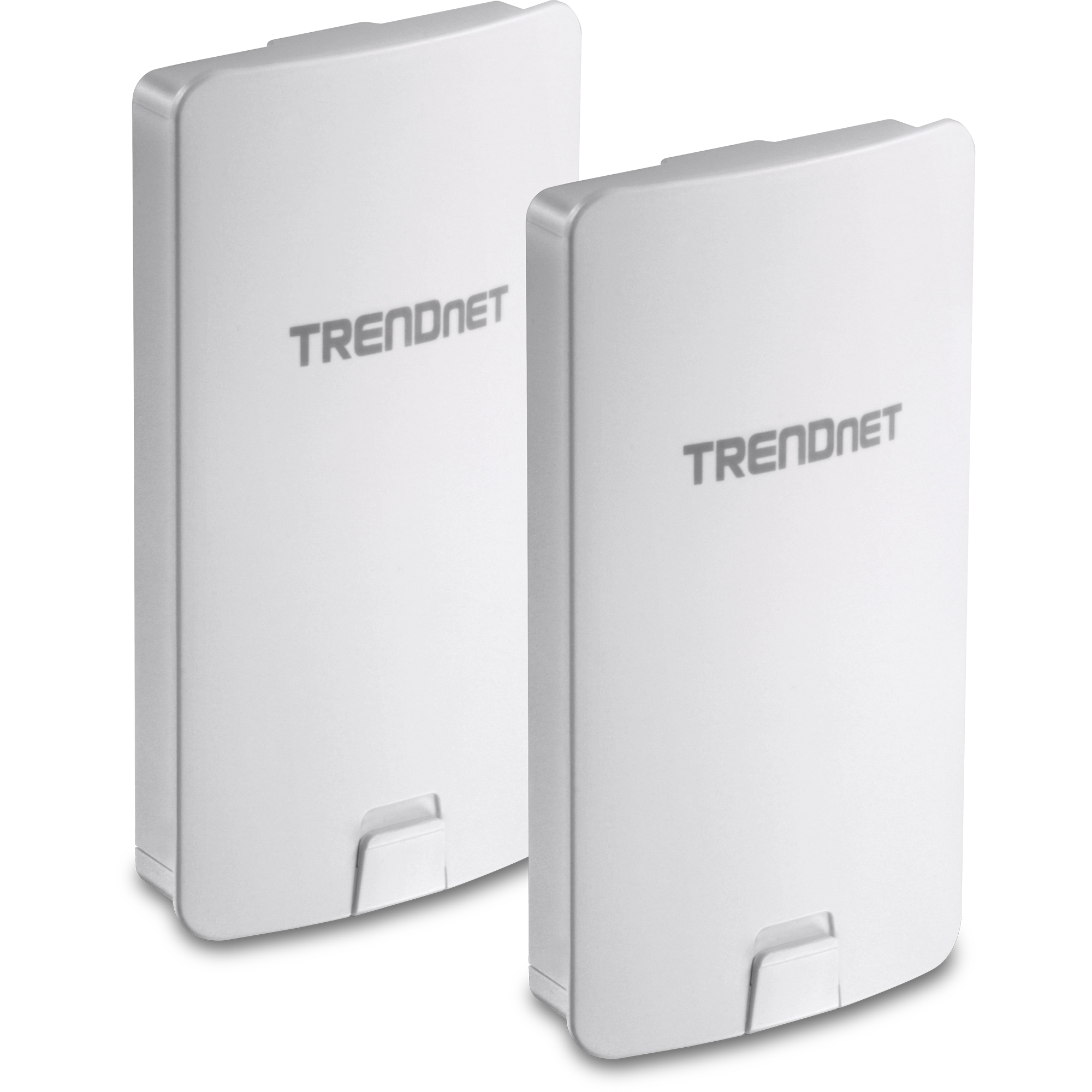
Point‑to‑point (PtP) wireless bridges are ideal for connecting two locations over long distances without running fiber or Ethernet cables. They’re commonly used for linking buildings on the same property, extending networks to remote sites, or providing backup connectivity.
This guide covers the best point‑to‑point wireless bridge solutions, what to look for, and which option fits your needs—plus a comparison table to make choosing easier.
What Is a Point‑to‑Point Wireless Bridge?
A point‑to‑point wireless bridge uses two matched radios to create a dedicated wireless link between two fixed locations. Unlike standard Wi‑Fi, PtP bridges:
- Provide stable, high‑throughput connections
- Work over hundreds of meters to many kilometers
- Are optimized for line‑of‑sight networking
Key Factors to Consider Before Buying
Before choosing a solution, consider:
- Distance – Short range (<1 km) vs long range (10+ km)
- Throughput – Required bandwidth for cameras, VoIP, or internet sharing
- Frequency band – 5 GHz, 60 GHz, or licensed spectrum
- Interference – Crowded urban vs rural environments
- Ease of setup – Plug‑and‑play vs enterprise‑grade configuration
- Budget – Hardware, mounting, and maintenance costs
Best Point‑to‑Point Wireless Bridge Solutions
1. Ubiquiti airMAX & airFiber Series
Best overall for performance and value
Ubiquiti is the most popular choice for PtP links due to affordability and reliability.
- Distances up to 30+ km
- Throughput up to 1+ Gbps (airFiber)
- Excellent management via UISP
- Ideal for ISPs, campuses, and businesses
✅ Best balance of price and performance
2. TP‑Link Pharos Series
Best budget‑friendly option
TP‑Link Pharos bridges are simple, affordable, and reliable for short‑to‑mid range connections.
- Distances up to 5 km
- Throughput around 300 Mbps
- Easy setup with web interface
- Great for homes, farms, and small offices
✅ Best for tight budgets and basic needs
3. MikroTik Wireless Wire & NetMetal
Best for advanced users and customization
MikroTik offers powerful hardware with deep configuration options.
- Wireless Wire supports 60 GHz (near‑fiber speeds)
- NetMetal supports long‑range 5 GHz links
- RouterOS allows advanced routing and security
⚠️ Steeper learning curve
✅ Best for network professionals
4. EnGenius EnStation & Bridge Kits
Best for enterprise environments
EnGenius bridges focus on stability and centralized management.
- Strong signal stability
- Cloud and controller‑based management
- Good for schools, warehouses, and offices
✅ Best for managed network environments
5. Cambium Networks ePMP Series
Best for high‑interference environments
Cambium excels in noisy RF environments where standard bridges struggle.
- Excellent noise immunity
- Enterprise‑grade reliability
- Scales well for multiple links
✅ Best for urban or industrial deployments
Comparison Table: Best Point‑to‑Point Wireless Bridges
| Brand / Model | Max Distance | Max Speed | Frequency | Best Use Case | Price Range |
|---|---|---|---|---|---|
| Ubiquiti airMAX | 15–30 km | 450 Mbps | 5 GHz | Long‑range building links | $$ |
| Ubiquiti airFiber | 30+ km | 1+ Gbps | 5 / 24 GHz | High‑throughput enterprise links | $$$ |
| TP‑Link Pharos | Up to 5 km | 300 Mbps | 5 GHz | Budget home or small office | $ |
| MikroTik Wireless Wire | 200 m | 1 Gbps | 60 GHz | Short‑range, high‑speed | $$ |
| EnGenius EnStation | 5–15 km | 867 Mbps | 5 GHz | Business & campus networks | $$ |
| Cambium ePMP | 20+ km | 1 Gbps | 5 GHz | High‑interference areas | $$$ |
5 GHz vs 60 GHz: Which Is Better?
| Feature | 5 GHz | 60 GHz |
|---|---|---|
| Range | Long | Short |
| Speed | High | Very high |
| Interference | Moderate | Very low |
| Line of sight | Recommended | Required |
| Weather impact | Low | Higher (rain fade) |
✅ Choose 5 GHz for long distances
✅ Choose 60 GHz for ultra‑fast short links
Installation Tips for Best Performance
- Ensure clear line of sight between both points
- Mount antennas securely and align precisely
- Use shielded outdoor Ethernet cable
- Ground equipment properly for lightning protection
- Test throughput before final mounting
Final Thoughts
The best point‑to‑point wireless bridge solution depends on your distance, speed requirements, and budget. For most users, Ubiquiti airMAX or airFiber provides the best value. For advanced or noisy environments, Cambium or MikroTik may be worth the extra cost.