Choosing between a wired and wireless keyboard and mouse setup can significantly impact your comfort, productivity, and overall computing experience. Both options have their advantages and disadvantages, and the right choice depends on your needs—whether you’re gaming, working in an office, or simply browsing at home.
This guide breaks down the key differences between wired and wireless keyboards and mice to help you decide which is best for you.
1. Connectivity and Setup
Wired Keyboard & Mouse
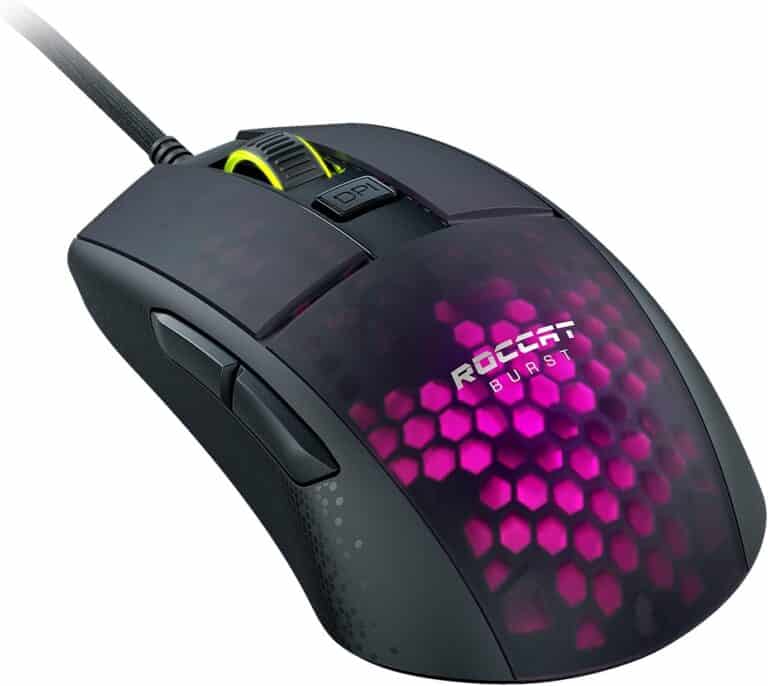
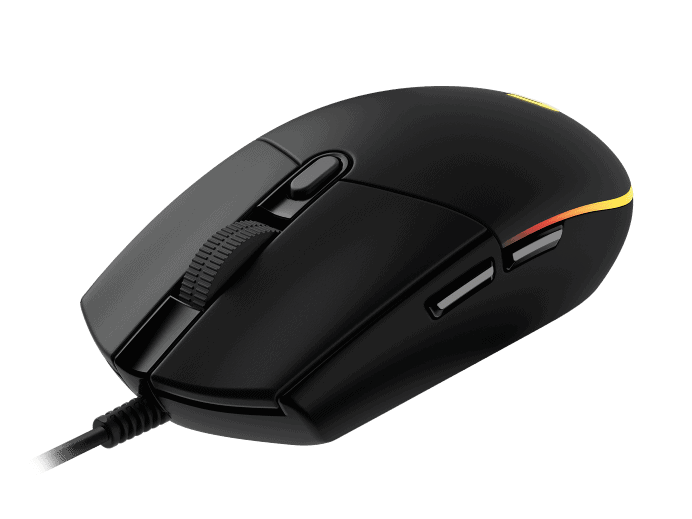
Wired devices connect directly to your computer using USB or, in rare cases, older PS/2 ports. Setup is usually plug-and-play—just connect the cable and start using the device immediately.
Pros:
- Instant connection
- No pairing required
- No signal interference
Cons:
- Cable clutter
- Limited range of movement
Wireless Keyboard & Mouse
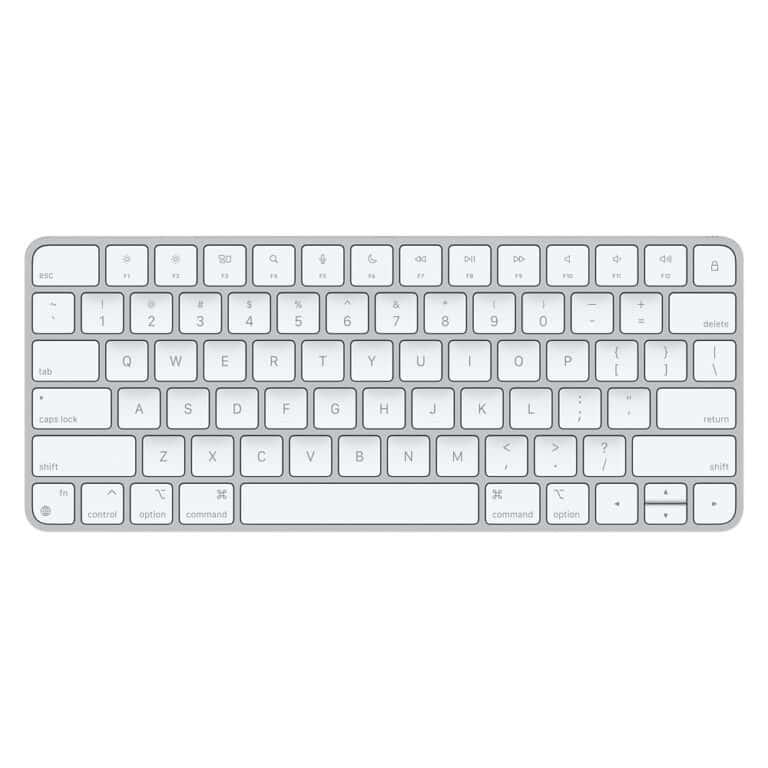
Wireless devices connect via Bluetooth or a USB receiver (2.4 GHz wireless). Setup may require pairing, but most modern devices are quick and easy to configure.
Pros:
- Clean, cable-free setup
- Greater flexibility and mobility
- Ideal for minimalist workspaces
Cons:
- Potential connectivity issues
- May require initial pairing
2. Performance and Responsiveness
Wired Devices
Wired keyboards and mice typically offer lower latency because the signal travels directly through a cable. This makes them a popular choice for gamers and professionals who need precise input.
Best for: Competitive gaming, design work, fast typing tasks.
Wireless Devices
Modern wireless technology has improved significantly, and many high-end wireless mice and keyboards offer performance comparable to wired versions. However, budget models may experience slight input lag.
Best for: General office work, casual gaming, and home use.
3. Battery and Power Requirements
Wired
Wired devices draw power directly from the computer. There’s no need to worry about charging or replacing batteries.
Wireless
Wireless keyboards and mice require batteries (AA/AAA) or rechargeable built-in batteries.
Considerations:
- You’ll need to recharge or replace batteries periodically.
- Some devices include power-saving modes to extend battery life.
- Running out of battery unexpectedly can interrupt work or gaming.
4. Portability and Convenience
Wired
Wired devices are less portable due to cable management. They’re better suited for permanent desk setups.
Wireless
Wireless keyboards and mice are easy to transport and ideal for:
- Remote work
- Presentations
- Travel
- Connecting to multiple devices (laptops, tablets, smart TVs)
Bluetooth models are especially convenient since they don’t require a USB receiver.
5. Desk Organization and Aesthetics
Wired
Cables can create clutter and may require cable management solutions to maintain a tidy workspace.
Wireless
Wireless setups create a cleaner, more modern desk appearance and offer greater flexibility in positioning.
If aesthetics and minimalism matter to you, wireless is often the preferred choice.
6. Reliability and Interference
Wired
- Stable and consistent connection
- No signal drops
- Not affected by wireless interference
Wireless
- May experience interference from other wireless devices
- Possible connection drops (rare with high-quality models)
- Bluetooth can sometimes lag on older systems
7. Cost Differences
Wired
Wired keyboards and mice are generally more affordable. You can find reliable options at lower price points.
Wireless
Wireless models often cost more due to added technology. Premium models with rechargeable batteries and multi-device support can be significantly more expensive.
8. Security Considerations
Wired devices are inherently more secure because they require a physical connection.
Wireless devices, especially older models, can be vulnerable to signal interception. However, modern encrypted wireless keyboards and mice offer strong security for everyday use.
Which Should You Choose?
Here’s a quick comparison:
| Feature | Wired | Wireless |
|---|---|---|
| Latency | Very Low | Low (varies by model) |
| Battery Needed | No | Yes |
| Portability | Limited | High |
| Desk Clutter | More | Less |
| Price | Lower | Higher |
| Reliability | Very High | High |
Choose Wired If:
- You’re a competitive gamer
- You want maximum reliability
- You prefer not to deal with batteries
- You’re on a budget
Choose Wireless If:
- You want a clean, minimalist setup
- You need portability
- You work across multiple devices
- Convenience matters more than ultra-low latency
Final Thoughts
The differences between wired and wireless keyboard and mouse setups come down to performance, convenience, and personal preference. Wired devices excel in reliability and speed, while wireless options offer flexibility and a clutter-free workspace.
Ultimately, the best choice depends on how and where you use your computer. If possible, consider your daily tasks, workspace setup, and mobility needs before making a decision.