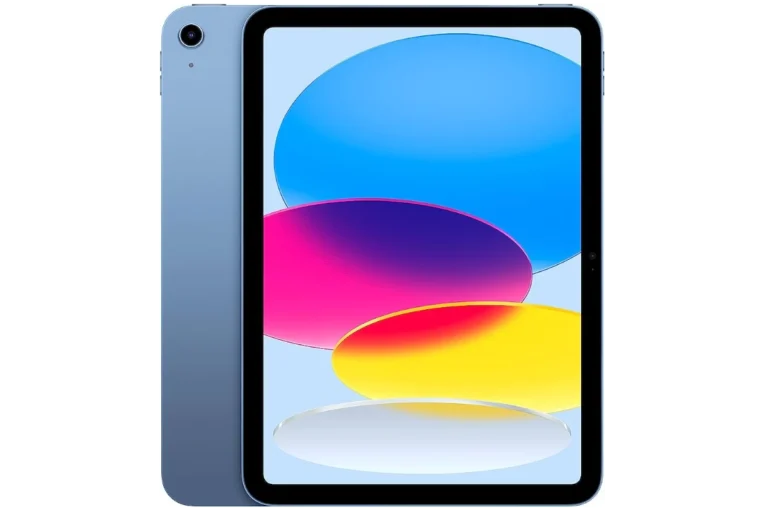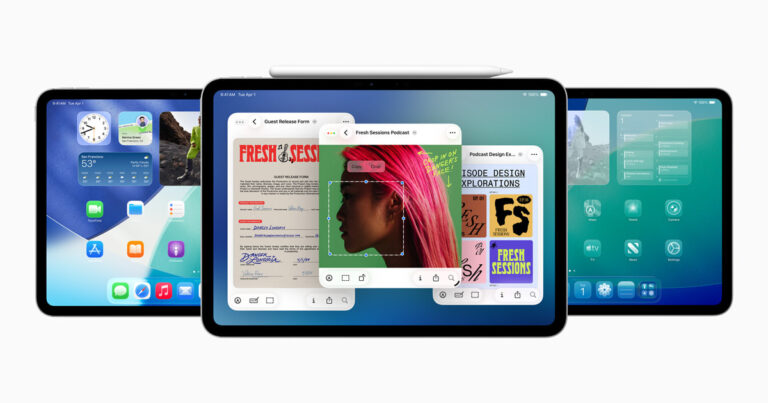
iPads are known for their strong security features, but they can still be hacked. The iOS operating system provides good protection against malware and viruses, as Apple closely monitors the App Store and limits how applications access data. However, iPads are not completely safe from security threats. Users should be aware of potential risks, such as phishing attacks, manipulative apps, and system vulnerabilities. Recently, security analysts have found techniques that can bypass iPad security features.
It’s important for users to be cautious about the apps they download, the links they click, and the networks they use. Regular updates and careful sharing of personal information can help reduce the risk of hacking. iPads are designed to defend against common cyber threats, but staying informed and exercising caution are still essential. As hacking methods become more advanced, users must take personal responsibility for their device’s security.
Can Your iPad Get Hacked?
Yes — but it’s rare.
Apple’s iPadOS is designed with strong security features that make hacking extremely difficult. However, no device is 100% immune. Your iPad can still be compromised through:
- Phishing attacks (fake emails, texts, or pop-ups tricking you into sharing info)
- Malicious configuration profiles or apps
- Compromised Wi-Fi networks or public hotspots
- Spyware or monitoring software (especially if the iPad is jailbroken)
- Leaked Apple ID credentials from other sites
(Source: Apple Support – Unauthorized modification of iPadOS, Apple Community Discussion)
🧠 Why iPads Are Generally Secure
Apple builds multiple layers of protection into iPadOS:
- App Store review process prevents most malicious apps.
- Sandboxing limits what each app can access.
- Automatic security updates patch vulnerabilities quickly.
- Hardware encryption protects your data even if the device is stolen.
- Find My iPad and Activation Lock deter unauthorized access.
Unless your iPad has been jailbroken or you’ve installed unverified apps, it’s unlikely to be hacked.
⚠️ Signs Your iPad Might Be Hacked or Compromised
Watch for these red flags:
- Battery drains unusually fast
- Device running hot or lagging suddenly
- Pop-ups or ads appear outside of Safari
- Apps you didn’t install show up
- Data usage spikes unexpectedly
- Safari redirects to strange sites
- You’re logged out of Apple ID or see unfamiliar devices listed
- Microphone or camera indicator lights appear unexpectedly
(Source: Apple Community – iPhone or iPad Security Compromised)
🧰 What To Do If You Suspect Your iPad Is Hacked
- Disconnect from Wi-Fi immediately.
- Restart your iPad — this can stop temporary malicious processes.
- Check for unknown profiles:
- Go to Settings → General → VPN & Device Management.
- Delete any configuration profiles you don’t recognize.
- Update iPadOS:
- Go to Settings → General → Software Update.
- Install the latest version to patch vulnerabilities.
- Change your Apple ID password and enable two-factor authentication (2FA).
- Review Apple ID devices:
- Go to Settings → [Your Name] → Devices.
- Remove any device you don’t recognize.
- Run a security check for accounts:
- Visit https://appleid.apple.com → Sign-In and Security → Account Security.
- Erase and restore your iPad (if issues persist):
- Go to Settings → General → Transfer or Reset iPad → Erase All Content and Settings.
- Then restore from a known clean backup.
If you suspect advanced spyware (like Pegasus or stalkerware), contact Apple Support or an Apple Authorized Service Provider for a diagnostic check.
🛡️ How To Protect Your iPad From Future Hacks
- Keep iPadOS updated at all times.
- Avoid jailbreaking — it removes Apple’s built-in protections.
- Install apps only from the App Store.
- Use strong, unique passwords (and iCloud Keychain).
- Turn on 2FA for your Apple ID.
- Avoid public Wi-Fi or use a reputable VPN.
- Use a security-focused DNS service (like Quad9 or Cloudflare 1.1.1.1) for extra protection (source: Apple Community).
- Review app permissions in Settings → Privacy & Security.
✅ Summary
| Question | Answer |
|---|---|
| Can an iPad be hacked? | Yes, but it’s rare and usually due to phishing, unsafe networks, or jailbreaking. |
| How to tell if it’s hacked? | Look for strange behavior, pop-ups, or unknown apps. |
| What to do? | Update iPadOS, change passwords, remove suspicious profiles, or reset the device. |
| How to stay safe? | Keep software updated, use 2FA, avoid public Wi-Fi, and install apps only from the App Store. |
Cybersecurity on iPads
It’s important to understand iPad security. iPads are known for their solid security features, but hacking threats still exist. Here’s what you need to know:
Is Your iPad Safe?
The good news is that iPads are very secure directly out of the box. Apple’s iOS operating system is designed to protect against most viruses and malware. But, certain risks still exist for iPad users.
How iPads Can Be Hacked
- Jailbreaking: Jailbreaking involves removing Apple’s built-in software restrictions. This gives you more control over your iPad, but it also means your iPad is more vulnerable to malware.
- Phishing scams: These tricks try to get you to share your Apple ID, passwords, or other personal information. Scammers might do this through fake emails, text messages, or pop-ups.
- Out-of-date software: Apple is constantly releasing updates to fix security flaws. Make sure you always update your iOS as soon as updates are available.
- Public Wi-Fi: Public Wi-Fi networks often lack security. This can make your personal information vulnerable.
Signs Your iPad Has Been Hacked
Here’s how to tell if someone might be messing with your iPad:
| Symptom | Description |
|---|---|
| Unfamiliar apps | Apps you didn’t install appearing on your home screen |
| Strange pop-ups | Ads or warnings popping up, especially unrelated to what you’re doing |
| Unexpected crashes | Apps or your iPad crashing frequently |
| Increased data usage | A significant rise in your cellular or Wi-Fi data usage |
| Battery draining fast | Your iPad’s battery dying more quickly than usual |
Keep Your iPad Secure
To keep your iPad secure, follow these safety tips:
- Don’t jailbreak. It might seem tempting, but the risks really outweigh the benefits.
- Use strong passwords. Make sure your Apple ID password is strong and unique.
- Turn on two-factor authentication. This adds an extra layer of security to your Apple account.
- Be careful with links and attachments. Don’t click on links or open attachments that you don’t recognize.
- Keep your iPad updated. Install the latest iOS updates as soon as they’re available.
- Use a VPN on public Wi-Fi. This helps encrypt your data and keep it safe from prying eyes.
Key Takeaways
- iPads have built-in security but are not unhackable.
- Security risks can come from phishing, malicious apps, and unknown vulnerabilities.
- Regular updates and careful online habits help protect your iPad.
Understanding iPad Security Mechanisms
iPads come with several built-in security features designed to protect against unauthorized access and safeguard user data. These include a secure operating system, stringent access controls, and a regulated application ecosystem.
iOS Operating System and System Architecture
The iOS is the platform on which iPads run. It has a secure system architecture that includes regular updates from Apple. These updates fix known vulnerabilities and enhance security. The iOS operates with permissions that control what apps can do. This ensures a secure environment for users.
Access Controls: Passcode, Touch ID, and Face ID
Apple provides secure access methods for iPads. Users can set a passcode, a requirement for basic security. Newer iPad models support Touch ID and Face ID. These biometric options provide secure, user-friendly ways to unlock devices, authorize purchases, and sign in to services. Success here depends on choosing a strong passcode and enabling these features.
Apple App Store’s Role in Security
The App Store is where users find apps for their iPads. Apple reviews all apps for compliance with security standards. The App Store thus plays a crucial role in security. Users reduce risk by downloading apps only from the App Store. Avoiding third-party sources for apps is a best practice that helps keep iPads secure.
Preventing and Managing Security Threats
In addressing iPad security, users must focus on prevention tactics and management of potential threats. This includes understanding phishing, ensuring software protection, and avoiding behaviors that compromise the device.
Recognizing and Avoiding Phishing and Social Engineering
Phishing is a deceptive practice where attackers seek sensitive information through emails that appear legitimate. Users should verify the sender’s identity and avoid clicking on links from unknown sources. Strong passwords are crucial in defending against unauthorized access. They protect accounts even when attackers use social engineering schemes.
Malware, Viruses, and Antivirus Software
While iPads have strong built-in security features, they can still be susceptible to malware and viruses through compromised apps or links. Users should keep their operating system updated for the latest protections. It is good practice to install trusted antivirus software which can offer an additional security layer, detecting and removing harmful software.
The Dangers of Jailbreaking and Unauthorized Access
Jailbreaking an iPad removes hardware restrictions imposed by Apple, but it also exposes the device to unauthorized access and exploits. Jailbreaking voids warranties and disables security measures. Users should avoid jailbreaking to maintain their device’s protection levels.
Frequently Asked Questions
This section aims to address common inquiries regarding iPad security and hacking concerns with concise guidance.
How can I detect if my iPad has been compromised by a hacker?
Check for signs like unexpected apps, altered settings, or unusual activity. If your iPad behaves oddly or you notice changes you did not make, these can be indicators of compromise.
What steps should I take if I suspect my iPad has malware or spyware?
First, update the iOS to patch vulnerabilities. Then remove any suspicious apps and change your passwords. If problems persist, consider a factory reset after backing up essential data.
How vulnerable are iPads to hacking attempts, and are certain models more at risk?
iPads generally have strong security, but no device is immune. Older models might lack the latest security updates, making them slightly more susceptible than newer ones.
Is it possible for an iPad to be infected with a virus from website browsing?
Risks exist mainly through phishing attacks and malicious links. Avoid clicking on suspicious links and use reputable security software to minimize the chances of virus infection.
What are the consequences of a hacked iPad, and how can personal data be protected?
A hacked iPad may lead to data theft or loss. Use strong passcodes, enable two-factor authentication, and regularly back up important files to secure your personal data.
Are there reliable methods for performing a virus scan on an iPad?
iPads do not typically support traditional antivirus software. However, keeping the operating system up to date and monitoring for unusual behavior can help in identifying security threats.