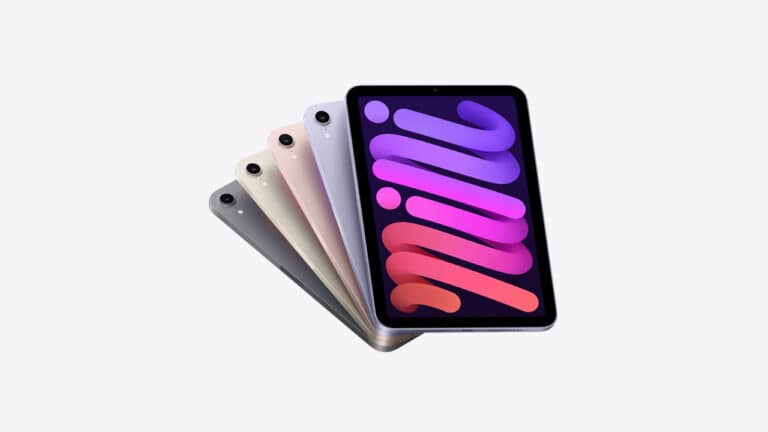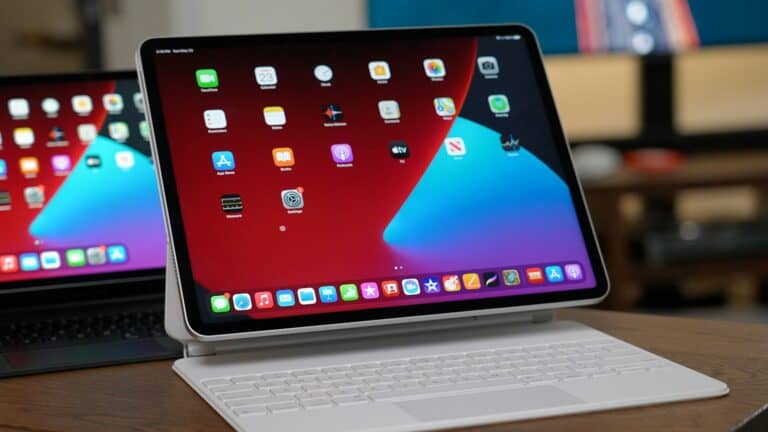
Buying a used iPad can be a wise financial choice, as it provides you with the advanced features of Apple’s popular tablet at a significantly lower cost. However, purchasing a second-hand device requires careful consideration to ensure that you get the best possible value for your money. This article will guide you through the essential aspects of purchasing a used iPad, including factors to consider when looking at prices and post-purchase actions to take.
1. Check the Physical Condition
Screen and Body Inspection:
- Look for cracks, scratches, or dead pixels on the screen
- Check for dents, dings, or significant wear on the aluminum body
- Inspect the charging port for damage or debris
- Ensure all buttons (power, volume, home button if applicable) work properly
- Test the cameras (front and rear) for functionality
Water Damage:
- Look for water damage indicators or signs of corrosion
- Check if the device feels unusually light (could indicate internal damage)
2. Verify Device History and Legitimacy
Activation Lock:
- Ensure the iPad is not locked to someone else’s Apple ID
- The seller should sign out of their Apple ID before the sale
- Check that you can set up the device with your own Apple ID
Stolen Device Check:
- Verify the serial number isn’t reported as stolen
- You can check this through Apple’s coverage checker or local authorities
3. Test Core Functionality
Battery Health:
- Check battery performance by using the device for extended periods
- Look for rapid battery drain or charging issues
- Note that older iPads may have reduced battery capacity
Connectivity:
- Test Wi-Fi connectivity and signal strength
- If it’s a cellular model, verify that cellular data works
- Test Bluetooth functionality with accessories
Touch Responsiveness:
- Ensure the touchscreen responds accurately across the entire surface
- Test multi-touch gestures and Apple Pencil compatibility (if applicable)
4. Software Considerations
iOS Version:
- Check what version of iPadOS the device is running
- Verify it can be updated to recent versions
- Older iPad models may not support the latest iPadOS features
App Compatibility:
- Ensure the iPad can run the apps you need
- Some newer apps may not work on older iPad models
5. Model and Specifications
Know What You’re Buying:
- Identify the exact iPad model and generation
- Check storage capacity (16GB, 32GB, 64GB, 128GB, etc.)
- Verify whether it’s Wi-Fi only or Wi-Fi + Cellular
- Understand the performance limitations of older models
Future-Proofing:
- Consider how long the model will continue receiving software updates
- Apple typically supports iPads for 5-7 years from their original release
6. Pricing Research
Market Value:
- Research current market prices for the specific model and condition
- Compare prices across multiple platforms (eBay, Facebook Marketplace, etc.)
- Factor in the device’s age, condition, and remaining software support
7. Where to Buy
Reputable Sources:
- Consider certified refurbished devices from Apple or authorized retailers
- These often come with warranties and quality guarantees
- If buying from individuals, meet in safe, public locations
Warranty Considerations:
- Check if any manufacturer warranty remains
- Some sellers may offer return policies or short-term guarantees
8. What to Bring When Inspecting
- A checklist of things to test
- Your own charging cable to test charging
- Knowledge of the specific model’s features and specifications
- Patience to thoroughly test the device
Red Flags to Avoid
- Sellers who won’t let you fully test the device
- iPads that seem too cheap (potential scams or stolen devices)
- Devices with activation lock still enabled
- Sellers who can’t provide proof of purchase or seem evasive
Final Tips
- Take your time during inspection – don’t rush the process
- Trust your instincts if something seems off
- Consider the total cost including any needed accessories
- Factor in potential repair costs for minor issues
By following this guide, you’ll be well-equipped to make an informed decision when buying a used iPad. Remember, while used devices can offer great value, taking the time to properly inspect and verify the device will help ensure you get a reliable tablet that serves you well.
Buying a Used iPad: What You Need to Know
Buying a used iPad can be a great way to save money on a versatile tablet. However, it’s important to do your research and be careful to avoid getting scammed. Here’s a table to help you navigate the process:
| Aspect | What to Consider |
|---|---|
| Model and Age | Consider your needs and budget. Newer iPads will have better performance and longer software support, but will cost more. Generally, avoid iPads older than 3 years. |
| Condition | Check for scratches, cracks, dents, and water damage. Make sure all buttons and ports work properly. |
| Screen | Look for dead pixels, flickering, and uneven brightness. Test the touchscreen responsiveness. |
| Battery | Check the battery health percentage in Settings. Aim for an iPad with at least 80% battery health. |
| Activation Lock | Make sure the iPad is not locked to a previous owner’s iCloud account. Ask the seller to remove it before you buy. |
| Price | Compare prices from different sellers to make sure you’re getting a good deal. Be wary of prices that are too good to be true. |
| Seller | Buy from a reputable source, such as a certified Apple reseller or a trusted online marketplace. If buying from an individual, meet in a public place and be cautious. |
Additional Tips:
- Ask the seller for the original purchase receipt.
- Test the cameras, speakers, and microphone.
- Make sure the iPad is running the latest version of iPadOS.
- Back up the iPad before you buy it, so you can easily restore it if something goes wrong.
Key Takeaways
- Price Considerations: Understand how much to spend and compare new vs. used prices.
- Used vs. Refurbished: Know the differences, especially regarding warranties.
- Where to Buy: Learn the best platforms for purchasing and tips for safe transactions.
- Condition Assessment: How to check for screen damage and hardware issues.
- Model Age: Choosing the right age and model to avoid obsolescence.
- Post-Purchase Steps: Setting up and activating necessary features.
Price Considerations: How Much Should You Spend?
When it comes to buying a used iPad, the price is a significant factor. Typically, used iPads go for about half or one-third of their original value. However, it’s crucial to balance cost with the condition and model of the iPad. A newer model might be worth spending a bit more to ensure longevity and support for the latest iOS updates.
Factors Influencing Price
- Model and Generation: Newer models will be more expensive.
- Condition: Expect to pay more for iPads in excellent condition.
- Seller: Prices can vary significantly between private sellers and certified stores.
Understanding the Difference: Used vs. Refurbished iPads
Used iPads are previously owned devices that may or may not have been repaired. They often come without a warranty. Refurbished iPads, on the other hand, have been returned to Apple or a certified retailer, repaired, and tested to meet original factory specifications. They usually come with a one-year warranty, offering more peace of mind.
Why Consider Refurbished iPads?
- Warranty: Similar to new iPads, offering added security.
- Quality Assurance: Undergo rigorous testing to ensure functionality.
Best Places to Buy a Used iPad
Choosing where to buy a used iPad is as important as deciding which model to buy. Popular platforms include eBay, Amazon, and Craigslist, each with its pros and cons.

eBay
- Pros: Buyer protection policies.
- Cons: Potential for higher shipping costs.
Amazon
- Pros: Reliable seller ratings and reviews.
- Cons: Limited stock of used models.
Craigslist
- Pros: Potential for lower prices.
- Cons: Higher risk of scams and no buyer protection.
For more insights on buying electronics, consider visiting GadgetMates, which offers a range of used iPads and other devices.
Assessing the Condition of a Used iPad
Before making a purchase, thoroughly inspect the iPad. Check for any cracks on the screen, assess the battery health, and ensure all ports are functioning correctly. Turn on the iPad, test the touchscreen responsiveness, and connect to Wi-Fi.
Key Inspection Points
- Screen: Look for cracks or dead pixels.
- Battery: Check for charging issues.
- Ports: Ensure connectivity with chargers and accessories.
Age and Model of the iPad: Avoiding Obsolescence
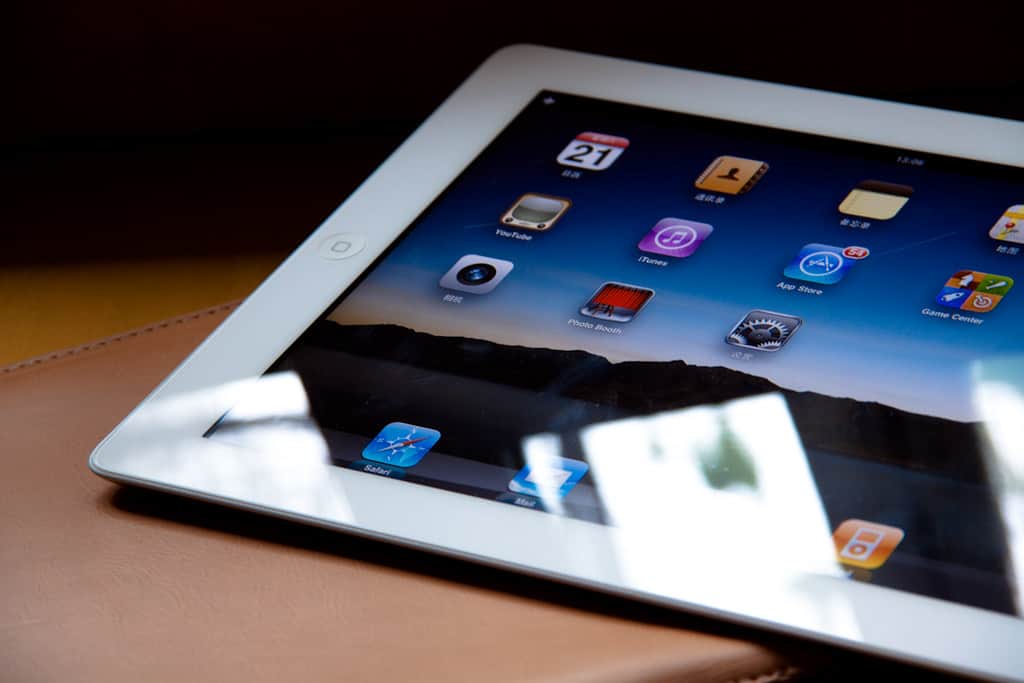
When selecting a used iPad, aim for models released in the last two years. These are more likely to support the latest iOS updates and have better hardware capabilities. Avoid models that are no longer supported by Apple, as they won’t receive software updates and may not run newer apps efficiently.
Identifying the Right Model
- Check Model Number: Found in the iPad’s settings under ‘About’.
- Research: Look up the model online to confirm its release date and specifications.
Who Should Consider Buying a Used iPad?
A used iPad is an excellent choice for those new to Apple’s ecosystem or users who don’t require the latest features. It’s also a budget-friendly option for general use like browsing the web or streaming media. However, for more demanding tasks like professional creative work or gaming, a newer model might be more suitable.
Post-Purchase Steps: Setting Up Your iPad
After purchasing a used iPad, it’s crucial to reset it to factory settings. This process removes the previous owner’s data and ensures that features like ‘Find My iPad’ are turned off. Once reset, set up the iPad with your Apple ID and turn on ‘Find My iPad’ for security.
Resetting and Setting Up
- Factory Reset: Erase all content and settings.
- Apple ID: Sign in with your Apple ID.
- Find My iPad: Activate this feature for added security.
For a detailed guide on resetting iPads, visit GadgetMates.
Choosing the Right iPad Model: Factors to Consider
When comparing different iPad models, consider factors like price, display size, camera quality, CPU, and storage space. It’s essential to choose a model that fits your needs and budget.
Model Comparison Criteria
- Price: Stay within your budget.
- Display Size: Choose based on your viewing preferences.
- Camera Quality: Important for photography and video calls.
- CPU: Affects overall performance and speed.
- Storage Space: Depends on your usage needs.
For a comprehensive list of all iPad generations, check out GadgetMates.
Advanced Tips for Securing the Best Deal
Negotiating Prices
- Research Market Prices: Know the average cost of the model you’re interested in.
- Compare Listings: Look at various platforms to get a sense of price ranges.
- Haggle Smartly: Don’t be afraid to negotiate, but keep it reasonable.
Verifying Seller Credibility
- Check Reviews: Look at the seller’s history and customer feedback.
- Ask Questions: Inquire about the iPad’s history, repairs, and reasons for selling.
- Meet in Public Places: For Craigslist deals, always meet in safe, public locations.
For more on safely buying electronics online, this YouTube video offers valuable insights.
External Resources and Links
To enhance your knowledge and ensure a safe purchase, consider these external resources:
- Apple’s Refurbished and Clearance Store is the go-to place for certified refurbished iPads.
- Flipsy: iPad Price Tracker helps you keep track of current market prices for used iPads.
Relevant YouTube Videos
To visually guide you through the process, check out these YouTube videos:
- 10 Things You MUST Check Before Buying iPad offers a checklist for inspecting a used iPad.
- How to Test Out a Used iPad Before You Buy demonstrates practical ways to assess a used iPad’s condition.
FAQs: Everything You Need to Know
Is it safe to buy a used iPad online?
- Yes, but always use reputable platforms and check seller ratings.
How can I tell if a used iPad is stolen?
- Check for Activation Lock: Ask the seller for the serial number and verify it through Apple’s website.
What should I do if the iPad has a problem after purchase?
- Contact the Seller: If bought from a platform with buyer protection, raise a dispute.
- Visit an Apple Store: For technical issues, getting a professional opinion helps.
Can I upgrade the iOS on a used iPad?
- Depends on the Model: Check Apple’s website to see if the model supports the latest iOS.
What is the lifespan of a used iPad?
- Varies Widely: Generally, iPads last about 3-5 years depending on usage and care.
This comprehensive guide should arm you with all the knowledge you need to make an informed decision when purchasing a used iPad. Remember, a little research and caution go a long way in securing a great deal on a used iPad. Happy shopping!