Intel’s Next-Generation Platform for Arrow Lake and Beyond
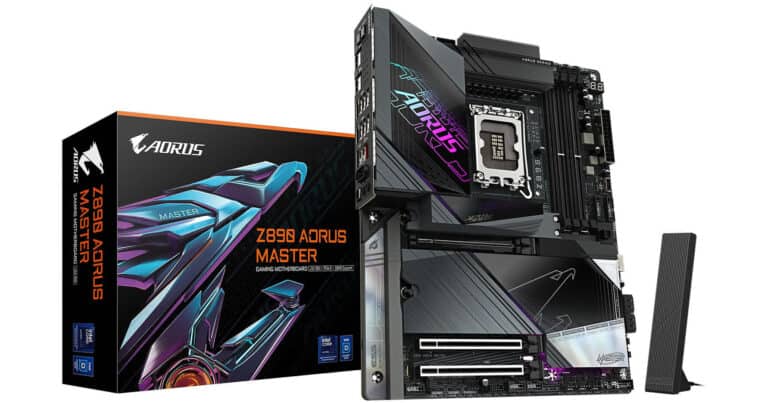
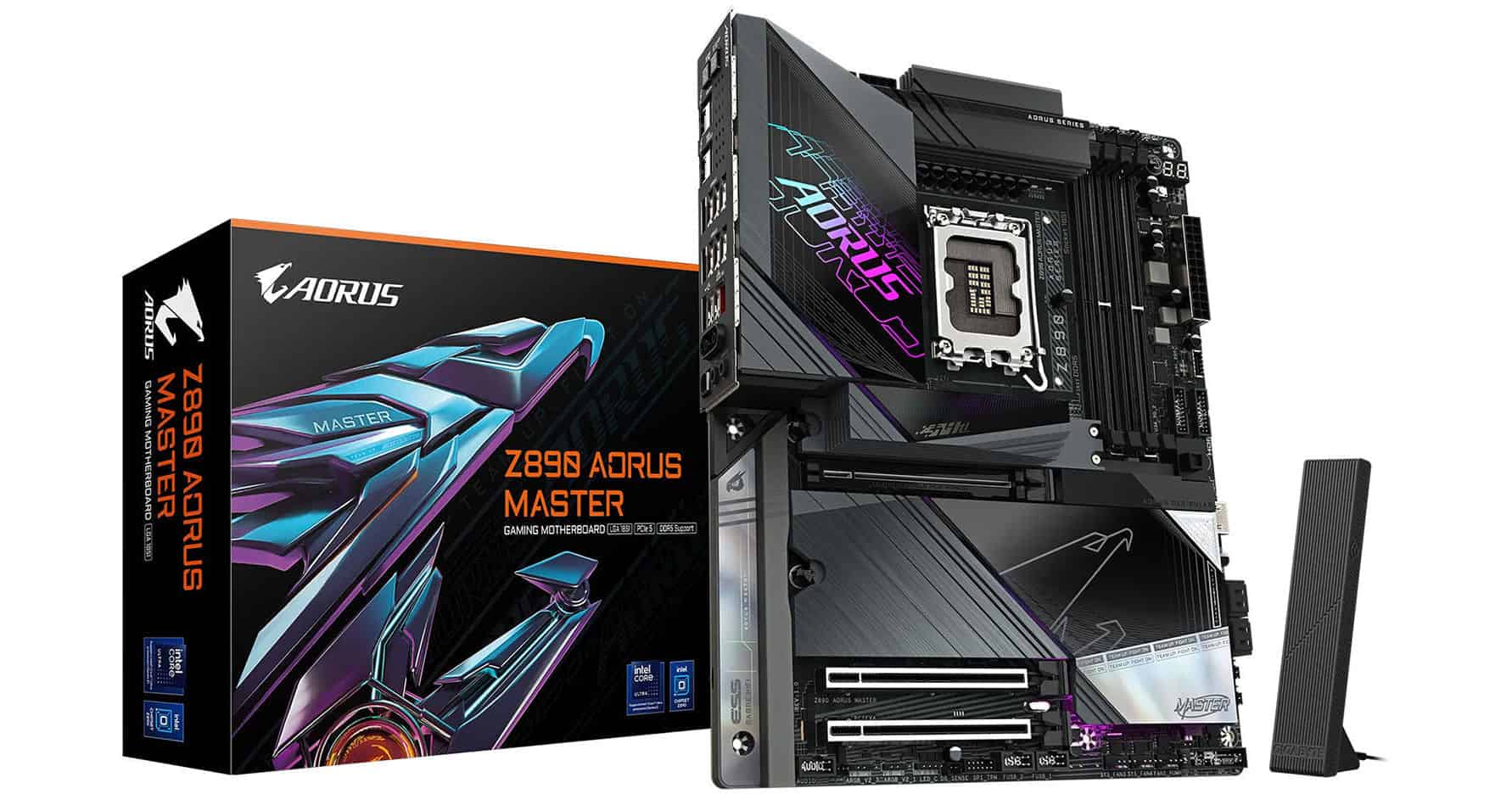
The LGA 1851 socket (also known as Socket V1) is Intel’s latest CPU socket design introduced in late 2024. It succeeds the long-running LGA 1700 platform used by Alder Lake and Raptor Lake processors. Designed for Intel’s 15th-generation Core Ultra 200 series “Arrow Lake” CPUs, LGA 1851 brings improved power delivery, better thermal efficiency, and support for next-gen features — all while maintaining cooler mounting compatibility with LGA 1700.
(Sources: Wikipedia, TechReviewer, Intel)
⚙️ Key Specifications
| Feature | LGA 1851 |
|---|---|
| Pin Count | 1,851 contact pins |
| Launch Date | October 2024 |
| Supported CPUs | Intel Core Ultra 200 “Arrow Lake” Desktop Series |
| Chipset Compatibility | Intel 800-series (Z890, B860, H810, etc.) |
| Memory Support | DDR5 only (no DDR4 support) |
| PCIe Support | PCIe 5.0 for GPUs and storage |
| Socket Dimensions | Same as LGA 1700 (45×37.5 mm) |
| Cooler Compatibility | Compatible with most LGA 1700 coolers |
🧠 What’s New Compared to LGA 1700?
While LGA 1851 looks nearly identical to its predecessor, it includes several under-the-hood improvements:
- Increased Pin Count (1851 vs. 1700):
The extra pins improve power delivery and signal integrity, enabling higher efficiency for Arrow Lake CPUs. - Better Thermal Management:
Intel optimized the Integrated Heat Spreader (IHS) and mounting pressure for improved contact with coolers, helping reduce CPU temperatures. - DDR5-Only Platform:
Unlike LGA 1700, which supported both DDR4 and DDR5, LGA 1851 is DDR5-exclusive, signaling a full transition to newer memory technology. - Same Cooler Mounting Holes:
The mounting hole spacing remains identical (75×75 mm), meaning LGA 1700-compatible coolers will fit without adapters.
(Source: CORSAIR)
🧰 Compatible CPUs
LGA 1851 debuted with the Intel Core Ultra 200 “Arrow Lake-S” desktop lineup, including:
- Core Ultra 9 285K
- Core Ultra 7 265K / 255K
- Core Ultra 5 245K / 240K
These chips use Intel’s disaggregated architecture, separating compute and graphics tiles for improved performance-per-watt.
Future “Panther Lake” CPUs (expected in 2026) are also rumored to use the same socket, ensuring at least one more generation of support.
🔌 Chipset and Motherboard Compatibility
The LGA 1851 socket pairs with Intel 800-series chipsets, including:
- Z890 – Enthusiast/overclocking boards
- B860 – Mainstream boards
- H810 – Entry-level boards
These motherboards feature PCIe 5.0, Thunderbolt 5, Wi-Fi 7, and native USB4 support — making them some of the most advanced consumer platforms yet.
🧊 Cooler Compatibility and Thermal Notes
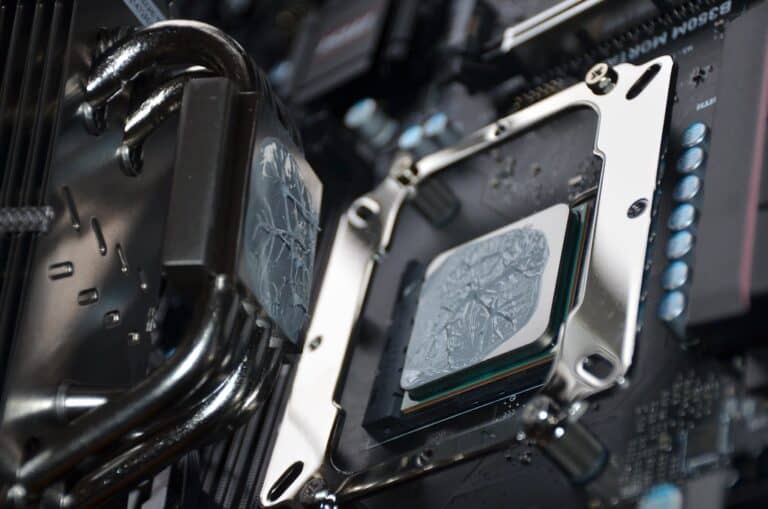
Intel confirmed that LGA 1851 and LGA 1700 share identical mounting hole spacing, meaning most existing coolers will fit. However, Intel recommends checking with cooler manufacturers for thermal pressure compatibility, as the IHS height and clamping force may differ slightly.
(Source: Intel Support Article)
🏁 Final Thoughts
The LGA 1851 socket marks a major step forward for Intel’s desktop platform. It modernizes the architecture with DDR5-only support, refined power delivery, and improved thermals — while maintaining backward cooler compatibility.
If you’re planning a new PC build in 2025 or beyond, LGA 1851 motherboards paired with Intel’s Arrow Lake CPUs offer a powerful, future-ready foundation.