If you’re constantly seeing Bluetooth pairing requests pop up on your phone, tablet, or computer, you’re not alone. These unexpected prompts can be annoying — and sometimes concerning. Below, we’ll break down why this happens and what you can do to stop it.
Common Reasons for Unwanted Bluetooth Pairing Attempts
1. A Nearby Device Is Trying to Connect
Bluetooth devices automatically scan for available devices when in pairing mode. If someone nearby has their device set to “discoverable,” or previously paired with your device, you may receive repeated pairing prompts.
As noted by The Techy Life, Bluetooth devices often attempt reconnection automatically if they were previously paired or are actively searching for connections (source: The Techy Life).
2. A Previously Paired Device Is Malfunctioning
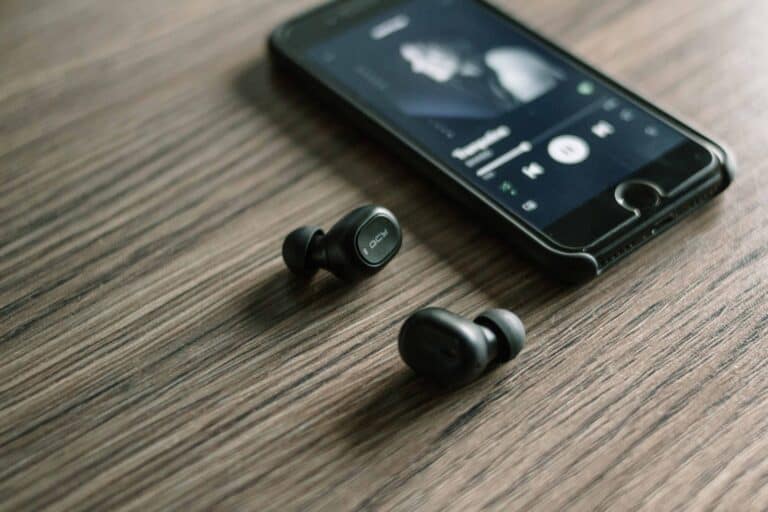
If you’ve paired with headphones, speakers, car systems, or wearables in the past, those devices may keep trying to reconnect — especially if their settings weren’t properly cleared.
One recommended fix is to “forget” the device in your Bluetooth settings and re-pair it if needed (source: WhatsABYTE).
3. Your Device Is Left in Discoverable Mode
When your phone or computer is in discoverable mode, nearby devices can see and attempt to pair with it. This is common after:
- Resetting network settings
- Updating your operating system
- Turning Bluetooth back on
Reducing discoverability helps minimize unwanted pairing attempts (source: Small Useful Tips).
4. Someone Is Randomly Attempting to Connect
In public places (cafés, airports, offices), other people’s devices may detect yours and attempt pairing — either accidentally or out of curiosity. While this is usually harmless, it can feel intrusive.
Limiting Bluetooth visibility and turning it off when not in use helps prevent this (source: Mobile Internist).
5. Software Glitches
Occasionally, a bug in your operating system can cause repeated prompts. Restarting your device or updating to the latest software version often resolves this issue.
Is It a Security Risk?
Most random pairing attempts are harmless. However, leaving Bluetooth discoverable can increase the risk of:
- Unauthorized pairing
- Data interception
- Bluetooth-based attacks (rare, but possible)
Prioritizing Bluetooth security and limiting unnecessary connections is recommended (source: Small Useful Tips).
How to Stop Unwanted Bluetooth Pairing Requests
Here are practical steps you can take:
✅ 1. Turn Off Bluetooth When Not in Use
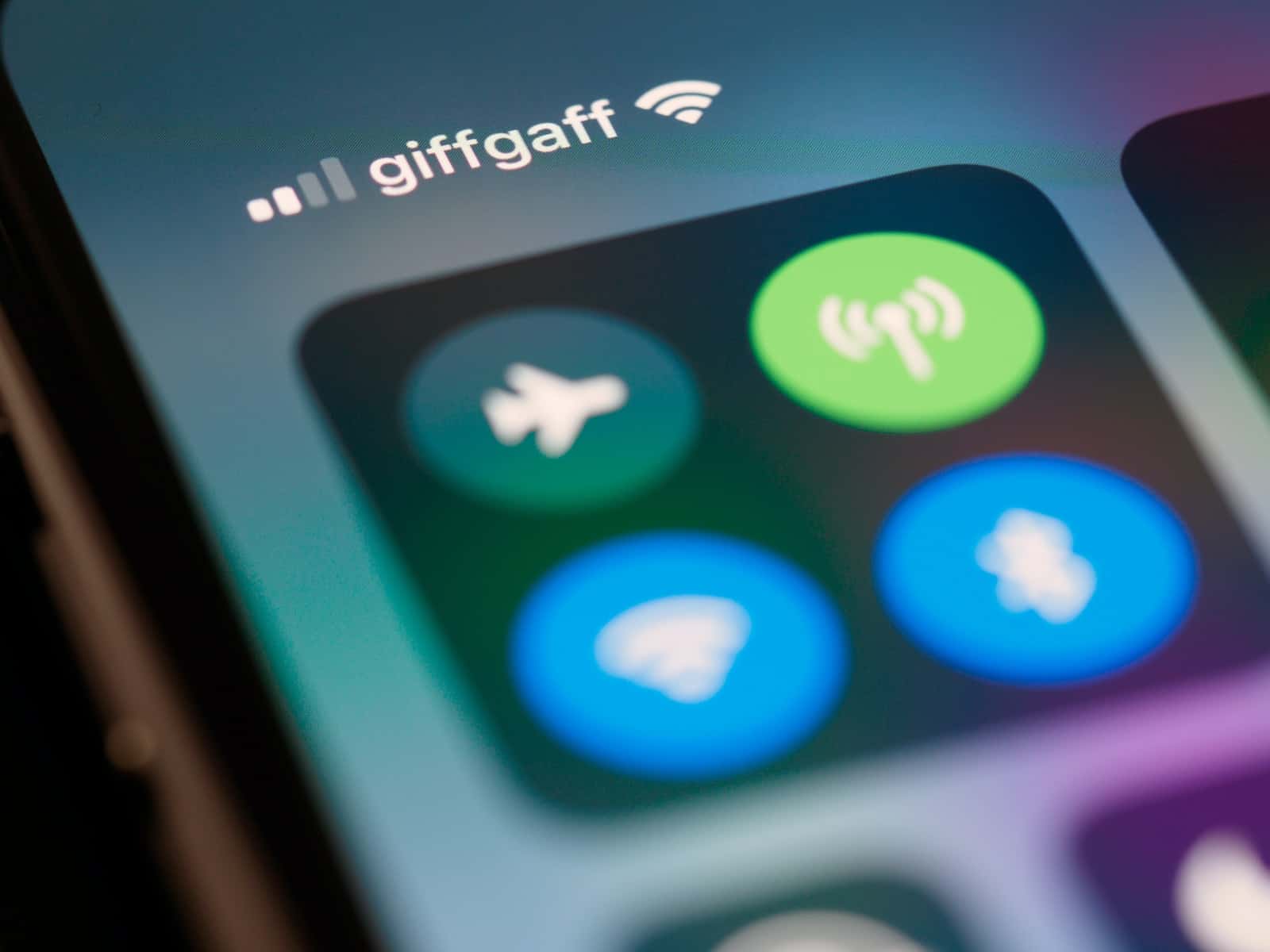
The simplest solution is disabling Bluetooth entirely until needed (source: Joy of Android).
✅ 2. Forget Unknown Devices
Go to:
- Settings → Bluetooth
- Tap the device name
- Select Forget / Remove
This prevents automatic reconnection (source: WhatsABYTE).
✅ 3. Disable Discoverable Mode
Some devices allow you to disable visibility to nearby devices.
✅ 4. Reset Network Settings
If pairing prompts persist:
- Reset network settings (this removes all saved Bluetooth and Wi-Fi connections).
✅ 5. Update Your Device
Install the latest OS updates to patch potential Bluetooth bugs.
When to Be Concerned
Consider investigating further if:
- Pairing requests happen constantly from unknown device names
- You receive pairing codes you didn’t initiate
- Your device connects automatically without permission
In rare cases, this could indicate a misconfigured device or a security issue.
Final Thoughts
Unwanted Bluetooth pairing attempts are usually caused by nearby devices, old pairings, or discoverable settings — not hacking. Fortunately, the fix is typically simple: turn off Bluetooth when not in use, forget unknown devices, and disable discoverability.