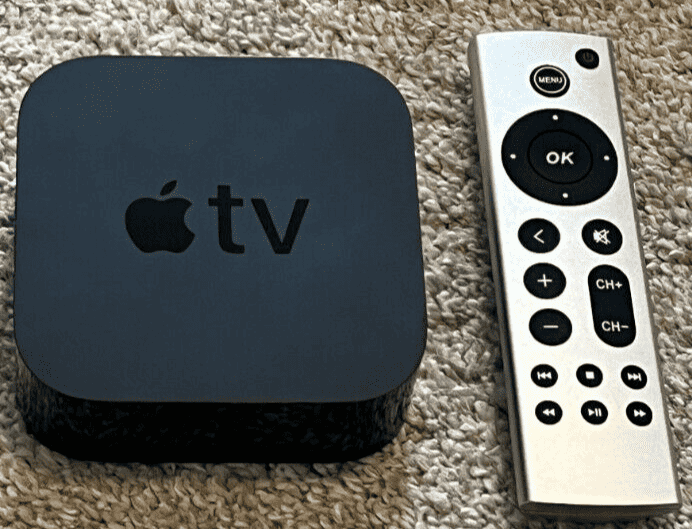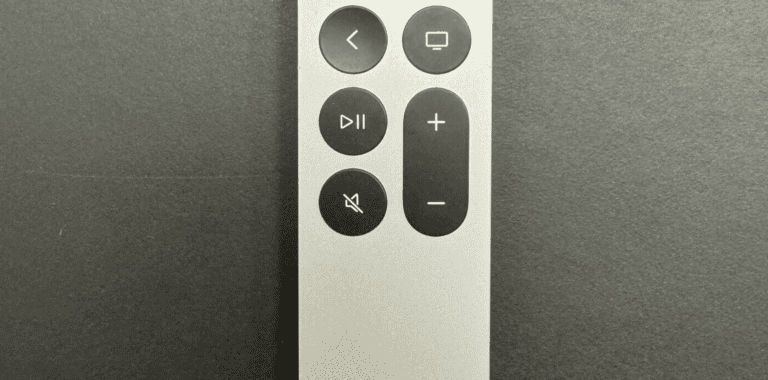
If you’re trying to stream content from your phone or laptop to your TV, you might be wondering: Can Apple TV use Chromecast? The short answer is no, Apple TV does not have built-in Chromecast support — but there are workarounds depending on what you’re trying to do.
Here’s everything you need to know.
Apple TV vs Chromecast: What’s the Difference?
Before diving deeper, it helps to understand how these platforms work:
- Apple TV uses AirPlay for wireless streaming.
- Chromecast uses Google Cast technology.
They are built on different ecosystems:
- Apple TV works best with iPhone, iPad, and Mac.
- Chromecast works best with Android devices and Google Chrome.
Because of this, Apple TV cannot natively act as a Chromecast receiver.
Can Apple TV Receive Chromecast Streams?
❌ No, Apple TV does not support Chromecast built-in.
You cannot:
- Cast directly from Android to Apple TV using Google Cast.
- Use the Chromecast icon in supported apps to stream to Apple TV.
Apple TV only supports:
- AirPlay
- Native apps installed directly on the Apple TV
- Screen mirroring from Apple devices
Workarounds: How to Stream Anyway
While Apple TV doesn’t support Chromecast, you still have options.
✅ 1. Install the Same App on Apple TV
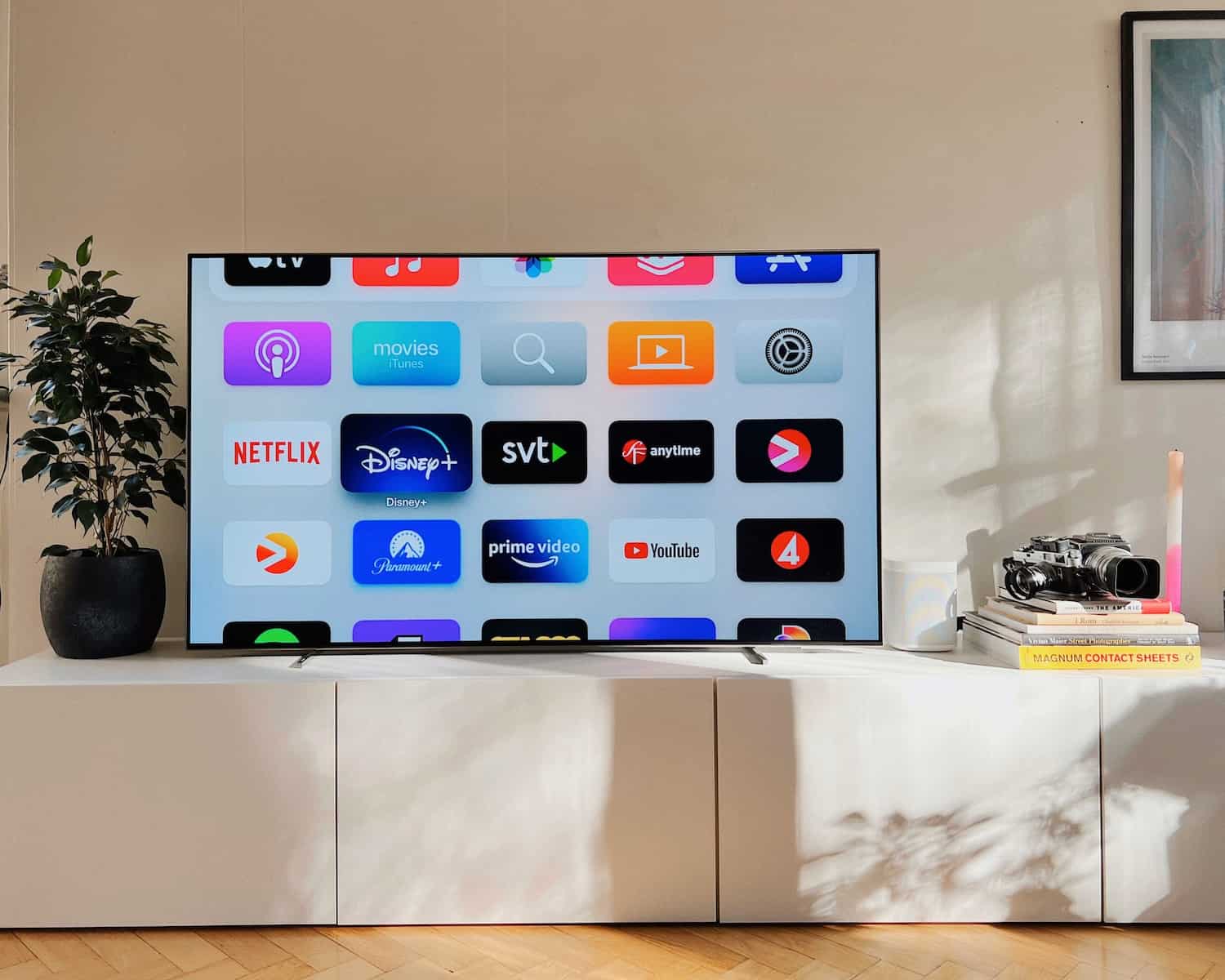
Most streaming services (Netflix, YouTube, Disney+, Hulu, etc.) have Apple TV apps.
Instead of casting:
- Open the app directly on Apple TV.
- Log into your account.
- Stream natively.
This is often the simplest and highest-quality solution.
✅ 2. Use AirPlay Instead (Apple Devices)
If you’re using:
- iPhone
- iPad
- Mac
You can:
- Tap the AirPlay icon.
- Select your Apple TV.
- Stream or mirror your screen instantly.
AirPlay offers high-quality wireless streaming with minimal setup.
✅ 3. Use a Third-Party App (Limited Support)
Some apps claim to enable cross-platform casting, but:
- Performance may vary.
- Compatibility isn’t guaranteed.
- It’s not as seamless as native Chromecast.
✅ 4. Connect via HDMI
If you’re using:
- A laptop
- An Android phone with video output
You can connect directly to your TV using HDMI instead of relying on wireless casting.
Can You Install Chromecast on Apple TV?
No. Chromecast is not an app you install — it’s a built-in protocol tied to Google’s system. Apple does not allow native Chromecast receiver functionality on Apple TV.
What About Apple TV App on Chromecast?
Interestingly, the reverse works.
You can:
- Install the Apple TV app on Chromecast with Google TV.
- Watch Apple TV+ content on Chromecast devices.
So Chromecast supports Apple’s app — but Apple TV does not support Chromecast streaming.
Quick Comparison
| Feature | Apple TV | Chromecast |
|---|---|---|
| Native casting system | AirPlay | Google Cast |
| Supports Chromecast | ❌ No | ✅ Yes |
| Supports AirPlay | ✅ Yes | ❌ No (except some smart TVs) |
| Works best with | Apple devices | Android & Chrome |
Which Should You Choose?
Choose Apple TV if:
- You use iPhone, iPad, or Mac.
- You want deep Apple ecosystem integration.
- You use HomeKit or Siri.
Choose Chromecast if:
- You use Android devices.
- You stream from Chrome browser often.
- You prefer Google Assistant integration.
Final Answer: Can Apple TV Chromecast?
No, Apple TV cannot function as a Chromecast receiver.
However, you can:
- Install streaming apps directly on Apple TV.
- Use AirPlay from Apple devices.
- Use alternative hardware setups if needed.
If you rely heavily on Chromecast, a Google TV device may be a better fit. If you’re in the Apple ecosystem, Apple TV offers a smoother overall experience.