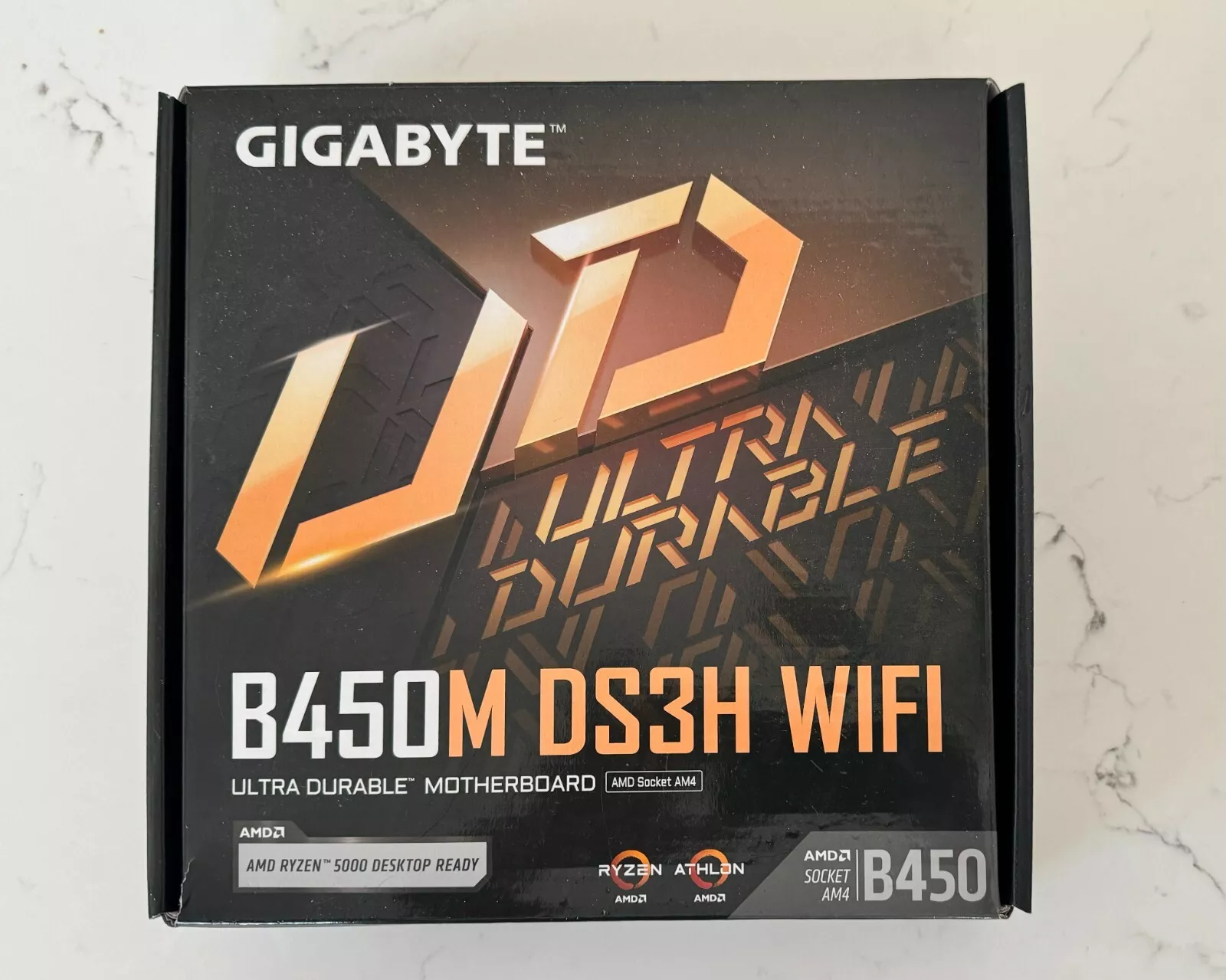
When you buy a motherboard, you might expect the box to be sealed. However, an unsealed box doesn’t necessarily mean the product is defective or used. In fact, most motherboards come in a box that is not sealed. By understanding why this might be and carefully checking the product, you can decide if you want to buy it.
So getting an unsealed retail box doesn’t mean your motherboard is used or damaged. Most motherboards come in boxes with anti-static bags. Some may have a sticker seal, but plastic wrap is rare. The important thing is to check that all parts are there and nothing looks worn. If the serial number matches the box and the accessories are sealed, you likely have a new board. It’s normal to worry about unsealed boxes. But manufacturers often skip full seals to save money and resources. As long as the board and parts look new, you can feel good about your purchase.
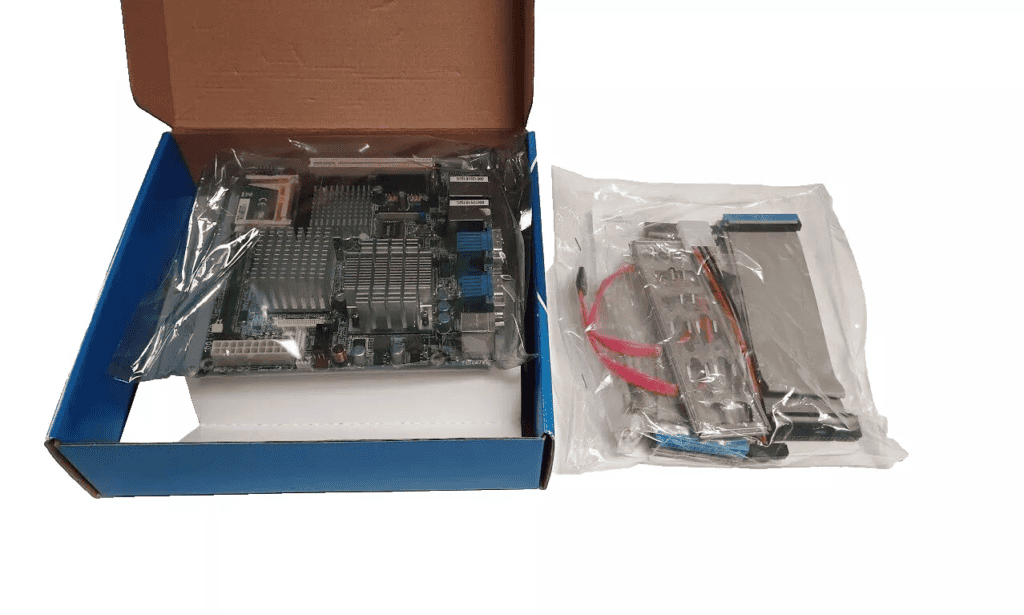
Unsealed Motherboard Box: Should You Worry?
Buying a new motherboard and discovering that the retail box isn’t sealed can be worrying. While it can be normal in some cases, it may also be a red flag. This guide explains when an unsealed motherboard box is acceptable—and when you should be concerned.
Why Motherboard Boxes Are Sometimes Not Sealed
Unlike many consumer electronics, motherboards are not always factory‑sealed with plastic wrap or tamper stickers. Common reasons include:
- Manufacturer packaging standards
Some brands do not seal retail boxes at all. - Retailer inspection or testing
Stores may open boxes to check contents or test hardware. - Returns or open‑box items
A previously returned item may be resold as open‑box or refurbished. - Custom bundles or system builds
Components may be opened for compatibility checks.
When an Unsealed Box Is Usually Okay
An unsealed motherboard box is generally fine if:
- You bought it from a reputable retailer
- The product was clearly listed as new
- All accessories are present and neatly packaged
- The motherboard looks clean and unused
- Protective covers (socket cover, anti‑static bag) are intact
Many manufacturers rely on anti‑static packaging, not seals, to protect components.
Signs You Should Be Concerned
You may want to return or exchange the motherboard if you notice:
- Missing accessories (I/O shield, cables, manuals, Wi‑Fi antenna)
- No anti‑static bag or damaged packaging
- Dust, fingerprints, scratches, or thermal paste residue
- Bent CPU socket pins or removed socket cover
- Signs of previous installation (screw marks, BIOS settings changed)
These are strong indicators the motherboard may have been used.
What to Check Before Installing
Before powering on the motherboard:
- Inspect the CPU socket carefully (especially on Intel boards).
- Confirm all accessories match the contents list.
- Check serial numbers on the box and board.
- Look for manufacturer warranty stickers or labels.
- Take photos in case you need to file a return.
Should You Accept It or Return It?
Accept it if:
- The board appears brand new
- All parts are included
- The seller confirms it’s unused
Return it if:
- It was sold as new but shows signs of use
- Important accessories are missing
- You feel unsure about its condition
Peace of mind matters—especially for critical PC components.
How to Avoid This in the Future
- Buy from authorized retailers
- Look for listings labeled factory‑sealed
- Ask the seller before purchase about packaging
- Avoid “open‑box” items unless clearly discounted
Final Verdict
Yes, it can be okay if your motherboard retail box isn’t sealed—but only if everything else checks out. Carefully inspect the board and packaging before installation. If anything seems off, don’t hesitate to request a replacement or refund.
Not Always a Red Flag: Understanding the Retail Landscape
Finding an unsealed motherboard box can be a bit disconcerting, especially when you’re investing in a crucial PC component. However, it’s important to understand that an unsealed box doesn’t always signify a problem. Several factors can lead to a motherboard box being opened before it reaches your hands.
Potential Reasons for an Unsealed Box
| Scenario | Explanation |
|---|---|
| Quality Control Checks | Manufacturers and retailers often open boxes to perform quality control checks or inspect for damage during shipping. |
| Display Models or Returns | Some stores might use motherboards as display models or accept returns, leading to unsealed boxes. |
| Packaging Errors | Occasionally, boxes might get unsealed accidentally during shipping or handling. |
Assessing the Situation: Key Points to Consider
Before deciding whether to purchase a motherboard with an unsealed box, carefully examine these factors:
- Source and Reputation: Is the seller reputable? Do they have a good return policy?
- Condition of the Box and Contents: Is the box significantly damaged? Are all accessories and components present and undamaged?
- Warranty: Does the motherboard still have its manufacturer’s warranty?
- Price: Is the price significantly lower to justify the potential risks?
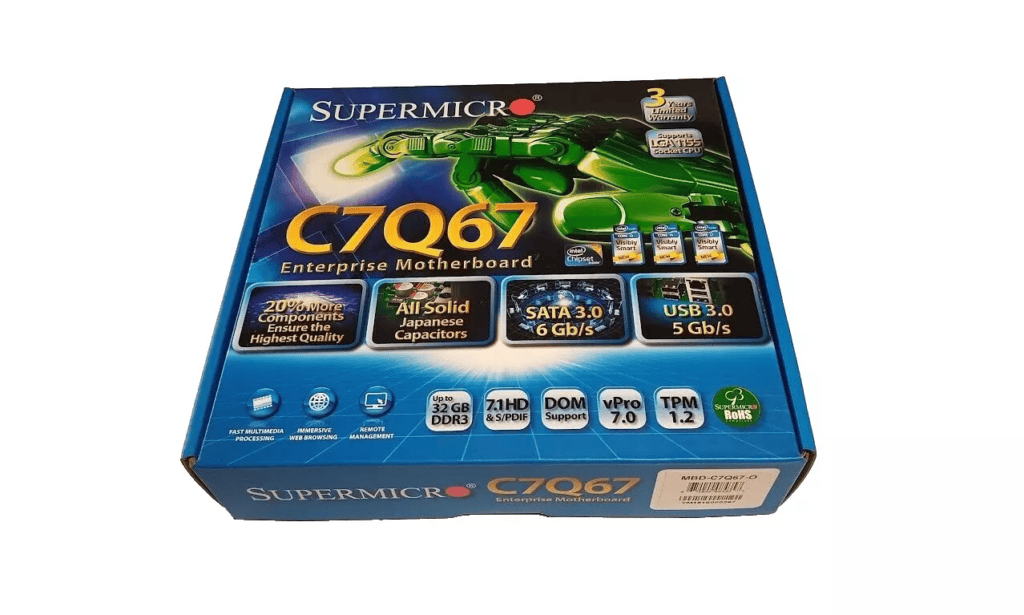
Proceed with Caution: Tips for Buyers
If you decide to purchase an unsealed motherboard, here are some precautions to take:
- Inspect the motherboard thoroughly for any signs of damage or tampering.
- Test the motherboard as soon as possible after purchase to ensure it’s fully functional.
- Keep all documentation and packaging in case you need to return or RMA the product
Key Takeaways
- Unsealed motherboard boxes are common and not a sign of a used product
- Check for matching serial numbers and sealed accessories to confirm newness
- Look for signs of wear or missing parts to spot potential issues
Understanding Motherboard Packaging
Motherboard packaging protects the delicate components during shipping and storage. Most boxes are not sealed with plastic wrap but may have other security measures.
Manufacturers’ Packaging Standards
Motherboard makers use various methods to pack their products. The main box is often left unsealed. Inside, you’ll find:
- Anti-static bag holding the motherboard
- Accessories box
- Manual and driver CD
Some brands use a small sticker to close the box. Others leave it completely open. The anti-static bag may have tape to keep it shut. This counts as a type of seal.
The Significance of Seals and Tapes
Seals and tapes serve important purposes:
- Show the box hasn’t been opened
- Protect against dust and moisture
- Prevent parts from falling out
But a lack of seals doesn’t mean the board is used or fake. Many new boards come in unsealed boxes. Retailers sometimes open boxes to check parts.
Considerations Before Unwrapping
Before opening your new motherboard:
- Check the box for damage
- Look for signs of tampering
- Make sure all parts are there
If anything seems off, contact the seller right away. Once you open the anti-static bag, you may not be able to return the board.
It’s normal for the box to be unsealed. Focus on the condition of the board and parts inside. A clean, undamaged motherboard is more important than perfect packaging.
Handling and Installation
Proper handling and installation of a motherboard are crucial for its performance and longevity. These steps ensure the delicate components stay safe and work correctly in your computer.
Safe Practices for Unboxing and Handling
When you get a new motherboard, open the box carefully. Take out the anti-static bag with the board inside. Don’t touch the metal parts on the board. Hold it by the edges.
Keep the motherboard on its anti-static bag or a special mat. This stops static electricity from damaging it. Wear an anti-static wrist strap if you have one.
Check the board for any visible damage. Look for bent pins or cracks. If you see problems, contact the seller right away.
Step-by-Step Installation Guide
Put the I/O shield in the case first. It snaps into place.
Line up the motherboard with the standoffs in the case.
Gently place the board on the standoffs.
Screw in all mounting points. Don’t overtighten.
Connect power cables from the PSU.
Attach front panel connectors for power and LEDs.
Install the CPU, RAM, and other parts.
Double-check all connections before closing the case.
Ensuring Device and Component Compatibility
Check your motherboard manual for compatible parts. It lists which CPUs, RAM, and storage devices work with your board.
Make sure your power supply can handle all your components. Add up the power needs of each part.
Check the size of your case. ATX boards need bigger cases than micro-ATX ones.
Look at the number and type of slots on the board. Match these with the parts you plan to use.
If you’re unsure, use online tools to check compatibility. Many websites can help you pick matching parts.
Frequently Asked Questions
Motherboards are key computer parts. They need care when handled. These questions cover common concerns about motherboard condition and care.
How can one identify a damaged motherboard?
Look for physical signs of harm. Cracked parts, burns, or bent pins point to damage. Check for bulging or leaking capacitors. Test the board if it won’t power on or has odd beeps or error codes.
Are new motherboards typically delivered with shrink wrap?
Most new motherboards don’t come in shrink wrap. They’re often in anti-static bags inside the box. The box itself may have a seal or sticker. Parts and cables are usually in sealed plastic bags.
What are common ways that a motherboard can be damaged?
Static shock is a big risk. Dropping the board can crack it. Too much heat can warp the board. Spills can short out parts. Forcing parts into slots can bend pins. Using the wrong screws can scratch traces.
Is it necessary for motherboards to have a seal for warranty purposes?
A seal isn’t always needed for warranty. Keep the receipt and original box. Don’t remove stickers or labels on the board. Check the maker’s warranty rules. Some need proof of purchase more than seals.
How should you handle your motherboard during installation to prevent damage?
Touch a metal object first to ground yourself. Hold the board by its edges. Don’t touch the parts or pins. Use an anti-static mat or wrist strap. Set the board on its box, not bare surfaces.
What precautions can be taken to ensure a motherboard remains in good condition?
Keep the board in its anti-static bag when not in use. Store it in a cool, dry place. Don’t stack heavy items on it. Clean dust with care. Use proper tools for install. Ensure good case air flow.