The debate between prebuilt and custom-built gaming PCs has been ongoing for years. In this article, we will look at the pros and cons of both options to help you make an informed decision. When choosing a gaming PC, gamers face a critical decision: purchase a prebuilt system or build one from scratch. Prebuilt systems offer convenience and reliability right out of the box. Companies that assemble these systems buy components in bulk and often have access to parts at lower prices, which can provide cost benefits to the customer.
Prebuilt systems come with warranties and customer support, which can be a big plus for users who are not as comfortable troubleshooting issues themselves. On the other hand, building a PC is a more personalized process. It allows gamers to handpick each component to meet specific performance requirements and budget constraints. Custom builds could offer better value by focusing the budget on performance-critical parts, though this depends on the current market prices and availability of parts. Understanding the differences between prebuilt and building a gaming PC is crucial in choosing the right path for your gaming journey.
Prebuilt vs Building a Gaming PC: Which Is Better?
If you’re planning to get a gaming PC, one of the biggest decisions you’ll face is whether to buy a prebuilt system or build your own. Both options have clear advantages and drawbacks. This guide breaks down the differences to help you choose the best option for your gaming needs and budget.
Quick Comparison Table
| Feature | Prebuilt Gaming PC | Building Your Own PC |
|---|---|---|
| Ease of Setup | Ready to use out of the box | Requires assembly and setup |
| Customization | Limited | Full customization |
| Price | Often more expensive | Usually better value |
| Performance | Good, but may use mixed parts | Optimized for your needs |
| Warranty | Single system warranty | Individual part warranties |
| Upgradeability | Sometimes limited | Easy to upgrade |
| Learning Experience | Minimal | High (great for beginners) |
| Troubleshooting | Vendor handles issues | You handle diagnostics |
| Build Quality | Varies by brand | Fully user‑controlled |
What Is a Prebuilt Gaming PC?
A prebuilt gaming PC is a fully assembled system sold by manufacturers like Alienware, HP Omen, or ASUS ROG. It comes with an operating system installed and is ready to use right away.
Pros of Prebuilt Gaming PCs
- No technical knowledge required
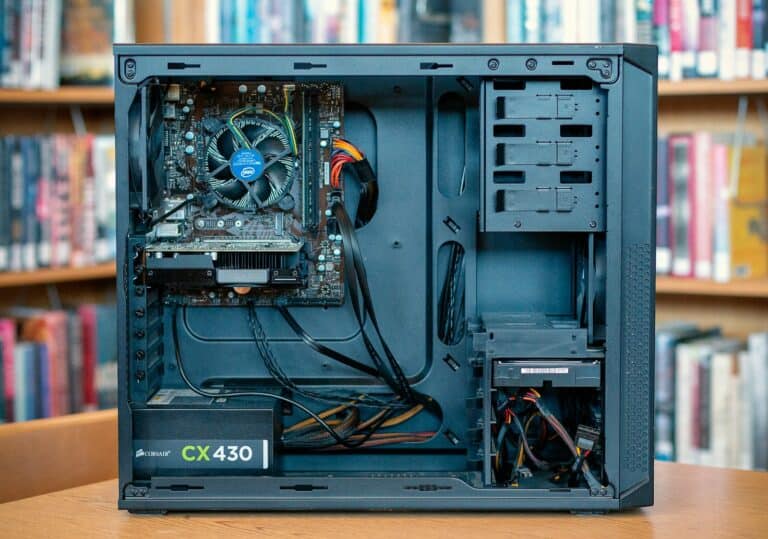
- Professional assembly and cable management
- One warranty covers the entire system
- Faster setup—plug and play
Cons of Prebuilt Gaming PCs
- Higher cost compared to building
- Limited component choice
- May include lower‑quality power supplies or motherboards
- Less flexible for future upgrades
What Does It Mean to Build Your Own Gaming PC?
Building a gaming PC involves selecting individual components—CPU, GPU, RAM, storage, power supply, case—and assembling them yourself.
Pros of Building a Gaming PC
- Best performance for your budget
- Full control over every component
- Easier and cheaper upgrades over time
- Valuable learning experience
- No unnecessary bloatware
Cons of Building a Gaming PC
- Requires time and research
- Assembly can be intimidating for beginners
- No single system‑wide warranty
- Troubleshooting issues is your responsibility
Performance Comparison
- Prebuilt PCs often prioritize appearance and branding, which can lead to weaker internal components.
- Custom builds allow you to invest where it matters most—typically the graphics card and CPU.
✅ Winner: Building your own PC
Cost and Value
Prebuilt systems include labor, branding, and warranties, increasing the price. Building your own PC typically gives you better hardware for the same money.
✅ Winner: Building your own PC
Warranty and Support
- Prebuilt PCs offer a single point of contact for support.
- Custom builds rely on individual part warranties, which can be more time‑consuming.
✅ Winner: Prebuilt PC
Upgradeability and Longevity
- Prebuilt systems may use proprietary parts, limiting upgrades.
- Custom PCs are designed for easy part replacements and long‑term use.
✅ Winner: Building your own PC
Which Option Is Best for You?
Choose a Prebuilt Gaming PC if you:
- Want a hassle‑free experience
- Don’t feel comfortable assembling hardware
- Prefer one warranty and customer support contact
- Need a PC immediately
Build Your Own Gaming PC if you:
- Want maximum performance per dollar
- Enjoy learning and customizing hardware
- Plan to upgrade over time
- Want full control over quality and parts
Final Verdict
Building your own gaming PC is the better choice for most gamers due to superior value, performance, and upgrade flexibility. However, prebuilt gaming PCs are ideal for users who want convenience and simplicity without worrying about assembly or troubleshooting.
Pros and Cons: Prebuilt vs. DIY Gaming PC
Advantages of Prebuilt Gaming PCs
Prebuilt gaming PCs offer several advantages that make them a popular choice for gamers:
- Convenience: The most significant advantage of prebuilt PCs is their convenience. They come fully assembled and ready to use out of the box. This saves you the time and effort of building a PC yourself, which can be a daunting task for those without technical expertise.
- Warranty and Support: Prebuilt PCs typically come with a warranty and technical support from the manufacturer. This can give you peace of mind, knowing that you have help available if something goes wrong.
- Cost: In some cases, prebuilt PCs can be more cost-effective than building your own, especially if you’re looking for a mid-range system. Manufacturers can often get components at lower prices than individual consumers, and they may also offer discounts on prebuilt systems.
Disadvantages of Prebuilt Gaming PCs
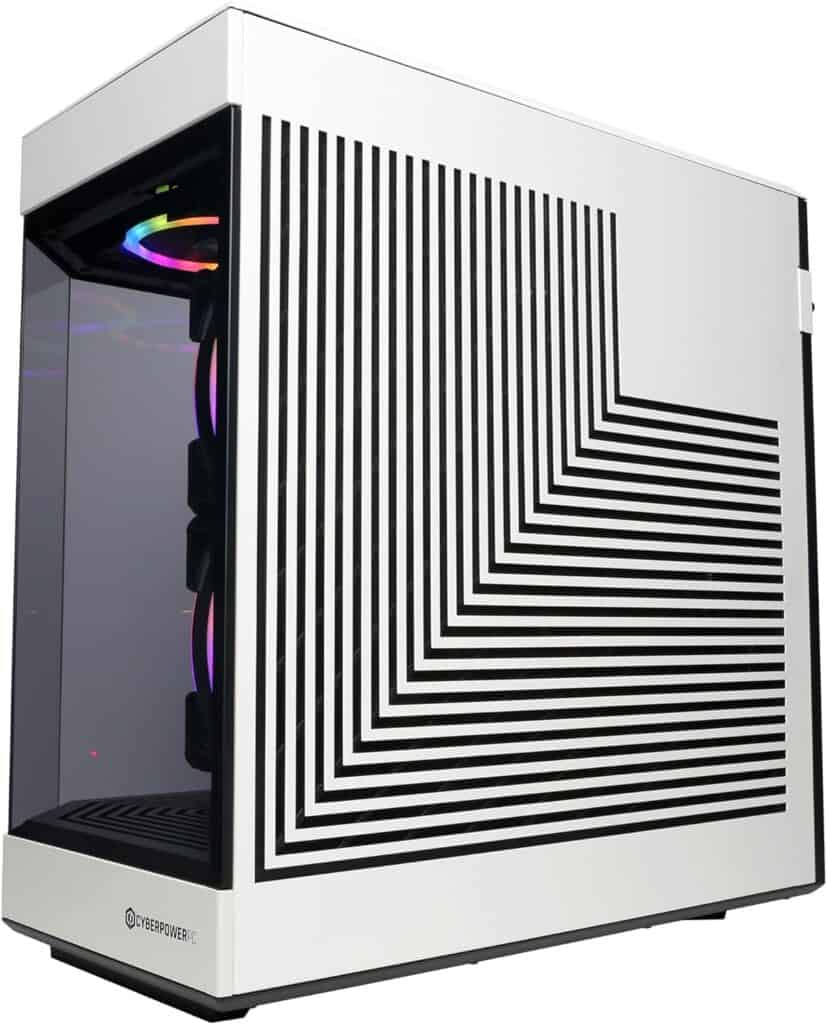
While prebuilt PCs have their advantages, there are also some downsides to consider:
- Limited Customization: One of the main drawbacks of prebuilt PCs is the limited customization options. You’re typically limited to the components and configurations offered by the manufacturer. This can be a problem if you have specific preferences or want to upgrade your PC in the future.
- Proprietary Components: Some prebuilt PCs may use proprietary components that are not compatible with standard parts. This can make it difficult to upgrade or replace components in the future.
- Lower Performance: In some cases, prebuilt PCs may have lower performance than custom-built PCs with similar specifications. This is because manufacturers may use lower-quality components or prioritize aesthetics over performance to keep costs down.
Advantages of Building a Gaming PC
Building your own gaming PC offers several benefits that appeal to many gamers:
- Customization: The biggest advantage of building a PC is the ability to customize every aspect of your system. You can choose the exact components you want, from the processor and graphics card to the case and cooling system. This allows you to build a PC that perfectly matches your needs and preferences.
- Higher Performance: Custom-built PCs often offer better performance than prebuilt systems with similar specifications. This is because you can choose high-quality components and optimize your build for performance.
- Cost Savings: While building a PC can be expensive upfront, it can save you money in the long run. You can often find better deals on individual components than on prebuilt systems, and you can upgrade your PC over time instead of buying a new one.
- Learning Experience: Building a PC is a rewarding learning experience. You’ll gain valuable knowledge about computer hardware and software, and you’ll have a deeper understanding of how your PC works.
Disadvantages of Building a Gaming PC
Building a PC also has some disadvantages that you should be aware of:
- Time and Effort: Building a PC takes time and effort. You need to research components, assemble the system, and install software. This can be a daunting task for beginners.
- Technical Expertise: Building a PC requires some technical expertise. You need to be comfortable working with computer hardware and software, and you need to be able to troubleshoot problems that may arise.
- Risk of Damage: There’s always a risk of damaging components when building a PC. This is why it’s important to be careful and follow instructions carefully.
- No Warranty or Support: Unlike prebuilt PCs, custom-built systems typically don’t come with a warranty or technical support. If something goes wrong, you’ll need to troubleshoot and fix it yourself.
Comparison Table: Prebuilt vs. Building a Gaming PC
| Feature | Prebuilt PC | Building a PC |
|---|---|---|
| Convenience | High | Low |
| Customization | Limited | High |
| Performance | Varies | High |
| Cost | Varies | Varies |
| Warranty and Support | Yes | No |
| Technical Expertise | None | Required |
| Risk of Damage | Low | High |
Which Is Better?
The best choice for you depends on your individual needs and preferences. If you prioritize convenience and don’t need a lot of customization, then a prebuilt PC may be a good option. However, if you want the highest possible performance, the most customization options, and a rewarding learning experience, then building your own PC is the way to go.
No matter which option you choose, be sure to research your options carefully and choose a system that meets your needs and budget.
Prebuilt vs. Building Your Own Gaming PC
| Feature | Prebuilt PC | Building Your Own PC |
|---|---|---|
| Convenience | Easiest option, arrives ready to use | Requires time for research, assembly |
| Customization | Limited options, may come with bloatware | Complete control over every component |
| Cost | Not always the most cost-effective | Potentially cheaper in the long run |
| Upgradability | Generally easier to upgrade some components | Easier to upgrade any component |
| Technical Knowledge | Not required | Necessary for research and assembly |
| Warranty & Support | Typically comes with manufacturer warranty | Warranty depends on individual components |
| Personal Satisfaction | No satisfaction of building it yourself | Pride of building your own machine |
Additional Considerations
- Prebuilt: Good for beginners, warranty support, potentially easier to find specific features (like Wi-Fi)
- Building Your Own: More control over performance and budget, easier to future-proof, requires research and troubleshooting
Key Takeaways
- Prebuilt gaming PCs offer out-of-the-box convenience and support.
- Custom-built PCs allow for tailored specifications and potential cost savings.
- Choosing between prebuilt or building a PC depends on personal preference, budget, and market conditions.
Key Considerations in Choosing Between Prebuilt and Custom-Built PCs
Deciding between a prebuilt gaming PC and assembling one yourself involves various factors. Budget, performance, and technical know-how are just the beginning.
Assessment of Cost and Budget
For many, price is a significant factor. Prebuilt PCs may offer a cost-effective solution with the advantage of coming with full warranties and support. However, building your own PC can sometimes be cheaper, especially if you’re able to source components at lower prices.
Analyzing Performance and Specifications
Performance is crucial for gaming. A custom-built PC allows for selecting specific components such as CPUs, GPUs, and RAM to meet desired specs. On the other hand, prebuilt systems might not always have the most balanced components, which can affect gaming performance.
Exploring the Convenience and Support Options
Prebuilt PCs come with convenience; they’re ready to use right out of the box and include customer service and technical support. Building a PC, while rewarding, means you’re your own support team unless parts have individual warranties.
Customization and Upgradability
A custom-built PC offers unparalleled flexibility in upgrades and customization. You can select every component, from the CPU cooler to storage options. Prebuilts can be less flexible, with some manufacturers limiting the parts you can upgrade.
Considering the Aesthetic Value
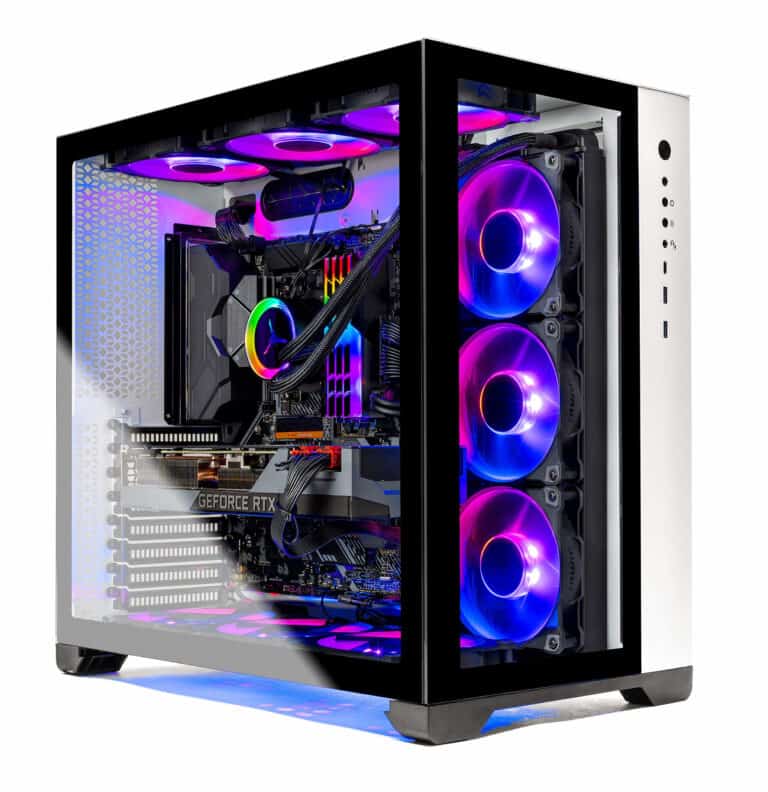
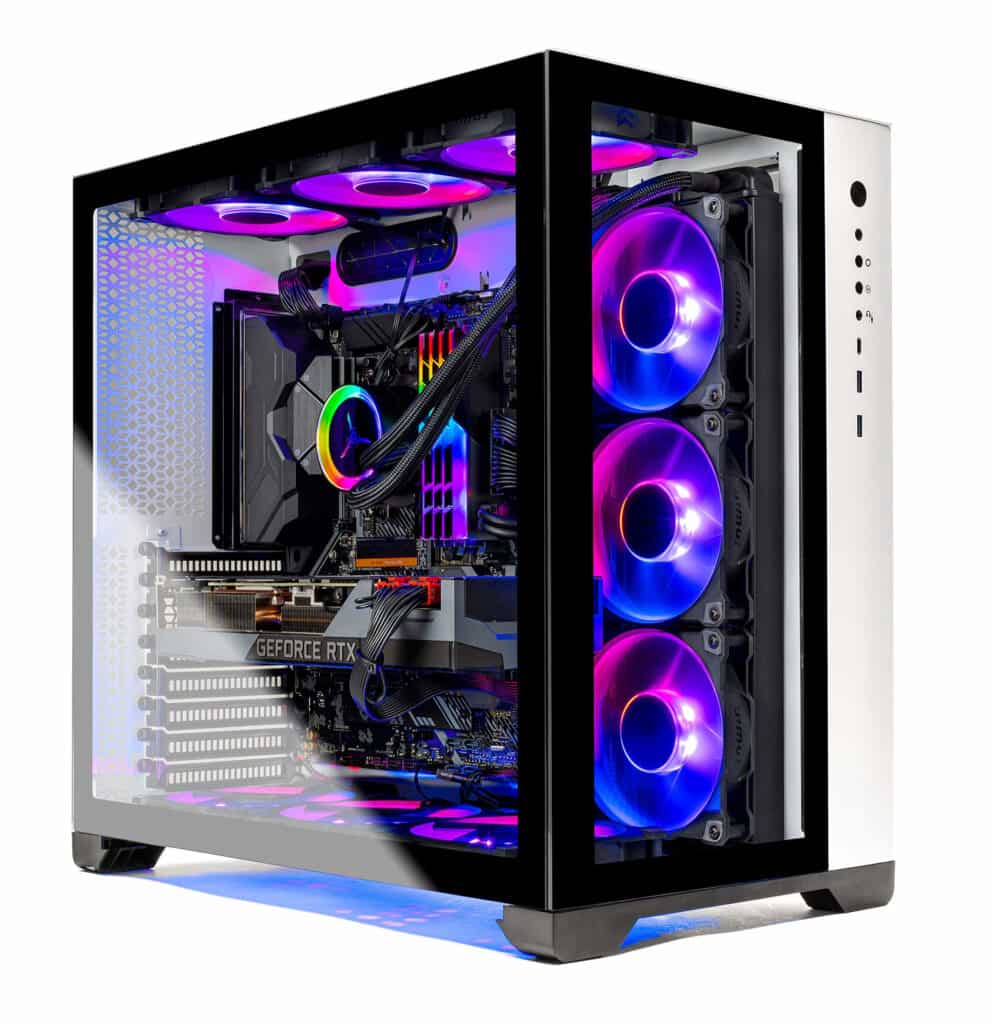
For those who care about design, building a gaming rig allows for personalized aesthetics, including RGB lighting and cable management. Prebuilt PCs often have a standard look, although some vendors offer customization.
Addressing System Complexity and Technical Knowledge
The technical challenge of building a PC shouldn’t be underestimated. It requires technical knowledge to select compatible parts and to assemble them correctly. Prebuilt systems are ideal for those less confident in their technical skills.
Availability and Market Factors
Shortages in the tech market can affect both routes. While building your own PC allows for part-by-part purchasing during sales, prebuilts might be the only option during severe component shortages.
Brand and Product Range Selection
Choosing a prebuilt often means selecting from a range of established brands such as HP, Dell, or specialized ones like Alienware or iBUYPOWER. Custom PC builders have the freedom to mix and match parts from a wide array of brands as per individual requirements.
Comparative Advantages and Disadvantages
When considering a new gaming PC, it’s crucial to weigh the pros and cons of prebuilt systems against the intricacies of building a custom rig.
Pros of Prebuilt Gaming PCs
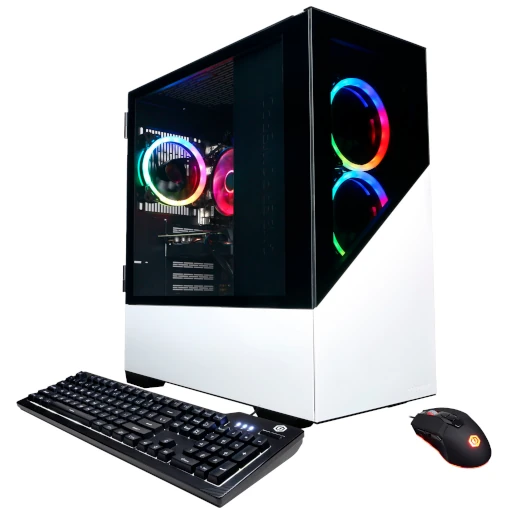
Prebuilt gaming PCs offer a convenient path to stepping into PC gaming. They save time and remove the guesswork involved in selecting compatible components. Many come with a warranty that covers the entire system, providing a safety net that individual part warranties do not. Manufacturer support is another significant benefit, as it simplifies troubleshooting processes. Popular prebuilt PC brands include Alienware, iBUYPOWER, CyberPowerPC, and MSI.
- Convenience: Immediate use upon purchase
- Support: Manufacturer warranties and customer service
- Time-saving: No need for selecting parts or building
Cons of Prebuilt Gaming PCs
However, prebuilt PCs may come at a higher price compared to the MSRP of the individual parts. Options for upgrades and customization can be limited by the original PC build, especially concerning proprietary components and PC case design. There may be compromises on part quality to cut costs, affecting overall system performance and cooling systems.
- Price: Often higher than the sum of individual parts
- Customization: Limited by design and proprietary parts
- Component Selection: Potential compromises on part quality
Benefits of Building a Custom Gaming PC
Building a custom PC can be cost-effective and allows unmatched flexibility in part selection. Enthusiasts can tailor their PC to their specific needs, optimizing for performance, and even aesthetics with custom cable management. This includes choosing a powerful CPU like Ryzen 5 3600 or Core i7, or a high-end GPU such as the RTX 3070. Builders also have the freedom to incorporate advanced cooling systems or liquid coolers.
- Customization: Full control over every component
- Cost-effective: Potential savings compared to prebuilt options
- Tailored Performance: Systems built to exact gaming or work specifications
Challenges of DIY PC Building
On the flip side, building a PC demands technical knowledge and a significant time investment. The risk of errors is higher, potentially leading to hardware issues or inefficiencies. Use of tools like PCPartPicker is beneficial for ensuring component compatibility, but potential builders must be prepared for troubleshooting without brand-specific support.
- Knowledge Required: Understanding of PC components necessary
- Time Investment: Building a PC takes time and patience
- Troubleshooting: Self-reliance required for any issues
Navigating the Prebuilt Landscape
When deciding between prebuilt or custom options, consider reputable sellers like Amazon, Micro Center, and OEMs like Dell and Lenovo. Examine warranties, read user reviews, and compare prices with DIY alternatives. Transparency about specifications, particularly about the motherboard, RAM (like DDR4-3200), storage options (like SSD or hard drive), power supply, and PC case, is key.
- Reputable Sellers: Consider where you buy the prebuilt PC
- Transparency: Look for detailed specifications on all components
- Comparison Shopping: Weigh options against DIY build costs and specs
Frequently Asked Questions
When it comes to choosing between a prebuilt gaming PC and building one from scratch, gamers often have many questions. This section aims to answer some of the most common inquiries.
What are the advantages of building your own gaming PC over purchasing a prebuilt one?
Building a gaming PC offers a deeper understanding of the components and their functions. Gamers can select high-quality parts that meet specific gaming requirements which may result in a more personalized and potentially higher-performing machine.
How does the cost of building a gaming PC compare to buying a prebuilt system?
The cost of building a PC is generally more affordable, as builders can handpick components based on their budget. However, in some cases, prebuilt PCs might come cheaper, especially during periods when the prices of individual parts are high due to shortages.
What are the potential drawbacks of choosing a prebuilt gaming PC?
Prebuilt gaming PCs might come with a premium price tag for assembly and branding. They can also have less potential for customization and upgrades. Additionally, manufacturers may include lower-quality components to cut costs, which could affect performance and longevity.
Can building your own PC result in better performance than prebuilt options?
Yes, building a PC can lead to better performance. By selecting top-of-the-line components that work well together, builders can create a system that is fine-tuned for their gaming needs, often achieving higher speeds and better graphics rendering than some prebuilt options.
How does building a PC compare to buying a prebuilt in terms of customization options?
Building a PC from scratch provides a broad range of customization. Builders can choose every part to fit their preferences for aesthetics, performance, and cooling, which is not always possible with prebuilt systems.
For beginners, is it recommended to build a gaming PC or to buy a prebuilt one?
For beginners without much experience, buying a prebuilt gaming PC may be a good starting point. It removes the complexity of the building process and ensures that components are compatible. However, if a beginner is eager to learn and willing to seek help from resources, building a PC can be an educational and rewarding experience.