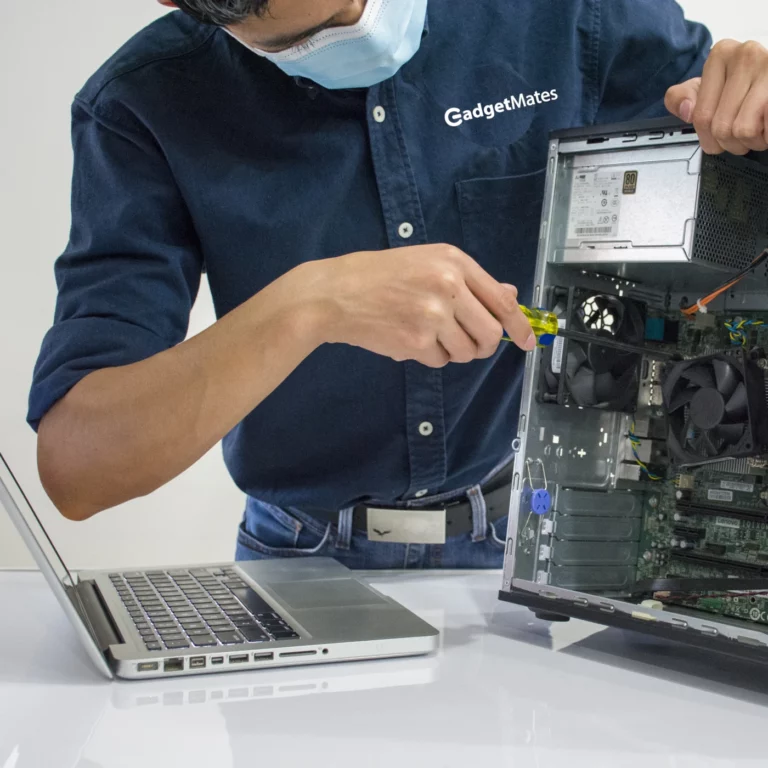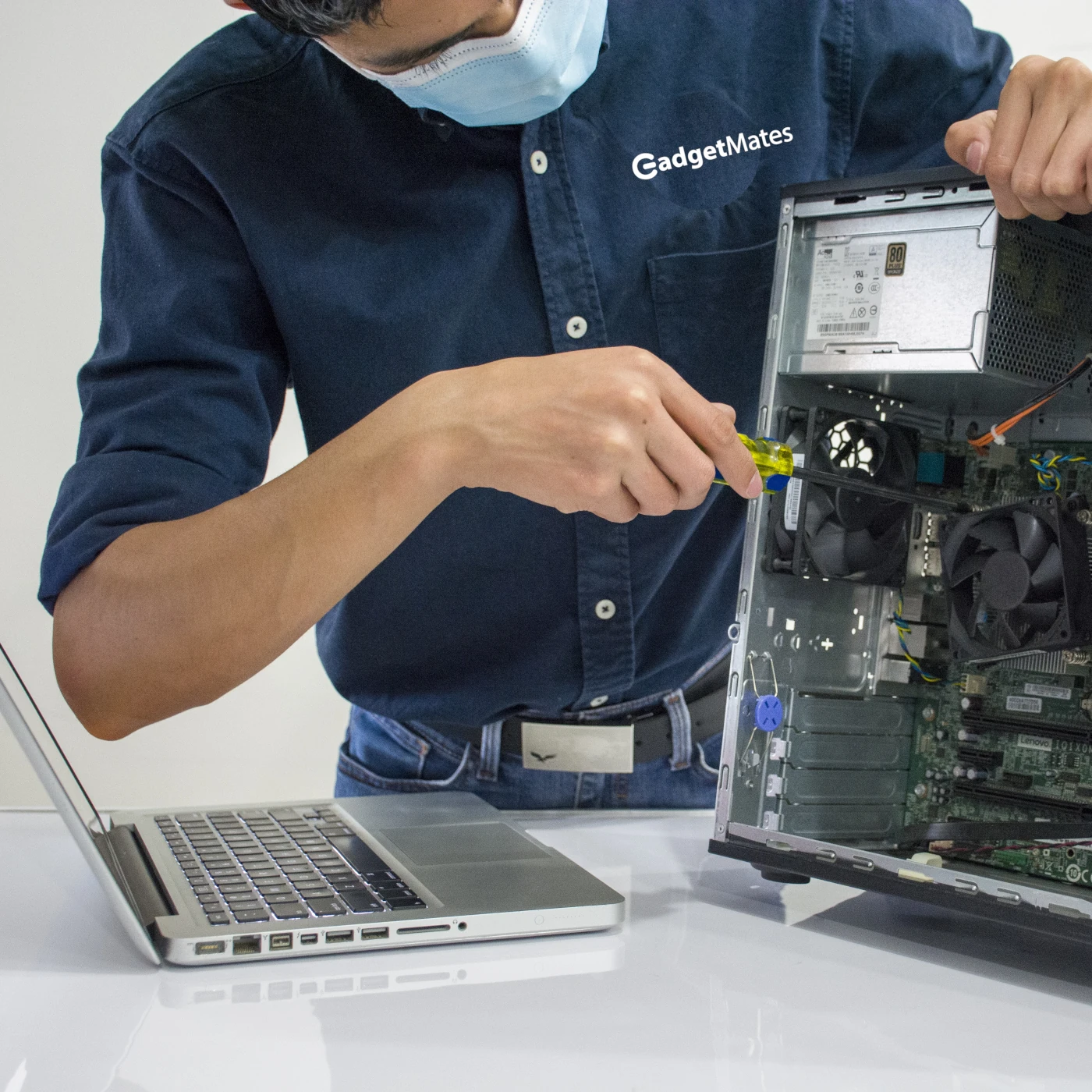
Computers aren’t cheap, and replacing one every few years can be frustrating and unnecessary. With proper care and smart habits, most computers—whether desktops or laptops—can last far longer than expected. Extending your computer’s lifespan isn’t about advanced technical skills; it’s about consistent maintenance and informed use.
Here’s how to keep your computer running smoothly for years to come.
Keep Your Computer Physically Clean
Dust and debris are silent killers of computer hardware. Over time, they block airflow and cause overheating.
What to do:
- Clean vents and fans every few months
- Use compressed air to remove dust from keyboards and ports
- Keep food and liquids away from your device
A cooler computer is a longer‑lasting computer.
Manage Heat and Ventilation
Heat is one of the biggest enemies of electronics.
Best practices:
- Place laptops on hard, flat surfaces
- Avoid using computers on beds or couches
- Ensure desktops have space around them for airflow
If your computer regularly runs hot, consider a cooling pad or improved case fans.
Update Software Regularly
Software updates aren’t just about new features—they often include performance improvements and security fixes.
Why this matters:
- Prevents compatibility issues
- Reduces system crashes
- Protects against malware and exploits
Always keep your operating system, drivers, and essential applications up to date.
Protect Against Malware and Viruses
Malware can severely slow down or even damage your system over time.
How to stay safe:
- Use reputable antivirus software
- Avoid suspicious downloads and links
- Keep your firewall enabled
A secure computer stays responsive and reliable longer.
Avoid Overloading Your System
Running too many programs at once strains both hardware and software resources.
Tips:
- Uninstall programs you no longer use
- Limit startup applications
- Close background apps when not needed
This reduces wear on your processor, memory, and storage.
Take Care of the Battery (Laptops)
Laptop batteries naturally degrade, but good habits can slow the process.
Battery‑friendly habits:
- Avoid constant 0%–100% charging cycles
- Unplug once fully charged when possible
- Keep batteries away from excessive heat
Some modern systems also offer battery health or charge‑limit features—use them.
Upgrade When Possible
Small upgrades can dramatically extend usability.
High‑impact upgrades include:
- Switching from an HDD to an SSD
- Adding more RAM
- Replacing an aging battery
These upgrades are often far cheaper than buying a new computer.
Handle Your Computer With Care
Physical damage shortens lifespan instantly.
Common mistakes to avoid:
- Dropping or roughly handling laptops
- Yanking charging cables
- Transporting devices without proper cases
Simple care goes a long way.
Back Up Your Data Regularly
While backups don’t extend hardware life directly, they protect you from total loss when something fails.
Recommended approach:
- Use cloud storage
- Keep an external backup drive
- Follow the 3‑2‑1 backup rule
A well‑maintained computer still needs a safety net.
Shut Down or Restart Occasionally
Leaving a computer on indefinitely can lead to memory leaks and software instability.
Best practice:
- Restart at least once a week
- Shut down when not in use for long periods
This keeps your system running efficiently.
Final Thoughts
Extending the lifespan of your computer isn’t about one big change—it’s about many small, smart habits. Clean it regularly, manage heat, keep software updated, and treat your device with care. With these steps, your computer can stay fast, reliable, and useful well beyond its expected lifespan.
A little maintenance today can save you hundreds—or even thousands—tomorrow.