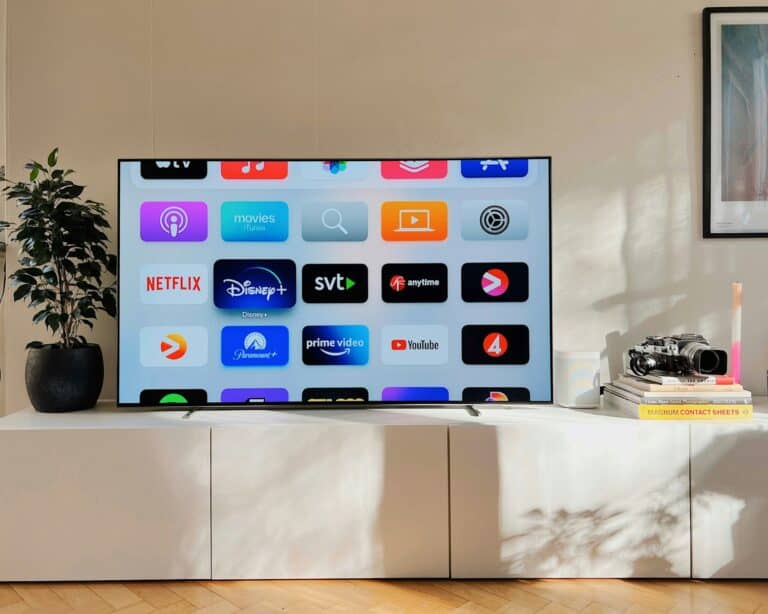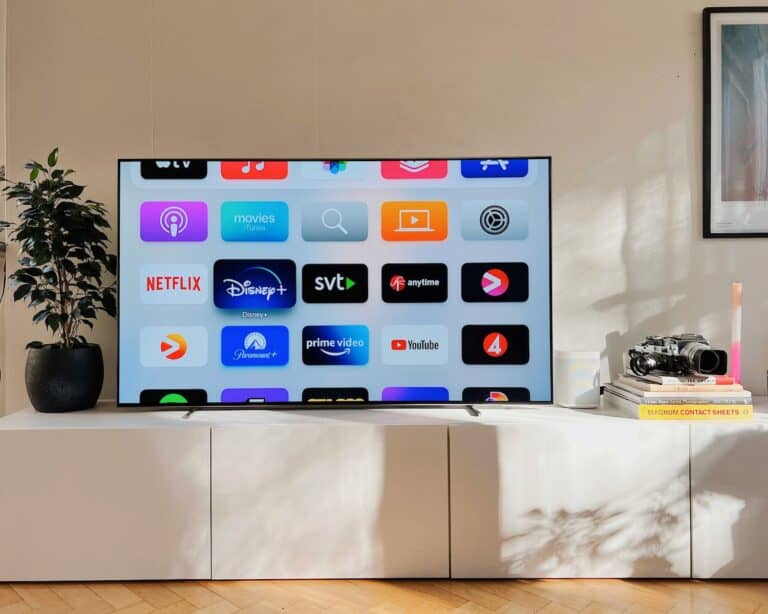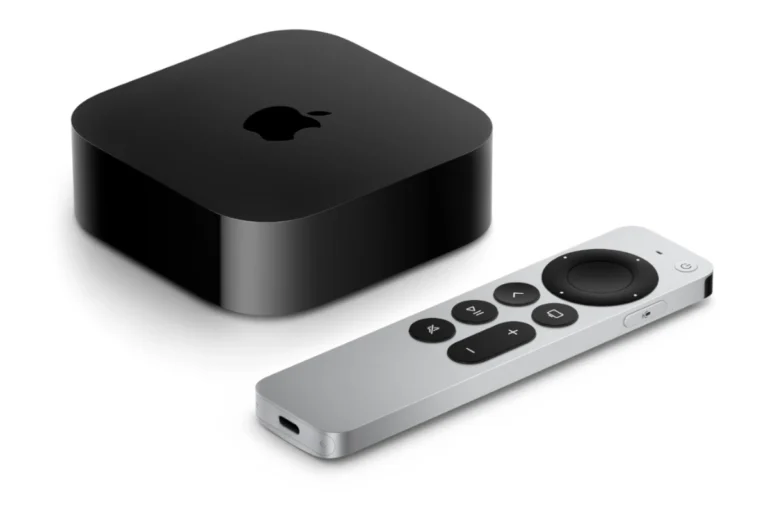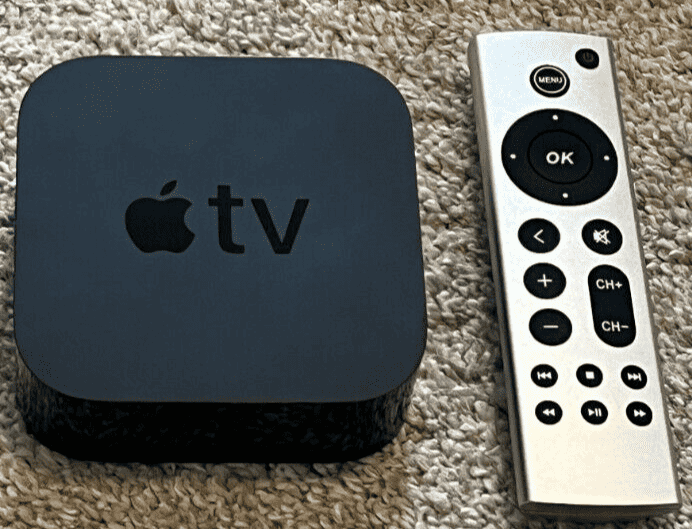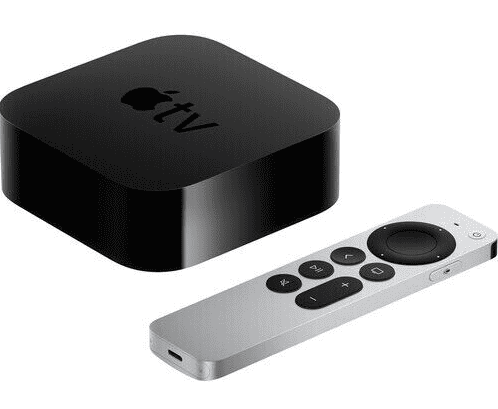
Apple TV is a powerful streaming and entertainment device, but one question keeps coming up: does Apple TV have a web browser? The short answer is no—at least not a traditional one like Safari. However, there are ways to access web content on Apple TV, and for many users, those methods are good enough.
This guide explains the current state of Apple TV web browsing, what options are available, and the best alternatives depending on your needs.
Does Apple TV Have a Built‑In Web Browser?
No. Apple TV does not include Safari or any other full web browser. Apple has intentionally avoided adding a native browser to tvOS, focusing instead on apps designed for a TV-first experience.
That said, this doesn’t mean web access is completely impossible.
Why Apple Doesn’t Include Safari on Apple TV
Apple’s decision is largely about usability and performance:
- Remote limitations – Browsing the web with a remote is slow and awkward
- tvOS design philosophy – Apple prioritizes apps over open web navigation
- Security & control – Limiting browsers reduces attack surfaces and user confusion
- App Store ecosystem – Encourages developers to build native tvOS apps instead
In short, Apple wants Apple TV to feel like a living‑room device, not a computer.
Ways to Access the Web on Apple TV
1. Third‑Party “Browser” Apps (Limited)
There are apps in the tvOS App Store that function as basic web viewers, such as:
- Simple web page viewers
- Bookmark-based browsers
- Embedded HTML viewers
Limitations:
- No full JavaScript support
- Poor compatibility with modern websites
- Clunky navigation
- Often unsupported or abandoned
These apps may work for reading simple pages, but they’re not a replacement for Safari.
2. AirPlay from iPhone, iPad, or Mac (Best Option)
AirPlay is the most practical way to browse the web on Apple TV.
How it works:
- Open Safari or another browser on your iPhone, iPad, or Mac
- Enable AirPlay
- Mirror your screen to Apple TV
Pros:
- Full Safari or Chrome experience
- Perfect website compatibility
- Easy text input
- Reliable performance
Cons:
- Requires another Apple device
- Not standalone browsing
For most users, this is the best and simplest solution.
3. Screen Mirroring from Windows or Android
You can also mirror a browser from non‑Apple devices using:
- Third‑party AirPlay apps
- Casting tools
- HDMI adapters
This works well for presentations, videos, or occasional browsing, though setup may take extra steps.
4. Use Apps Instead of Browsers
Many popular websites already have Apple TV apps, including:
- YouTube
- Netflix
- Twitch
- Plex
- Vimeo
- News and sports services
If a service has an Apple TV app, it’s almost always better than using a browser.
Can You Install Safari on Apple TV?
No. Safari cannot be installed on Apple TV, and Apple does not allow alternative full browsers on tvOS. Any app claiming to be “Safari for Apple TV” is not official and offers only limited functionality.
Is Web Browsing on Apple TV Worth It?
It depends on what you want to do:
| Task | Recommended Method |
|---|---|
| Casual website viewing | AirPlay from iPhone or Mac |
| Watching online videos | Native Apple TV apps |
| Reading articles | AirPlay or iPad |
| Full web browsing | Not ideal on Apple TV |
| Productivity tasks | Use a computer or tablet |
Apple TV is excellent for media consumption, but it’s not designed for general web use.
Will Apple Ever Add a Web Browser?
As of 2026, there’s no indication Apple plans to add Safari to tvOS. With the rise of dedicated apps, AirPlay, and cross‑device continuity, Apple seems content letting other devices handle web browsing.
That could change—but for now, Apple TV remains a browser‑free platform by design.
Final Thoughts
While Apple TV doesn’t have a native web browser, you’re not completely locked out of the web. AirPlay makes it easy to browse from another device, and most major services already offer excellent tvOS apps.
Bottom line:
Apple TV isn’t meant to replace a computer or tablet—but when paired with one, it handles web content just fine.