The increase in digital communication has made falling victim to phishing scams a serious concern. Phishing is when someone tries to get sensitive information by pretending to be a trustworthy entity online. It’s important to understand how these scams work and to be vigilant. Everyone needs to be careful with their personal information and use strong security practices. Learning about phishing signs and using smart defenses can help protect against online scammers. This means being cautious with emails and messages, avoiding unsolicited pop-ups, and not sharing personal information online.
Phishing Scams: How to Avoid and Recover From Them
Phishing scams are one of the most common and dangerous online threats today. They trick people into sharing sensitive information such as passwords, credit card numbers, or personal data by pretending to be trustworthy sources. This guide explains how phishing scams work, how to avoid them, and what to do if you fall victim.
What Is a Phishing Scam?
Phishing is a type of cybercrime where attackers pose as legitimate organizations or individuals—such as banks, social media platforms, or employers—to steal personal information.
Phishing scams can happen through:
- Text messages (SMS phishing or “smishing”)
- Phone calls (voice phishing or “vishing”)
- Fake websites
- Social media messages
Common Types of Phishing Scams
1. Email Phishing
Fraudulent emails that appear to come from trusted companies, often urging you to click a link or download an attachment.
Red flags:
- Urgent language (“Act now” or “Your account will be locked”)
- Misspellings or poor grammar
- Suspicious sender addresses
2. Smishing (Text Message Phishing)
Scam messages sent via SMS pretending to be delivery services, banks, or government agencies.
Examples:
- “Your package is on hold. Click here to confirm.”
- “Unusual activity detected on your bank account.”
3. Vishing (Phone Call Phishing)
Scammers call pretending to be customer support, law enforcement, or tech companies to pressure you into sharing information.
4. Fake Websites
Scam websites that closely resemble legitimate ones, designed to steal login credentials or payment details.
5. Social Media Phishing
Scams sent through DMs or comments offering prizes, job opportunities, or fake account warnings.
How to Avoid Phishing Scams
1. Verify the Sender
- Check the sender’s email address or phone number carefully
- Be cautious of unexpected messages, even if they appear legitimate
2. Don’t Click Suspicious Links
- Hover over links to see the real URL
- Manually type the website address into your browser instead
3. Never Share Sensitive Information
Legitimate organizations will never ask for:
- Passwords
- One-time codes
- Social Security numbers
- Full credit card details
4. Look for Security Indicators
- Ensure websites use HTTPS
- Watch for subtle misspellings in domain names (e.g.,
paypa1.com)
5. Enable Security Features
- Use two-factor authentication (2FA)
- Install updates for your operating system and apps
- Use reputable antivirus or security software
6. Trust Your Instincts
If something feels off, slow down and double-check before taking action.
What to Do If You’ve Fallen for a Phishing Scam
If you suspect you’ve been phished, act quickly.
1. Change Your Passwords Immediately
- Reset passwords for affected accounts
- Use strong, unique passwords for each account
2. Enable Two-Factor Authentication
This adds an extra layer of security, even if your password is compromised.
3. Contact the Affected Company
- Reach out to your bank, email provider, or platform directly
- Use official websites or phone numbers, not links from the scam message
4. Monitor Your Accounts
- Check bank statements and transaction history
- Watch for suspicious logins or account changes
5. Scan Your Device
- Run a full malware or antivirus scan
- Remove any suspicious software or browser extensions
6. Report the Scam
Reporting helps protect others.
- Email phishing: Report to your email provider
- Text scams: Forward to your carrier or report as spam
- In the U.S.: Report to the FTC at reportfraud.ftc.gov
- Internationally: Contact your local consumer protection agency
How to Protect Yourself in the Future
- Use a password manager
- Keep backups of important data
- Regularly review privacy and security settings
- Educate yourself and others about new scam techniques
Stay Safe Online: Essential Security Practices
Protecting your information in the digital world is vital. Hackers and cybercriminals are always searching for new ways to exploit vulnerabilities. Here are some critical strategies to keep yourself safe online:
Strong Passwords are Your First Defense
- Unique Passwords: Use a different password for every important account. That way, even if one password is compromised, the rest of your accounts stay safe.
- Complexity: Aim for long passwords (at least 12 characters) with a mix of letters, numbers, and symbols.
- Password Managers: These handy tools store and generate complex passwords for you. You’ll only need to remember one master password to access them all.

Safeguard Your Online Activities
- Two-Factor Authentication (2FA): This adds an extra layer of security by requiring a code (sent by text or email) whenever you try to log into a website or service.
- Secure Connections: Check for the padlock symbol in your address bar before entering personal information online. This indicates a secure HTTPS connection.
- Beware of Phishing: Don’t open suspicious emails or click on links you don’t recognize. These tactics are designed to trick you into giving up your login credentials.
Protecting Your Devices
| Tips & Reasons |
|---|
| Updates are Essential: Install the latest operating system and software updates to patch any security holes. |
| Use Antivirus or Antimalware Software: These programs guard your computer against viruses and other threats. |
| Beware of Public Wi-Fi: These networks lack security, making you vulnerable to hackers. Use a VPN if you must work on public Wi-Fi. |
| Back Up Your Data: Regularly back up your important files to an external hard drive or cloud service, just in case something happens to your device. |
Additional Tips:
- Be Careful What You Share: Think before you post personal information online. Once you share it, you could lose control over it.
- Review App Permissions: Before downloading a new app, look at what data and permissions it wants to access.
By following these tips, you can lower your risk of falling victim to cybercriminals. Online security is an ongoing process, so stay aware and vigilant!
I’ve Been Phished! What To Do Now
If you realize you’ve fallen victim to a phishing scam, acting quickly is crucial to limit the damage. Here’s what to do:
Immediate Actions
- Change Your Passwords: Immediately change your passwords on the compromised account AND any other accounts where you may have used the same password.
- Contact Your Financial Institutions: Notify your bank or credit card companies if you’ve given away any financial information. They can monitor your accounts for fraudulent activity and freeze them if necessary.
- Scan for Malware: If you clicked a link or downloaded an attachment in the scam, run a full system scan with your antivirus software.
Reporting the Scam
- Report to the Relevant Company: Contact the company or service that the scammer was impersonating. This helps them track scams and warn other potential victims.
- File a Report with Authorities: Report the scam to the appropriate agencies:
- FTC (Federal Trade Commission)
- IC3 (Internet Crime Complaint Center): File a report at https://www.ic3.gov
Additional Considerations
- Monitor Your Accounts: Stay extra alert and watch for suspicious activity on your accounts in the weeks and months after a scam.
- Credit Report Check: Consider getting a free credit report to look for any unauthorized accounts or transactions.
Remember
Falling victim to a scam can be stressful, but taking swift action can help you recover and protect yourself from further harm.
Key Takeaways
- Phishing scams pose a significant threat to personal information.
- Recognizing the warning signs of phishing is vital for security.
- Implementing proper safeguards can greatly enhance protection against phishing attempts.
Understanding Phishing Scams
Phishing scams are deceptive attempts by scammers to obtain sensitive information. By understanding their strategies, you can better protect yourself.
The Anatomy of a Phishing Scam
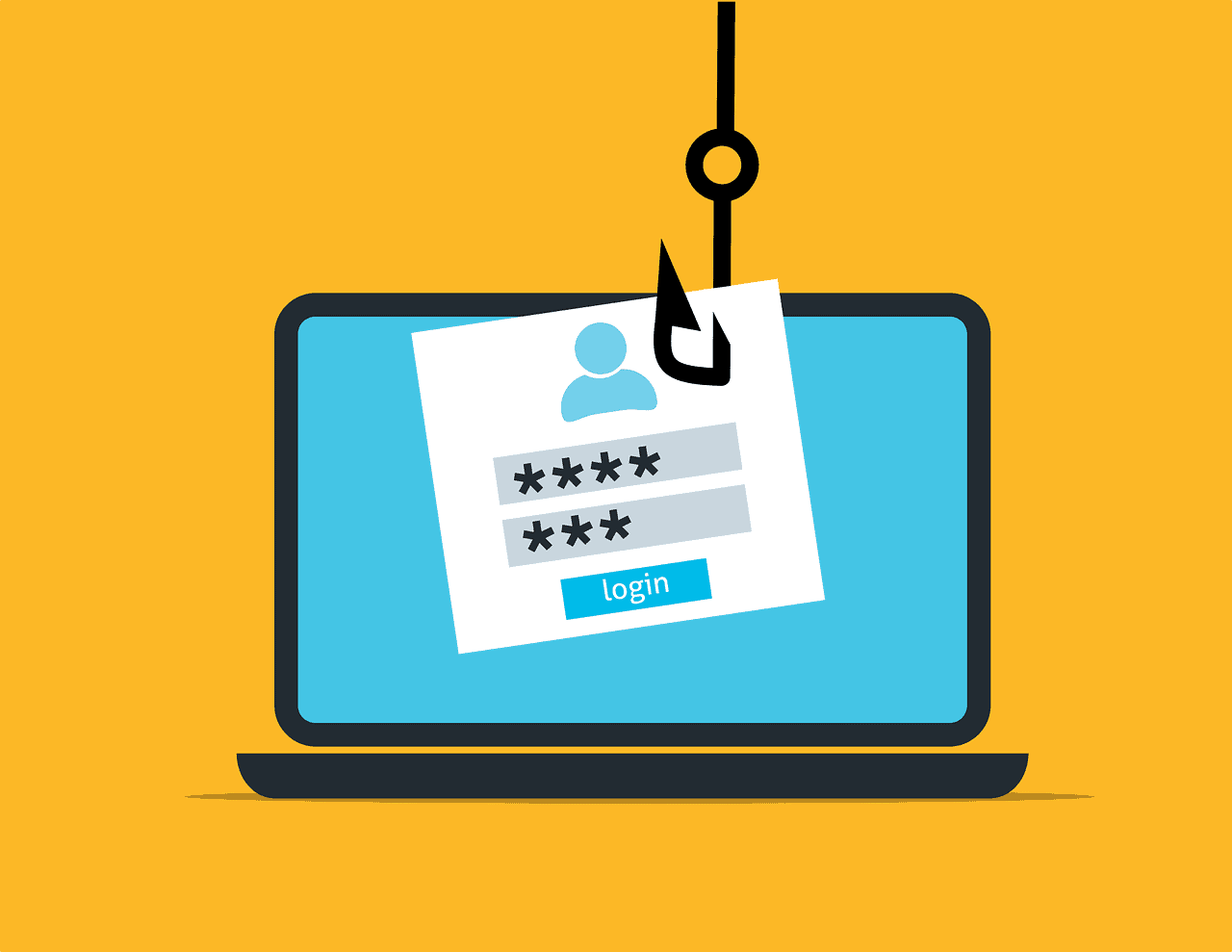
Phishing scams typically involve a convincing lure, often an email or message, intended to trick the recipient into taking an action that breaches their own security. This could be clicking a malicious link that installs malware, revealing personal information, or entering login details into a fake website. The scam usually presents a facade of legitimacy, making it harder to detect at a glance.
- Bait: A piece of communication, like an email or a text.
- Hook: A malicious link, attachment, or request for information contained in the bait.
- Catch: The scammer’s goal, often installing malware or stealing credentials.
Common Types of Phishing Attacks
Phishing attacks take many forms. Here are a few common methods:
- Email Phishing: Scammers send a mass email with a generic greeting, hoping to trick at least some recipients.
- Spear Phishing: More targeted attacks on individuals or companies using personalized information to appear more credible.
- Smishing: Scams executed via SMS, where victims receive text messages linking to malicious websites.
- Vishing: Voice-based phishing where scammers call victims, posing as legitimate institutions to elicit information.
Recognizing Suspicious Emails and Messages
Identifying phishing can save you from becoming a victim. Pay attention to these red flags:
- Generic Greeting: A lack of personalization like “Dear Customer,” can be a sign of phishing.
- Poor Grammar and Spelling: Professional organizations usually edit meticulously. Errors can point to scams.
- Urgency: Scammers often create a sense of urgency, pressuring you to act fast.
- Unusual Requests: Be wary of requests to provide sensitive information, especially if it comes unexpectedly.
By recognizing these signs, you can significantly reduce the risk of falling prey to phishing scams.
Protecting Yourself and Your Information
Securing personal and financial information online requires specific, proactive steps. Implementing the best practices and advanced security measures can significantly reduce the risk of falling victim to scammers. Should you encounter a potential phishing attempt, knowing the immediate actions to take is crucial for safeguarding your identity and assets.
Best Practices for Online Security
Password Management: Start by creating strong passwords that combine uppercase and lowercase letters, numbers, and symbols. Avoid using personal information like birth dates or addresses. Regularly update passwords, especially for accounts holding sensitive data.
Software Update: Keep your computer and phone’s security software up-to-date to defend against new threats. Enable spam filters to help sort out unwanted and potentially dangerous emails.
Two-Factor Authentication (2FA): Enable 2FA on all available platforms. This adds an extra security layer, often requiring a code sent to your phone or email, beyond just the password.
Educate on Scams: Be familiar with the tactics of scammers. Do not click on suspicious links from emails or social media. If unsure, contact the company directly through official channels to verify the communication’s authenticity.
Advanced Security Measures
Privacy Settings: Regularly review privacy settings on social media and other online platforms to control who can see your personal information.
Protect Networks: Use a secure connection, avoid public Wi-Fi for transactions, and consider using a VPN (Virtual Private Network).
Identity Protection Services: Consider subscribing to services like McAfee Identity Theft Protection, which monitor and alert you to potential misuse of your personal information.
What to Do If You Suspect a Phishing Attempt
Immediate Action: If you receive a suspicious email, do not respond or click on any links. Forward phishing emails to the Anti-Phishing Working Group or report phishing attempts to reportfraud.ftc.gov.
Inform Companies: Contact your bank or credit card company if you suspect your financial information was compromised.
Change Passwords: If you clicked on a phishing link, immediately change all potentially affected passwords and monitor your accounts for irregular activities.
Frequently Asked Questions
Phishing scams pose real risks. Understanding how to identify and react to them is crucial.
How can individuals recognize and defend against phishing attempts?
Individuals can recognize phishing by scrutinizing emails for misspelled domain names, unfamiliar senders, and urgent or threatening language requesting personal information. To defend against these attempts, never click on suspicious links and verify the sender’s credibility through independent resources.
What immediate actions should someone take upon receiving a suspect phishing communication?
Upon receiving a suspect communication, one should refrain from clicking on any links, opening attachments, or replying to the message. It is important to report the phishing attempt to the organization being impersonated or to relevant authorities.
What methods are most effective in preventing phishing emails from reaching employees within an organization?
Organizations can reduce phishing risks via advanced email filtering, employee education programs, and regular security awareness training that emphasizes the identification of phishing emails.
What steps can be taken to enhance personal online security against various types of phishing tactics?
Enhancing security involves setting strong, unique passwords, using two-factor authentication, and continuously updating software to patch security vulnerabilities. Individuals should also install reliable security software that provides real-time protection.
In the event of falling victim to a phishing attack, what measures should be taken to mitigate the risks?
If one falls prey to phishing, they should immediately change passwords for affected accounts, monitor bank statements for unusual activity, and contact their financial institution. They may also need to report the incident to the authorities and consider identity theft protection services.
What distinguishes phishing from other types of online scams, and how does this affect the preventive measures one should employ?
Phishing specifically uses misleading communications to extract sensitive information. This deception can be countered by being vigilant with personal information and always verifying the legitimacy of requests for such information, unlike some scams which may involve different preventative strategies.