When a smartphone overheats, it can be a sign of various issues, from simple to complex. The normal operating temperature for most phones is between -4 and 113 degrees Fahrenheit. Exceeding this range may cause the device to malfunction or, in extreme cases, even become a safety hazard. Heat can come from the phone’s environment, like a hot car in summer, or from internal sources, such as a demanding app or a malfunctioning battery.
Managing this heat involves understanding its sources and finding proper solutions. A phone may get hot while charging, which is normal, but persistent overheating can indicate problems with the charging system or the battery itself. Similarly, software issues can force a phone’s processor to work harder, generating more heat. Taking steps to minimize these risks helps prolong the life of the device and ensures better performance.
Understanding and Managing Cell Phone Overheating: A Complete Guide
Cell phone overheating is a common issue that can affect performance, battery life, and even the lifespan of your device. Understanding why your phone heats up and how to manage it effectively can help you maintain optimal device health and avoid damage.
Why Do Cell Phones Overheat?
Common Causes:
- Heavy Usage: Gaming, video streaming, or running multiple apps simultaneously.
- Environmental Factors: Using your phone in direct sunlight or hot environments.
- Charging Habits: Using fast chargers or charging while using power-intensive apps.
- Background Processes: Apps running in the background consuming CPU resources.
- Poor Ventilation: Using thick cases or placing the phone on soft surfaces that trap heat.
- Software Issues: Bugs or outdated software causing excessive CPU use.
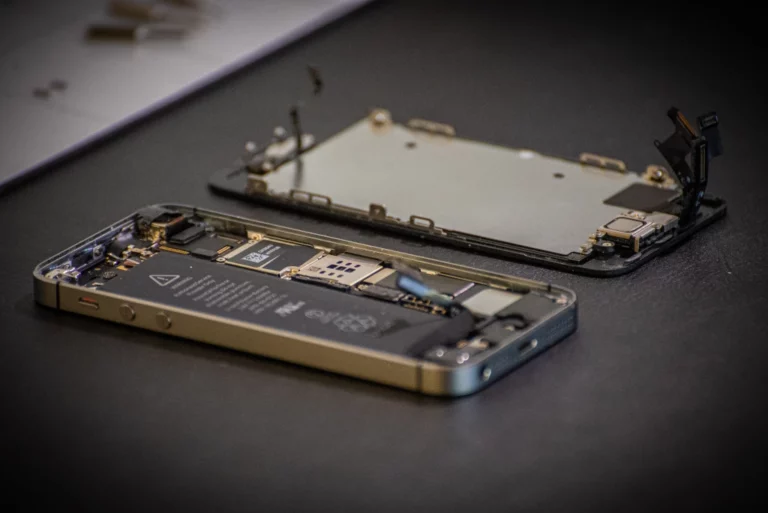
- Hardware Problems: Battery degradation or internal component faults.
Signs Your Phone Is Overheating
- Phone feels hot to touch, especially near the battery or processor.
- Performance slows down or apps crash.
- Battery drains faster than usual.
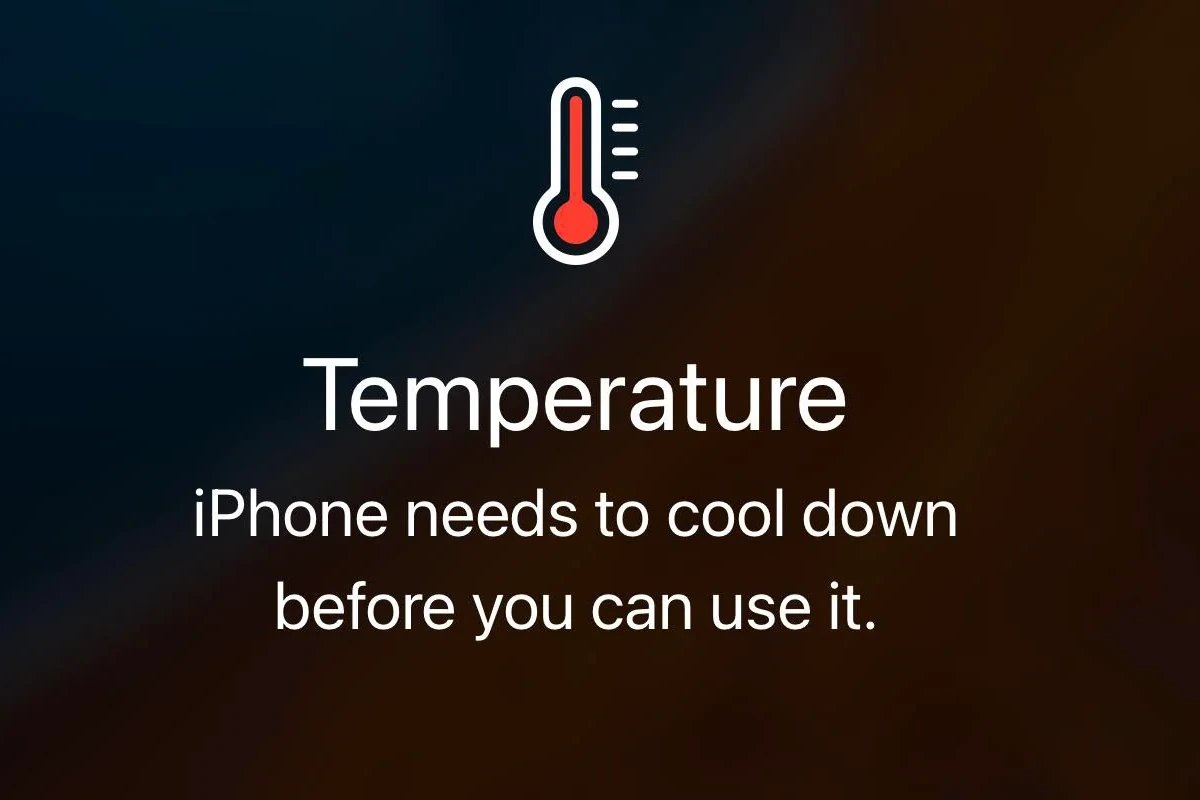
- Warning messages about temperature appear.
- Charging slows or stops automatically.
How to Manage and Prevent Overheating
1. Close Unnecessary Apps
- Regularly close apps running in the background.
- Avoid running multiple heavy apps simultaneously.
2. Avoid Using Phone in Hot Environments
- Keep your phone out of direct sunlight.
- Avoid leaving it in hot cars or near heat sources.
3. Remove Phone Case Temporarily
- Thick or insulated cases can trap heat.
- Remove the case if your phone feels hot to help dissipate heat faster.
4. Limit Intensive Activities
- Reduce prolonged gaming or video streaming sessions.
- Avoid using power-hungry apps while charging.
5. Use Original Chargers and Cables
- Use manufacturer-approved chargers to prevent excess heat during charging.
- Avoid cheap third-party chargers.
6. Update Software Regularly
- Install the latest OS and app updates.
- Updates often include performance improvements and bug fixes that reduce overheating.
7. Restart Your Phone Regularly
- Restarting clears temporary files and stops runaway processes.
8. Enable Battery Saver or Low Power Mode
- These modes limit background activity and reduce CPU load.
9. Manage Background App Activity
- Restrict background data or activity for apps that don’t need it.
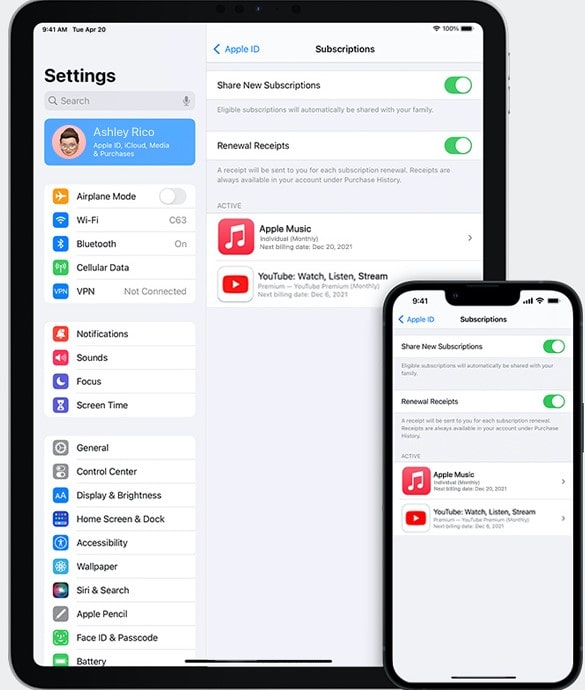
- On iOS: Settings > General > Background App Refresh.
- On Android: Settings > Apps > Select app > Battery > Background restriction.
10. Check for Malware or Rogue Apps
- Malware can cause excessive CPU usage.
- Use trusted security apps to scan your phone.
What to Do If Your Phone Overheats Frequently
- Backup your data regularly to avoid loss.
- Factory reset as a last resort to eliminate software issues.
- Contact support or visit a service center if overheating persists, as it might be a hardware issue.
Summary Table: Quick Tips to Manage Overheating
| Action | Benefit |
|---|---|
| Close unused apps | Reduces CPU load |
| Avoid direct sunlight | Prevents external heat buildup |
| Remove phone case | Improves heat dissipation |
| Use original charger | Safe charging, less heat |
| Update software | Fixes bugs causing overheating |
| Enable battery saver | Limits background activity |
| Scan for malware | Stops malicious CPU usage |
Final Thoughts
Managing cell phone overheating involves a mix of good usage habits, proper charging practices, and keeping your software up to date. By understanding the causes and applying these tips, you can keep your device cool, extend its life, and maintain peak performance.
For more detailed advice, visit:
Tips for Preventing and Troubleshooting Cell Phone Overheating
Cell phones are incredibly useful devices, but they can overheat. This can be inconvenient or downright dangerous in some cases. Your phone can overheat for a variety of reasons, but there are some simple steps you can take to prevent this problem and deal with it when it occurs.
What causes phones to overheat?
Several factors can contribute to cell phone overheating:
- Intensive tasks: Playing graphics-heavy games, video editing, or running multiple demanding apps simultaneously can strain your phone’s processor.
- Prolonged exposure to heat: Leaving your phone in direct sunlight, in a hot car, or near other heat sources can cause the internal temperature to rise.
- Malware: Some forms of malware can run processes in the background, overworking your phone’s processor.
- Outdated software: Issues within your operating system or outdated apps can sometimes lead to higher resource usage and overheating.
- Faulty battery: A malfunctioning battery can generate excessive heat.
How to keep your phone from overheating
Here are some tips to help prevent your phone from overheating:
| Tip | Description |
|---|---|
| Take breaks | Give your phone a chance to cool down after extended periods of heavy use. |
| Shade your phone | Avoid leaving your phone in direct sunlight or other hot environments. |
| Reduce screen brightness | Your display draws a lot of power. Lowering screen brightness can conserve energy and reduce heat. |
| Close unused apps | Background apps can drain resources. Make a habit of closing apps you’re not actively using. |
| Use airplane mode | If you’re in a location with weak cell signal, your phone will work harder to stay connected, generating heat. Temporarily turning on airplane mode can help. |
Troubleshooting an overheating phone
If your phone starts to get too hot:
- Stop using it immediately: Let it cool down before you use it again.
- Remove the case: Your case may be trapping heat.
- Place it near a fan: A fan or air conditioning can help dissipate the heat faster.
- Check for updates: Ensure your operating system and apps are up-to-date.
- Scan for malware: Use a reputable antivirus app to scan your phone for malware.
Important Note: If your phone frequently overheats or overheats severely, consider having it checked out by a technician. A faulty battery or hardware issue may be the cause.
Key Takeaways
- Overheating can be caused by external and internal factors.
- Proper management includes identifying the heat source and solving the issue.
- Regular maintenance and correct usage help prevent overheating.
Causes and Prevention of Overheating
When phones get too hot, they can act up, slow down, or even get damaged. To keep your phone cool, it’s important to understand the causes of overheating and ways to prevent it.
Environmental Factors and Phone Use
Direct sunlight is a common cause of phone overheating, especially on a summer day or at the beach. It’s best to keep your phone out of the sun. Avoid using it and charging it in hot places to maintain a safe internal temperature. Heavy phone use can also make it hot. Playing games, watching videos, or using apps for long times heats up the phone. To prevent overheating, take breaks from intense use and avoid covering your phone with blankets or keeping it in a tight pocket.
Hardware and Software Considerations
The phone’s battery, CPU, and other components can get hot with use. A damaged battery or hardware issues, like in the Galaxy Note 7, can cause overheating. Keep everything up to date, including your phone’s software. Software update and app updates can fix bugs that make phones overheat. Watch out for malware or virus. They make the phone work too hard and heat up.
Managing Device Settings and Connectivity
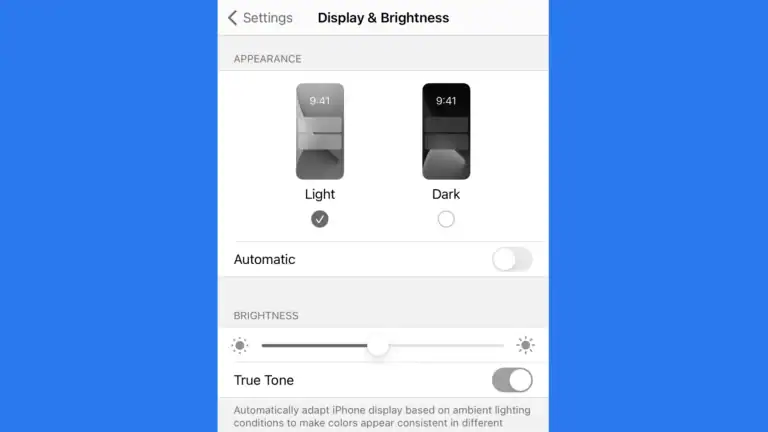
Turn down screen brightness to help keep your phone cool. Manage connectivity when not in use — Wi-Fi, GPS, and Bluetooth can make the phone work harder. Use airplane mode to cool down a hot phone. Check your charging cable and plug for damage. A bad cable or charger can lead to overheating while charging. A good phone case can protect your phone but make sure it does not keep in too much heat.
Troubleshooting and Handling an Overheated Phone
When your smartphone gets too hot, it can cause problems. This section offers solutions and ways to keep your phone cool.
Immediate Response to Overheating
If your phone is too hot, turn it off right away. This can prevent damage. Take it out of the sun or away from heat. Give your phone time to cool down. Do not put it in the freezer; this can lead to water damage. Instead, place it in front of a fan or in a cooler spot.
Long-Term Strategies and Maintenance
Keep your phone running well by taking breaks especially when streaming video or playing demanding games. Games can make your phone work hard and cause heat. Update your software often. Updates can fix problems that make your phone overheat. Close apps you’re not using and check for malware that might cause issues. Using a different charger may help if yours runs hot. Always choose chargers from a reputable brand.
Recognizing and Addressing Phone Defects
Sometimes a defect can cause overheating. Batteries can suffer from wear and may not last as long. A phone with a battery problem may overheat. If your phone often gets too hot, it might have an internal defect. This can be serious. It can even lead to a fire or explosion. If you think there is a defect, contact the maker of your phone or take it to a professional.
Frequently Asked Questions
This section provides direct answers to common questions about managing and preventing cell phone overheating.
What measures can I take to prevent my phone from overheating?
Keep your phone out of direct sunlight and high temperatures. Use apps wisely by closing those not in use. Regularly update your phone to ensure it runs smoothly and delete unused apps to reduce strain on the processor.
What should I do if my phone is hot and the battery is draining rapidly?
Stop using the phone immediately. Turn it off or place it in airplane mode to stop all active functions. Let it cool down before charging or using it again. Check for demanding apps running in the background and close them.
What could be causing my phone to overheat so frequently?
Frequent overheating may be due to heavy usage, too many apps running at once, or exposing your phone to heat for long periods. Faulty batteries or chargers and outdated software can also cause excessive heat.
What are the most effective methods to quickly cool down an overheated phone?
Turn off your phone or remove it from use. Move it to a cooler, shaded area. Avoid putting it in a fridge or freezer as extreme cold can damage it. Remove the phone’s case to help it cool faster.
Are there any risks associated with a phone becoming excessively hot?
Yes, high temperatures can reduce battery life, damage internal components, and in extreme cases, cause the battery to swell or the phone to shut down. Continuous overheating can lead to permanent damage to the device.
What are the recommended practices for charging a phone without causing it to overheat?
Use the correct charger for your device. Don’t charge your phone under a pillow or on a bed, as these can trap heat. Charge your phone in a cool, ventilated area and consider removing the case while charging to dissipate heat.