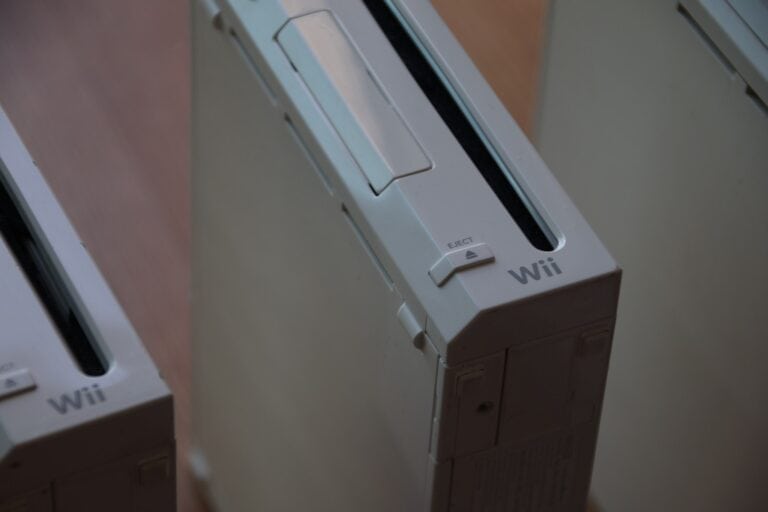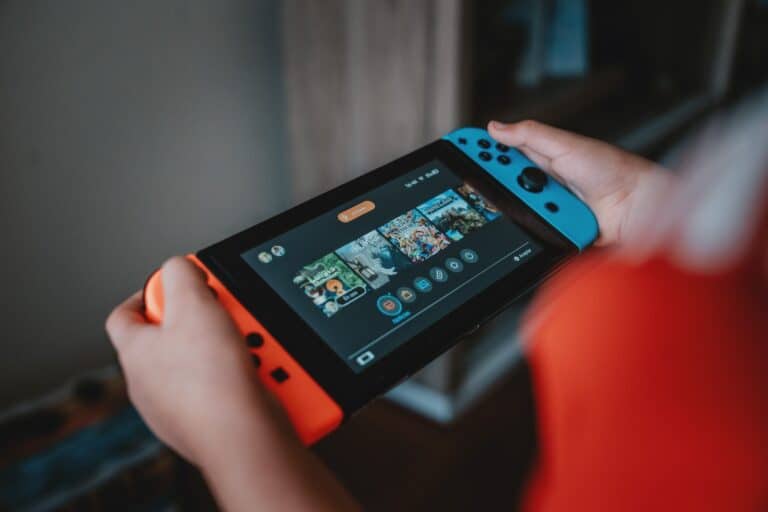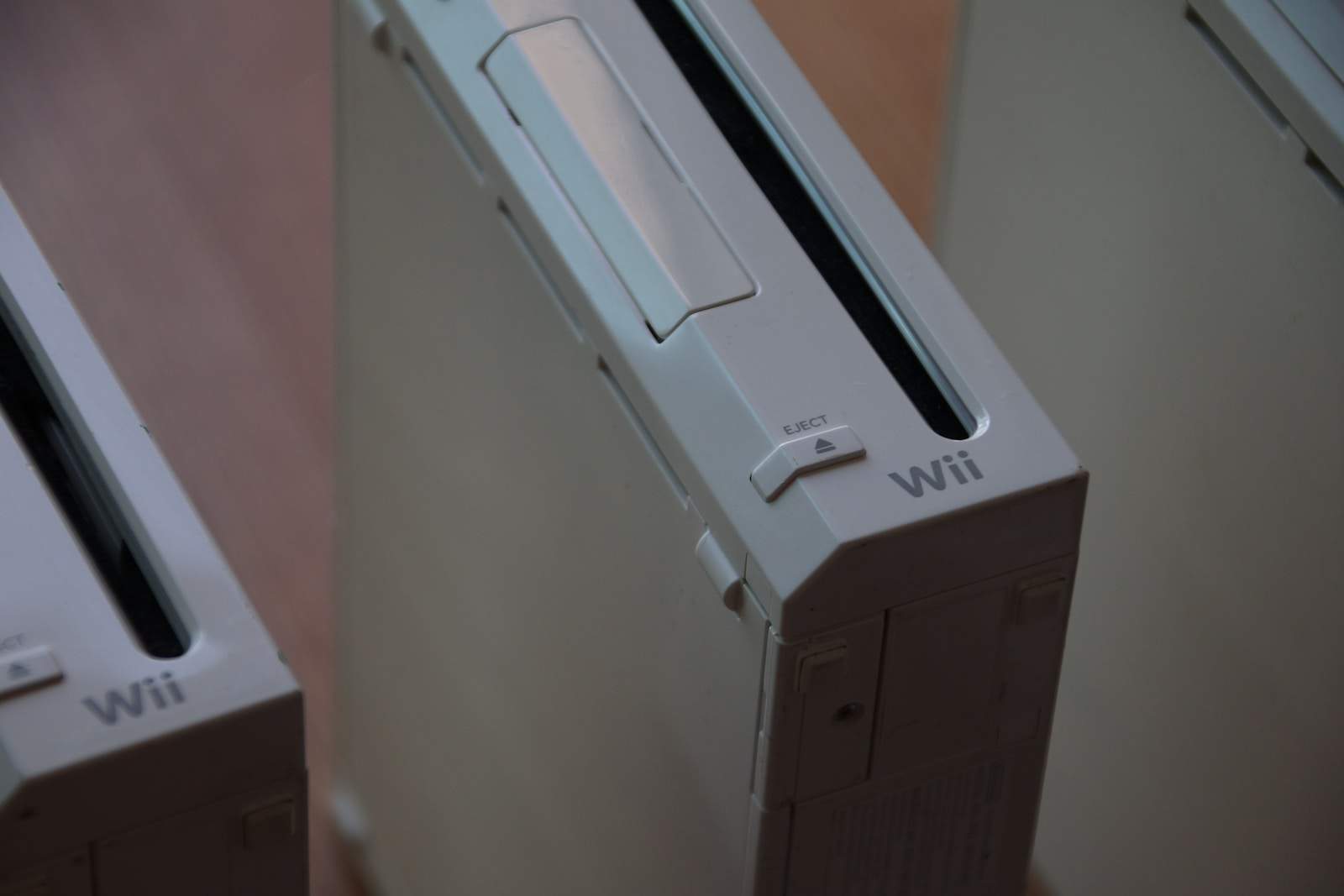
When setting up the Nintendo Wii for kids, it’s important to make sure they play safely. Set up parental controls and privacy settings to control what games they can play and monitor their screen time. Choose family-friendly games like “Mario Party” for fun gaming nights. Also, create a safe gaming space, free from hazards, with enough room to move around. A well-organized gaming area will make gaming more enjoyable and keep the equipment in good condition.
Creating a Kid-Friendly Nintendo Wii Experience: Parental Controls Guide
The Nintendo Wii offers built-in parental controls to help you manage what content your children can access, ensuring a safe and age-appropriate gaming environment.
Step 1: Access the Wii System Settings
- Turn on your Wii console.
- From the Wii Menu, select the Wii button in the bottom-left corner.
- Choose Wii Settings (the gear icon).
Step 2: Open Parental Controls
- In the Wii Settings menu, scroll right and select Parental Controls.
- If this is your first time setting it up, the system will prompt you to create a 4-digit PIN code. Choose a code your child won’t guess.
Step 3: Configure Restrictions
You can customize the following controls:
- Game Rating Restrictions: Set limits based on game ratings (e.g., block games rated above E for Everyone, T for Teen, etc.).
- Internet Browser Restrictions: Block or allow internet access through the Wii’s browser.
- Wii Shop Channel Restrictions: Restrict access to the Wii Shop to prevent unauthorized game downloads or purchases.
- Mii Channel Restrictions: Control access to Mii creation and editing.
- Other Settings: Adjust settings for communication features and other content.
Step 4: Save Your Settings
- After selecting the restrictions, confirm and save your settings.
- The Wii will now require the PIN code to bypass any restricted content.
Step 5: Changing or Disabling Parental Controls
- To change settings, return to Parental Controls in the Wii Settings menu.
- Enter your PIN to modify or disable restrictions.
Additional Tips for a Kid-Friendly Wii Experience:
- Set Time Limits: While the Wii itself doesn’t have built-in time limits, consider using an external timer to limit playtime.
- Choose Age-Appropriate Games: Select games suitable for your child’s age and interests.
- Monitor Online Interactions: If online features are used, supervise your child’s interactions.
By setting up parental controls on your Nintendo Wii, you can ensure your child enjoys a safe, controlled gaming environment.
Sources:
- Nintendo Support: How to Set Up Parental Controls on Wii
- Internet Matters: Nintendo Wii Safety Guide
- Tech Solutions: How to Set Up Parental Controls on a Nintendo Wii
Setting Up a Safe and Fun Wii Experience for Your Kids
Nintendo Wii Parental Controls: A Comprehensive Guide
Nintendo Wii offers a variety of parental controls to help parents manage their children’s gaming experience. You can restrict game content based on age ratings, limit internet access, and even control the amount of time spent playing.
Accessing Parental Controls
- Turn on your Wii console.
- Click the “Wii” button in the bottom-left corner.
- Select “Wii Settings” and then “Parental Controls.”
- If it’s your first time, you’ll need to create a 4-digit PIN.
Game Content Settings
- Highest Game Rating Allowed: Choose the maximum age rating suitable for your child (e.g., Everyone, Teen, Mature). The Wii will block games exceeding this rating.
- Online Interactions: Disable or enable features like online play, the Wii Shop Channel, and communication with other users.
Other Parental Controls
- Wii Points: Control your child’s spending in the Wii Shop Channel by requiring your PIN for purchases.
- Console Time Limit: Set a daily or weekly time limit for playing the Wii.
- Activity Log: Keep track of your child’s gameplay, including which games they played and for how long.
Additional Tips for a Kid-Friendly Wii Experience
- Create separate user accounts for each child to personalize settings and track their activity.
- Explore educational games and fitness titles for a balanced gaming experience.
- Play together as a family to promote bonding and shared fun.
- Regularly check and update parental control settings as your child grows.
Table: Parental Control Options on Nintendo Wii
| Feature | Description |
|---|---|
| Highest Game Rating Allowed | Restrict games based on age ratings. |
| Online Interactions | Disable or enable online play, Wii Shop Channel, and communication with other users. |
| Wii Points | Require a PIN for purchases in the Wii Shop Channel. |
| Console Time Limit | Set daily or weekly limits on how long the Wii can be played. |
| Activity Log | Keep track of which games were played and for how long. |
Parental Involvement is Key
While the Wii’s parental controls are helpful, active parental involvement is crucial. Talk to your kids about responsible gaming, choose games together, and monitor their gameplay regularly.
Key Takeaways
- Set up parental controls with a 4-digit PIN to monitor game access.
- Pick family-friendly games like “Mario Party” for an enjoyable experience.
- Ensure the gaming space is safe and spacious for active play.
Essentials of the Nintendo Wii Experience
Creating a kid-friendly Nintendo Wii experience involves understanding the console, choosing age-appropriate games for kids, and enhancing gameplay with family-oriented titles.
Understanding the Wii Console
The Nintendo Wii console is easy to set up. It connects to the TV and uses a motion-sensing controller known as the Wii Remote. This makes gameplay active and engaging.
Parents can control the settings to restrict content and monitor playtime. Using the parental controls feature, they can block games based on their ESRB ratings. This ensures kids only access content suitable for their age. The console also allows saving progress in games and setting up profiles for each family member.
Selecting Age-Appropriate Wii Games for Kids
Choosing the right games is important. Wii Sports is a great starter game for kids. It includes tennis, bowling, and golf. These games involve physical movement which is great for younger children. Another good pick is Mario Kart Wii. It’s a fun racing game that can be played alone or with family.
For kids who enjoy platform games, New Super Mario Bros. Wii is a fantastic choice. It features simple gameplay that is easy to understand. Super Mario Galaxy is also good for kids who are a bit older, offering adventurous space-themed gameplay.
Checking ESRB ratings helps in picking games. Ratings provide information on age suitability and content. Look for ratings like E and E10+ for kids’ games.
Enhancing Gameplay with Family-Oriented Titles
Family-oriented games make playing the Wii fun for everyone. Wii Party is full of mini-games that can be played by the whole family. Another good option is Just Dance which includes many popular songs and encourages physical activity by dancing.
Wii Sports Resort expands on Wii Sports by adding games like sword-fighting and wakeboarding. These games can involve multiple players, making it perfect for family game nights. Mario Kart Wii and New Super Mario Bros. Wii offer co-op modes where family members can play together, fostering teamwork and cooperation.
Regular family game sessions can enhance bonds and make gaming a wholesome activity.
Frequently Asked Questions
This section covers important questions related to creating a kid-friendly Nintendo Wii experience, including game recommendations, safety tips, and concerns about modding.
What are the best Wii games suitable for children aged 3 to 5 years?
Some great Wii games for children aged 3 to 5 include “Go Diego Go! Great Dinosaur Rescue,” “Sesame Street: Elmo’s A-to-Zoo Adventure,” and “Dora the Explorer: Dora Saves the Snow Princess.” These games are designed with simple controls and educational content that young kids will enjoy.
How can parents create a safe gaming environment on the Nintendo Wii for kids?
To create a safe gaming environment, parents can set up Wii parental controls. These controls allow parents to manage game content and restrict online interactions. The console settings can also block games with certain ratings, ensuring only age-appropriate material is accessible.
Which Wii games are recommended for kids with ADHD?
Games that encourage physical activity and involve motion controls, like “Just Dance Kids” and “Wii Sports Resort,” are often recommended. These games can help channel energy positively and maintain engagement through movement and interactive gameplay.
Are there any legal concerns parents should be aware of when modding Wii games for their children?
Modding a Wii can void the warranty and may be illegal if it involves pirated software. Parents should be cautious and understand the risks involved. It is safer to stick to official games and content to avoid legal issues and ensure a stable gaming experience.
What features make the Nintendo Wii a suitable console for young children?
The Nintendo Wii is popular for its motion-sensing controls, which make games easy and fun to play. The simple, user-friendly interface and a large selection of family-friendly games also contribute to its suitability for young children.
What are the top-rated Wii games for children aged 7 to 10 years?
Top-rated Wii games for kids aged 7 to 10 include “Super Mario Galaxy,” “Mario Kart Wii,” and “LEGO Star Wars: The Complete Saga.” These games offer exciting adventures and cooperative play, perfect for this age group to enjoy with friends or family.