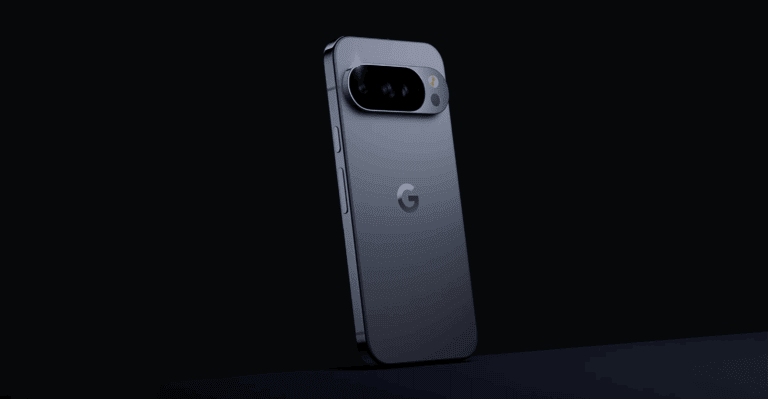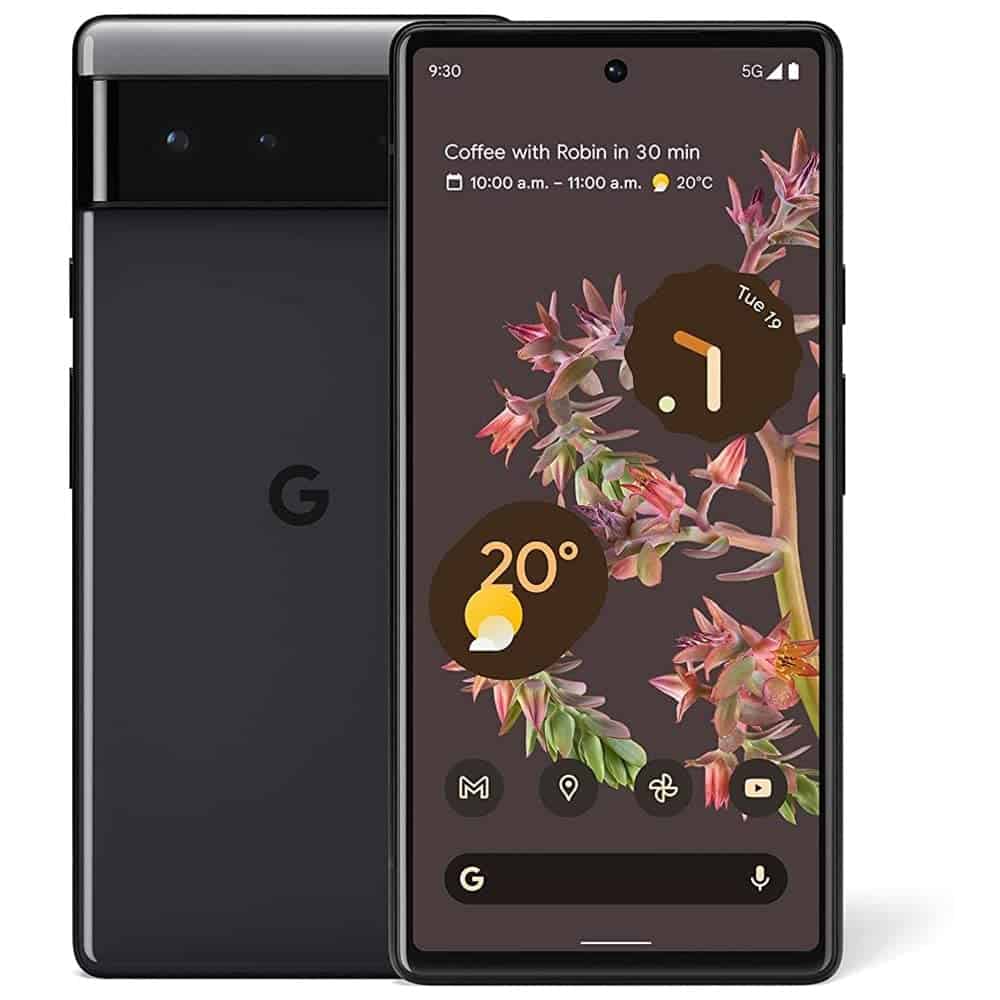
The Google Pixel 6 brought a fresh design, Google’s custom Tensor chipset, and powerful AI features. One area that often draws attention from users is the Pixel 6 battery—its performance, longevity, and how to maintain it over time. This article covers everything you need to know, including battery specs, optimization tips, recommendations, common questions, and a step-by-step replacement guide.
Pixel 6 Battery Overview
The Google Pixel 6 is equipped with:
- Battery capacity: 4,614 mAh (Li‑Ion, non-removable)
- Charging:
- Wired: Up to 30W (USB‑C PD 3.0)
- Wireless: Up to 21W (Pixel Stand 2)
- Reverse wireless charging (Battery Share)
- Typical endurance: 1 full day with moderate use
In real-world usage, battery life depends heavily on network conditions, screen brightness, app usage, and software optimization.
Pixel 6 Battery Performance (Real-World Use)
Strengths
- Large battery capacity compared to many flagships
- Excellent standby performance when Adaptive Battery is enabled
- Optimized integration with Android and Google services
Common Issues Reported by Users
- Faster drain on 5G networks
- Initial battery drain during the first few days (AI learning period)
- Battery heating during gaming, camera use, or navigation
- Battery health degradation after 1.5–2 years
Pixel 6 Battery Optimization Tips
To maximize battery life and long-term health, follow these tips:
1. Enable Adaptive Battery
- Go to Settings → Battery → Adaptive Battery
- This uses AI to limit background power usage of rarely used apps
2. Manage 5G Usage
- 5G can significantly drain battery
- Switch to LTE when not needed:
- Settings → Network & Internet → SIM → Preferred Network Type
3. Reduce Screen Power Consumption
- Lower brightness or enable Adaptive Brightness
- Use Dark Mode, especially on OLED displays
- Reduce screen timeout duration
4. Control Background Apps
- Check battery usage in Settings → Battery → Usage
- Restrict apps that consume excessive power in the background
5. Limit Location & Bluetooth Usage
- Turn off GPS and Bluetooth when not in use
- Use “While using the app” location permission
6. Avoid Extreme Temperatures
- Heat is the biggest enemy of battery health
- Avoid charging while gaming or using GPS
Charging Recommendations for Pixel 6
- Use official or certified USB‑C PD chargers
- Avoid cheap or uncertified fast chargers
- Do not frequently charge from 0% to 100%
- Ideal charging range for battery health: 20%–80%
- Avoid overnight charging if possible (or enable Adaptive Charging)
Pixel 6 Battery FAQs
Q1: How long does the Pixel 6 battery last?
On average, 6–7 hours of screen-on time, depending on usage, network, and settings.
Q2: Does Pixel 6 support fast charging?
Yes, up to 30W wired charging, though you’ll need a compatible charger (not included in the box).
Q3: Why does my Pixel 6 battery drain fast?
Common causes include:
- 5G usage
- High screen brightness
- Background apps
- Poor signal strength
- Battery aging
Q4: Can I replace the Pixel 6 battery myself?
Yes, but it requires tools, patience, and care. It’s considered a moderate difficulty repair.
Q5: How long does a Pixel 6 battery last before degradation?
Typically 2–3 years before noticeable capacity loss, depending on charging habits.
Pixel 6 Battery Replacement Guide (Step-by-Step)
⚠️ Disclaimer: Replacing the battery yourself may void your warranty. Proceed at your own risk.
Tools Required
- Heat gun or hair dryer
- Suction cup
- Plastic opening tools
- Phillips screwdriver
- Isopropyl alcohol (90%+)
- Replacement Pixel 6 battery
Replacement Steps
- Power off the phone
- Completely shut down the Pixel 6
- Remove the rear glass
- Heat the edges to loosen adhesive
- Use a suction cup and plastic tools to lift carefully
- Disconnect the battery
- Remove protective covers
- Disconnect battery connector using a plastic tool
- Remove the old battery
- Gently pry it out (adhesive may be strong)
- Use isopropyl alcohol if necessary
- Install the new battery
- Place the replacement battery
- Reconnect the battery connector
- Reassemble the phone
- Reattach covers
- Apply new adhesive and reseal the back glass
- Test before sealing fully
- Power on and ensure charging works correctly
Final Recommendations
- If your Pixel 6 battery health is above 85%, optimization is usually enough
- For heavy users, a battery replacement after 2 years can restore like-new performance
- Always prioritize battery health over fast charging convenience
- If unsure, consider professional repair services
Conclusion
The Pixel 6 battery is capable and reliable when properly managed. With smart optimization, careful charging habits, and timely replacement when needed, you can extend your device’s lifespan and enjoy consistent performance for years. Whether you’re troubleshooting battery drain or planning a replacement, understanding how the Pixel 6 battery works is the key to getting the most out of your phone.